




Turn PDFs into podcast-style audio overviews | Adobe Acrobat
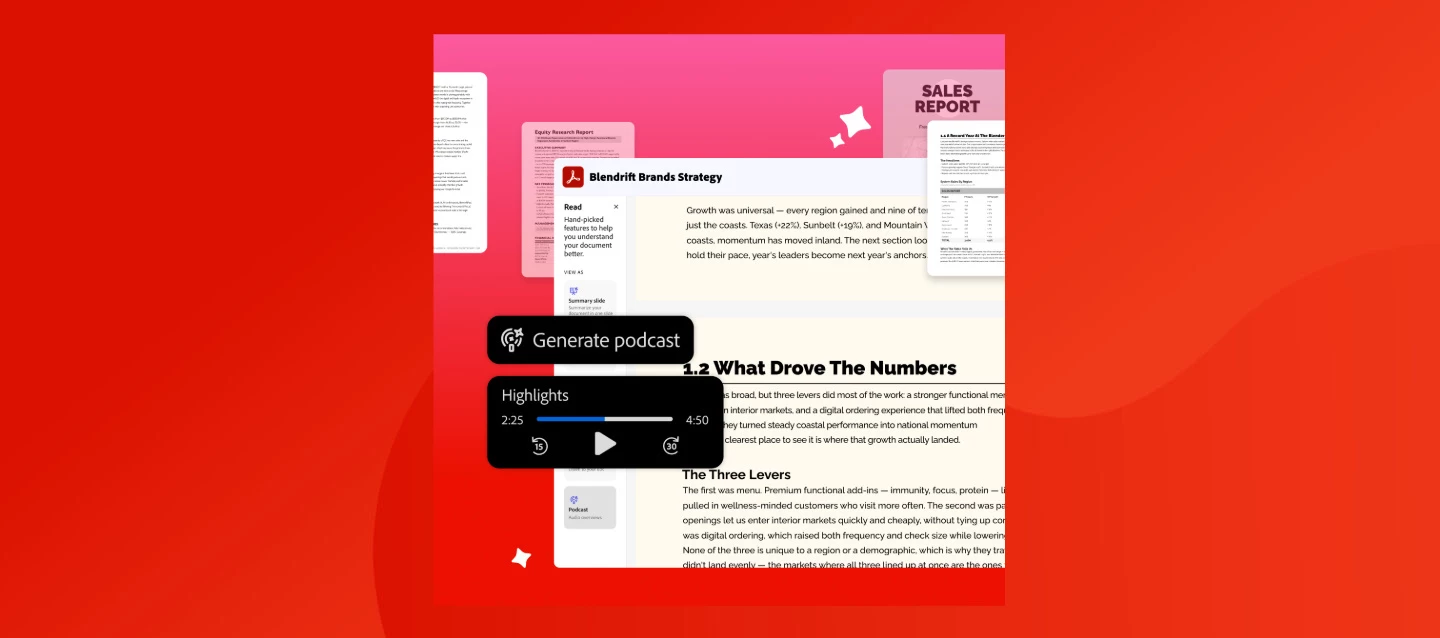
Ever stare down a 40-page report and wish you could just... listen to it instead? Now you can. With Generate Podcast in Acrobat, you can turn any document into an audio overview.
How it works
- Open the file you want to convert in Acrobat.
- Click the headphones icon in the top toolbar and choose "Podcast" as your listening style (or select "Generate Podcast" from the All tools menu).
- Choose your style: Highlights for a quick summary or Deep dive for a more detailed audio overview.
- Hit play. Adjust the speed, or use play, pause, and skip to listen your way.
Heads up: Generate podcast comes with Acrobat Studio and the AI Assistant add-on. If you don’t spot the headphones icon yet, that’s your cue to unlock it.
Your podcast follows you across devices too — start on desktop, pick it back up on web or mobile without missing a beat.
Why it's worth trying
- Catch up faster. Turn dense reports, metrics, and updates into something you can listen to on your commute, at the gym, or between meetings.
- Learn your way. Conversational, natural-sounding voices make it easier to absorb information whether you're an auditory learner, a remote teammate catching up async, or brand new to a project and need the fast version.
- Control the depth. Highlights get you the gist; Deep dive gives you the full picture when you need more than a summary.
It's a small shift, but it adds up to real time saved, especially on the docs you keep meaning to get to.
What feature are you most excited to try? Generate a podcast from one of your own docs in Acrobat and let us know — highlights or deep dive? 👇
 AdChoices