




Show up sharper with Acrobat | New AI tools to turn PDFs into podcasts, presentations, and polished designs
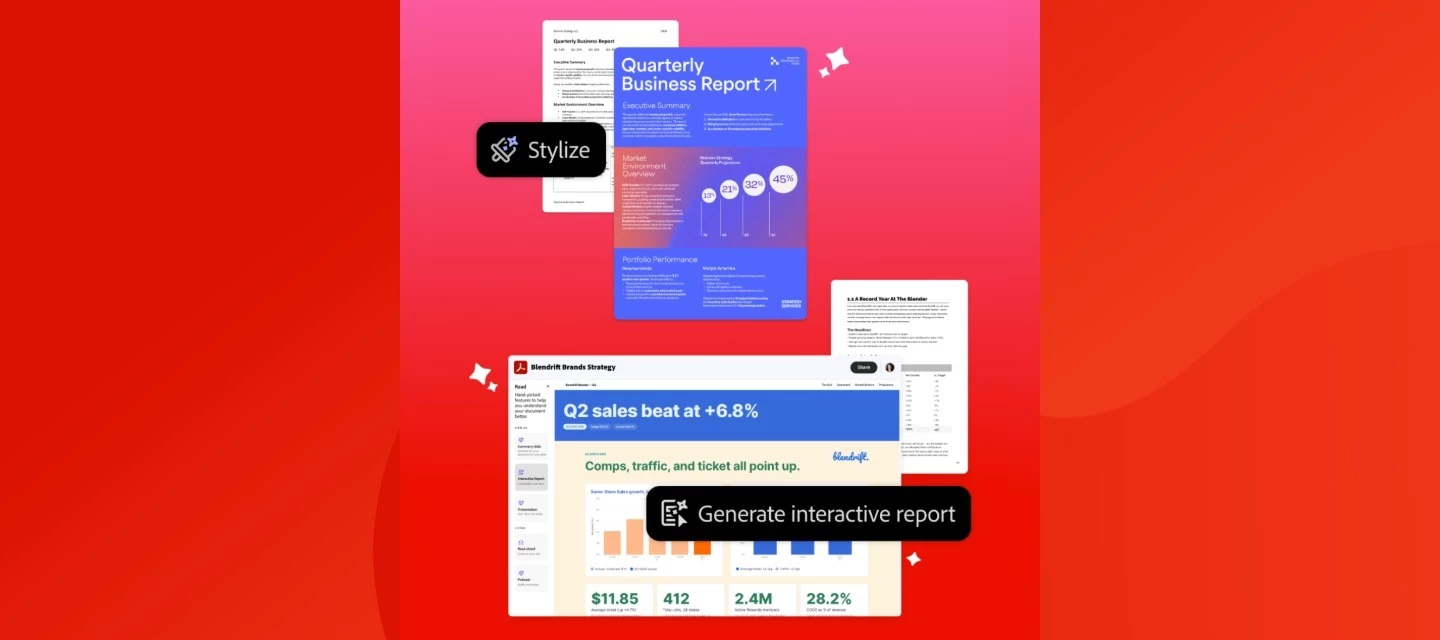
Do more with the latest enhancements in Adobe Acrobat. Understand more from your documents by turning them into interactive reports and audio summaries that help you save time, bring key insights to life and look great while doing it.
Check out the latest feature enhancements and try them in Acrobat today.
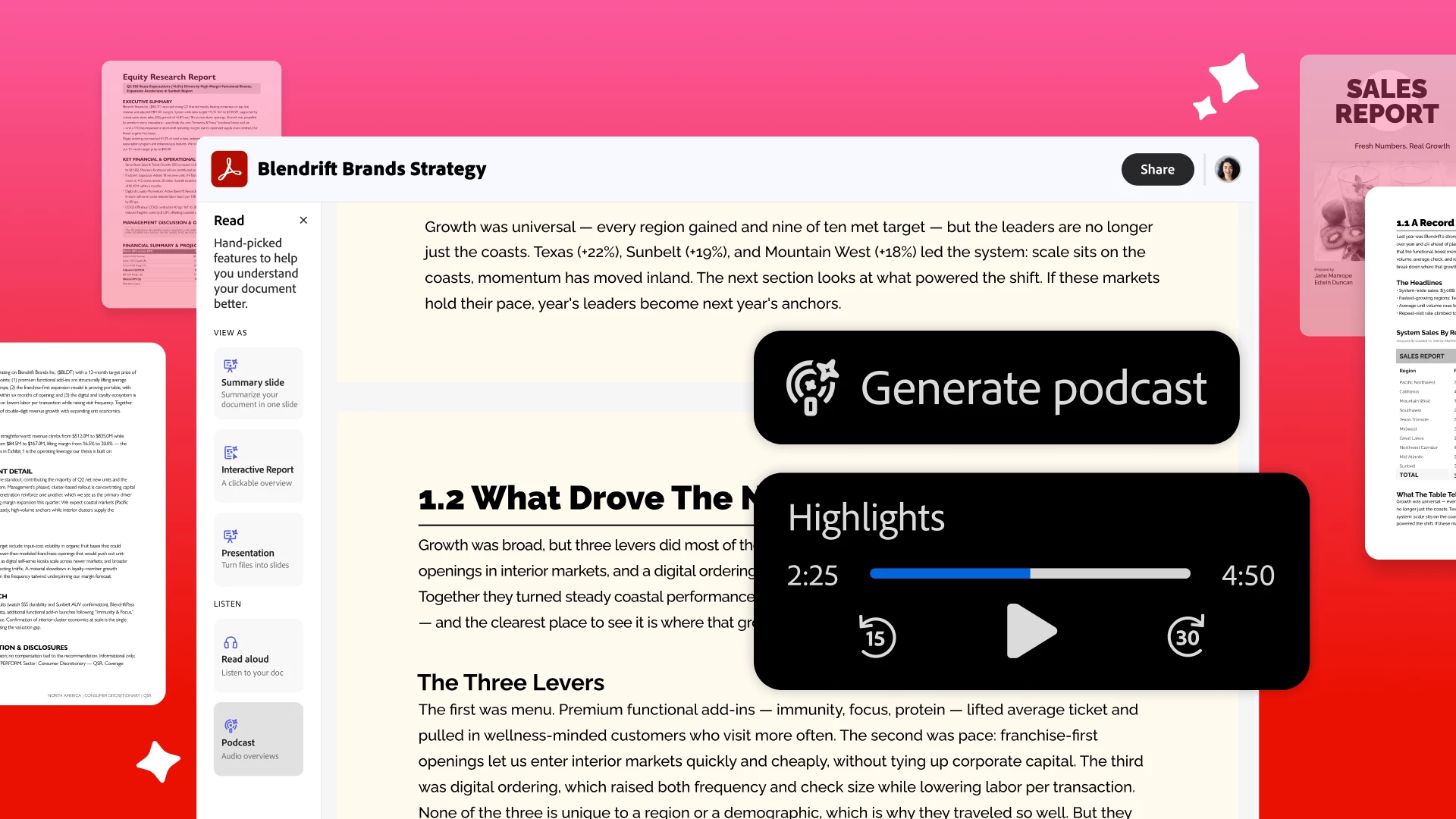
Listen and learn more from your docs.
Generate engaging audio that helps you summarize, surface insights, learn new concepts, and retain more info from your files. Turn any document into a podcast-style Generate podcast (choose Highlights or Deep dive), get an Audio overview right inside PDF Spaces, or use Read Out Loud to listen your way through a file hands-free.
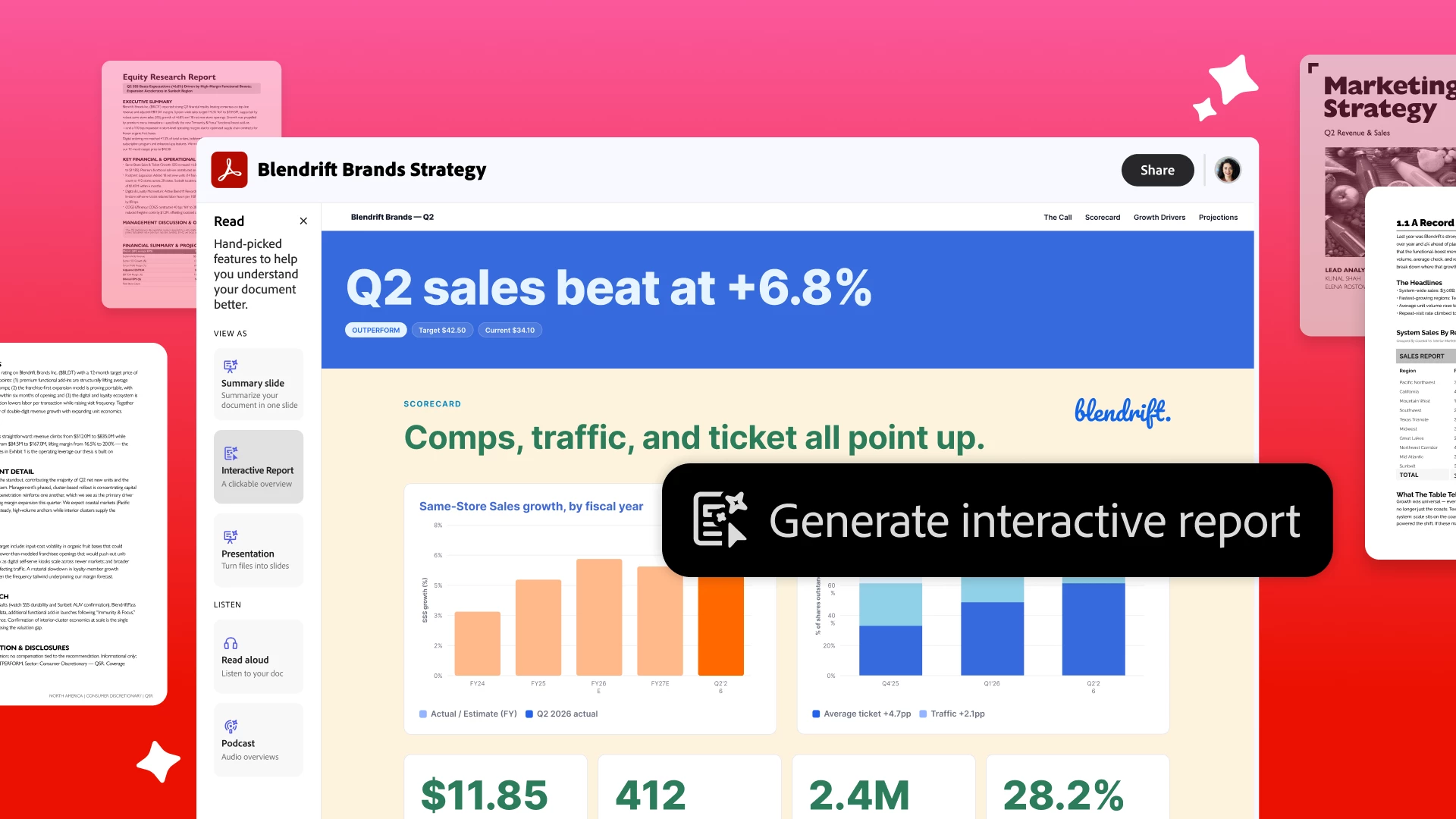
Complex info made simple with visuals.
Turn dense documents into interactive reports and presentations that bring key insights to life. Use Generate presentations to create an interactive report, presentation, or summary slide, no design skills required.
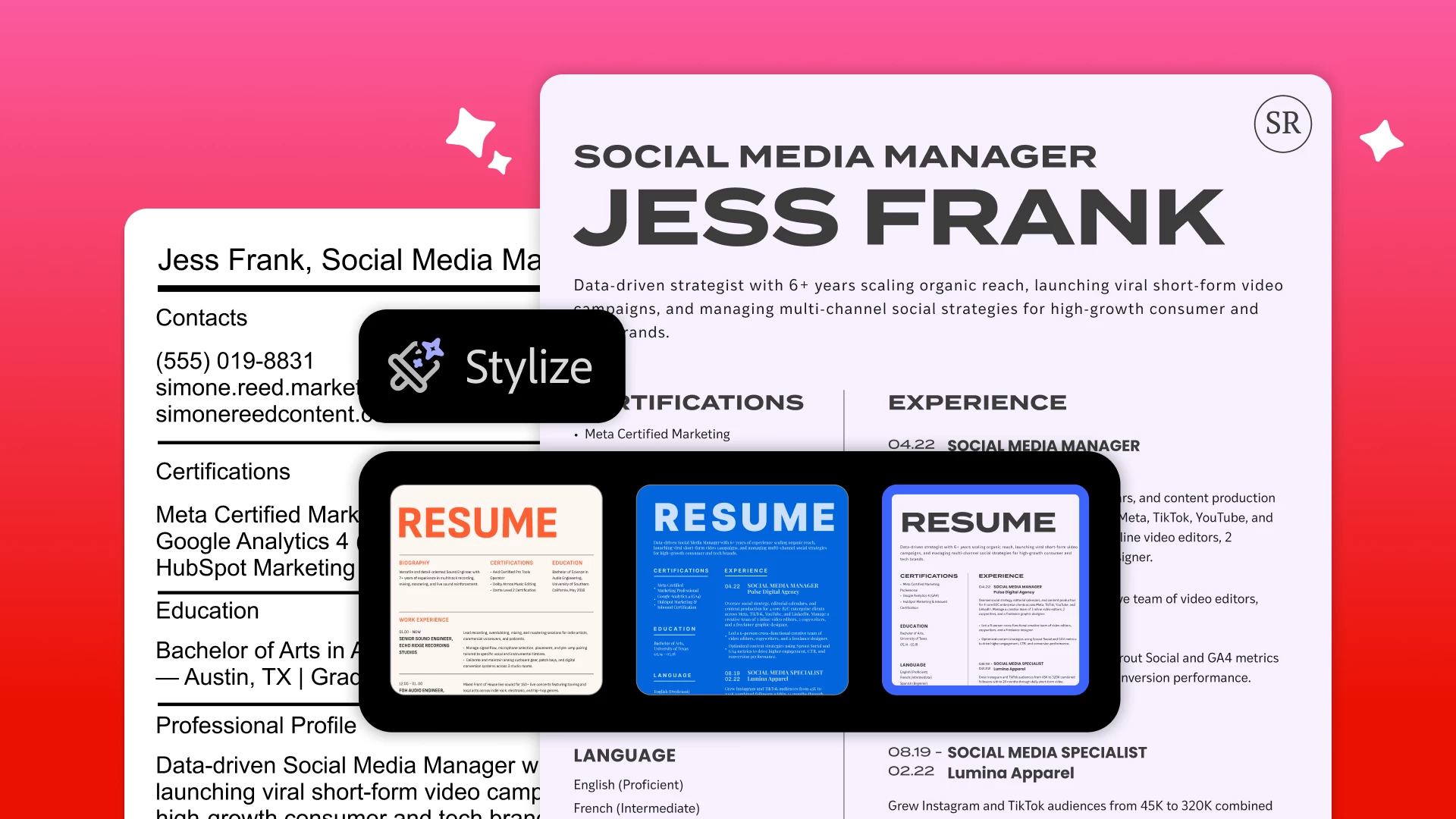
From plain to polished PDFs in a click.
Quickly redesign resumes, reports, and more with stunning templates. Get a polished look in no time, while keeping your content the same. Use Stylize your PDF to restyle existing docs from thousands of templates and preserve your source content while redesigning the document.
Built for your documents.
Unlike general audio tools, these work right inside Acrobat on your own PDFs, grounded in your files with citations back to the source. With PDF Spaces, available in Acrobat Studio and the AI Assistant add-on, you can bring up to 100 files together in one AI-powered workspace, then generate an audio overview and ask questions.
See it in action.
Watch the full walkthrough to see these new features at work: Show Up Sharper, Faster with new Adobe Acrobat AI
Read more about these features in the latest Adobe blog post and start showing up sharper, faster with Acrobat today.
What feature are you most excited to try? Turn one of your own docs into a podcast-style audio overview and tell us what you think. 👇
 AdChoices