



Adobe Acrobat Reader is now an Apple App Store Editors’ Choice 🎉
Hi Acrobat Community,
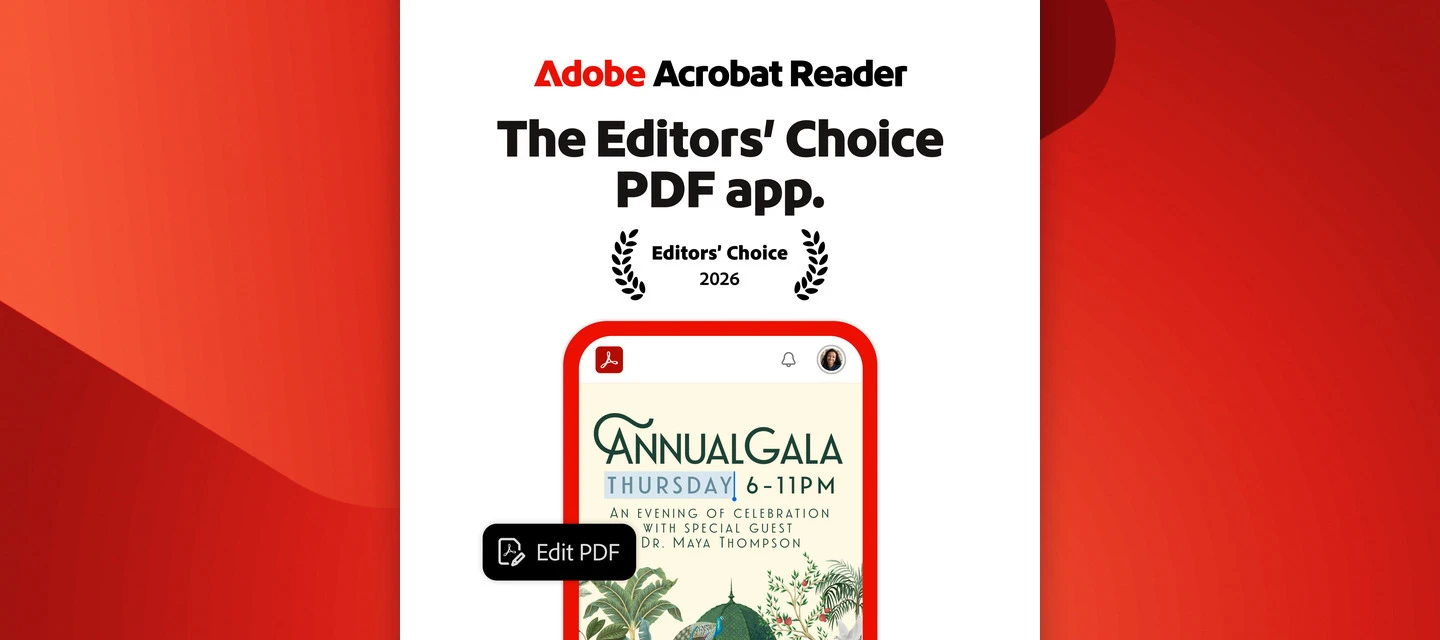
We have good news to share: Adobe Acrobat Reader is now an Apple App Store Editors’ Choice. Apple’s Editors’ Choice review calls Acrobat Reader “a go-to app for viewing, editing, and sharing PDFs” and highlights its “helpful AI tools” for gleaning insights from your PDFs. Acrobat Reader is used by over 100 million people worldwide. We’re grateful to everyone in this community whose feedback and ideas helped shape it.
Get more done with PDFs, no matter where you are
Whether you’re reviewing a contract between meetings, signing a form on the go, or marking up a document on your commute, Acrobat Reader on iPhone lets you easily view, edit, create, sign, and share PDFs with a full suite of tools.
📌 Editors’ Choice at a glance
Recognition: Apple App Store Editors’ Choice 2026
App: Adobe Acrobat Reader
Platform: iPhone (requires iOS 18.3 or later)
Announced: Nov 18, 2026
Who it’s for: Anyone who works with PDFs on iPhone
What’s new on iPhone:
- PDF Spaces: Collect PDFs, photos, webpage links, and notes in one workspace. Use AI Assistant to summarize them and answer questions grounded in your sources, then share the Space with the permissions you choose.
- Podcasts: Turn the documents in a PDF Space into an AI-generated podcast you can listen to on the go. Choose Highlights for the key points or Deep dive for more detail, then edit the transcript before you share.
- Edit images with Adobe Express: Edit images with Adobe Express tools without leaving the app.
- Customize your PDF Space Overview: Arrange summaries, audio, files, and notes so recipients see what matters first.
Summarize PDFs and create podcasts with AI Assistant
With AI Assistant, you can summarize long PDFs, ask questions about your documents, and generate podcasts from your PDF Spaces. It’s a quick way to get to the heart of a lengthy report, study, or contract. Free users get a limited number of AI Assistant requests, and full access is available with a subscription, such as the AI Assistant add-on for eligible plans.
Ready to try Adobe Acrobat Reader on iPhone?
📱 On your iPhone? Download Adobe Acrobat Reader from the App Store
💻 On another device? Explore Acrobat Reader mobile
Learn more:
- Create PDF Spaces on mobile
- Create podcasts from PDF Spaces on mobile
- Customize PDF Spaces experience on Acrobat mobile
- AI capabilities in Acrobat on mobile
💬 Let’s hear from you!
What do you use Acrobat Reader for on your phone? Is there a feature you couldn’t live without, or one you’d like to see next?
Share in the comments! We’d love to hear from you. 👇
Details reflect the current Acrobat Reader release as of November 2026.
 AdChoices