




How to Turn Any Document into an Interactive Report or Presentation with Adobe Acrobat
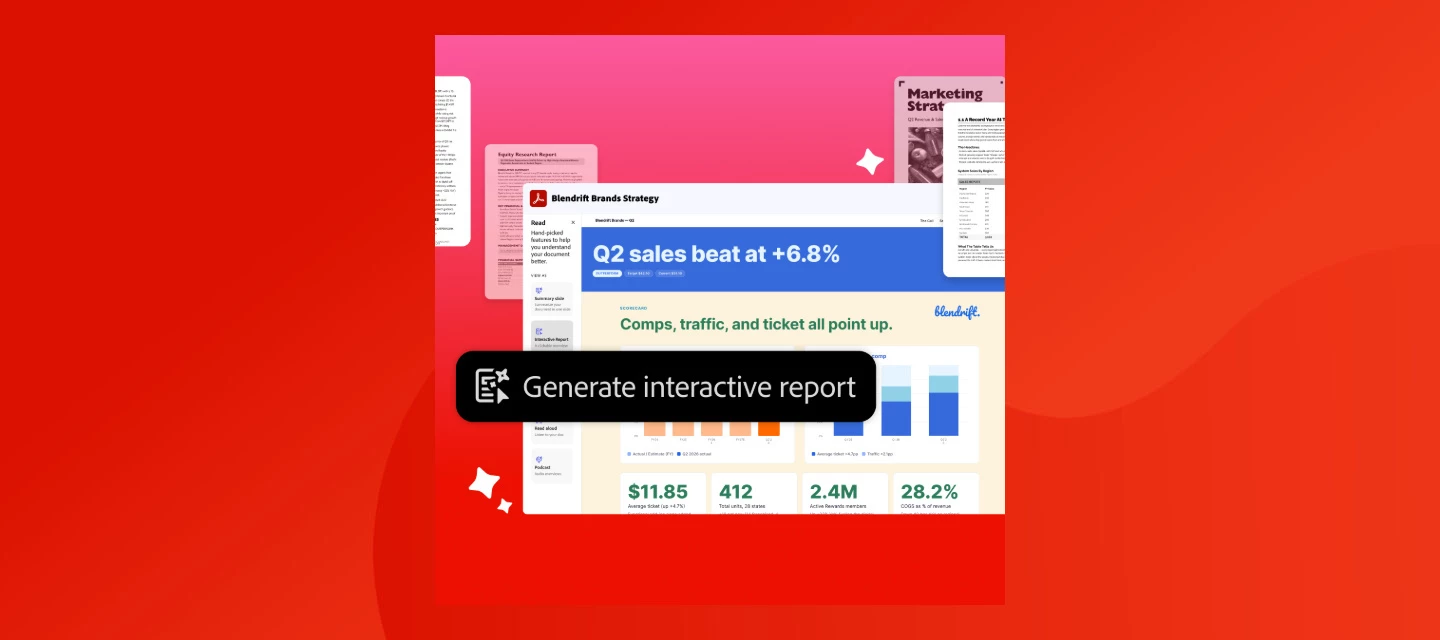
Got a dense contract, a pile of research, or a report full of numbers nobody wants to actually read?
Acrobat can now turn that into something people want to look at — an interactive report or a full presentation, generated straight from your doc.
What is Generate Interactive Report?
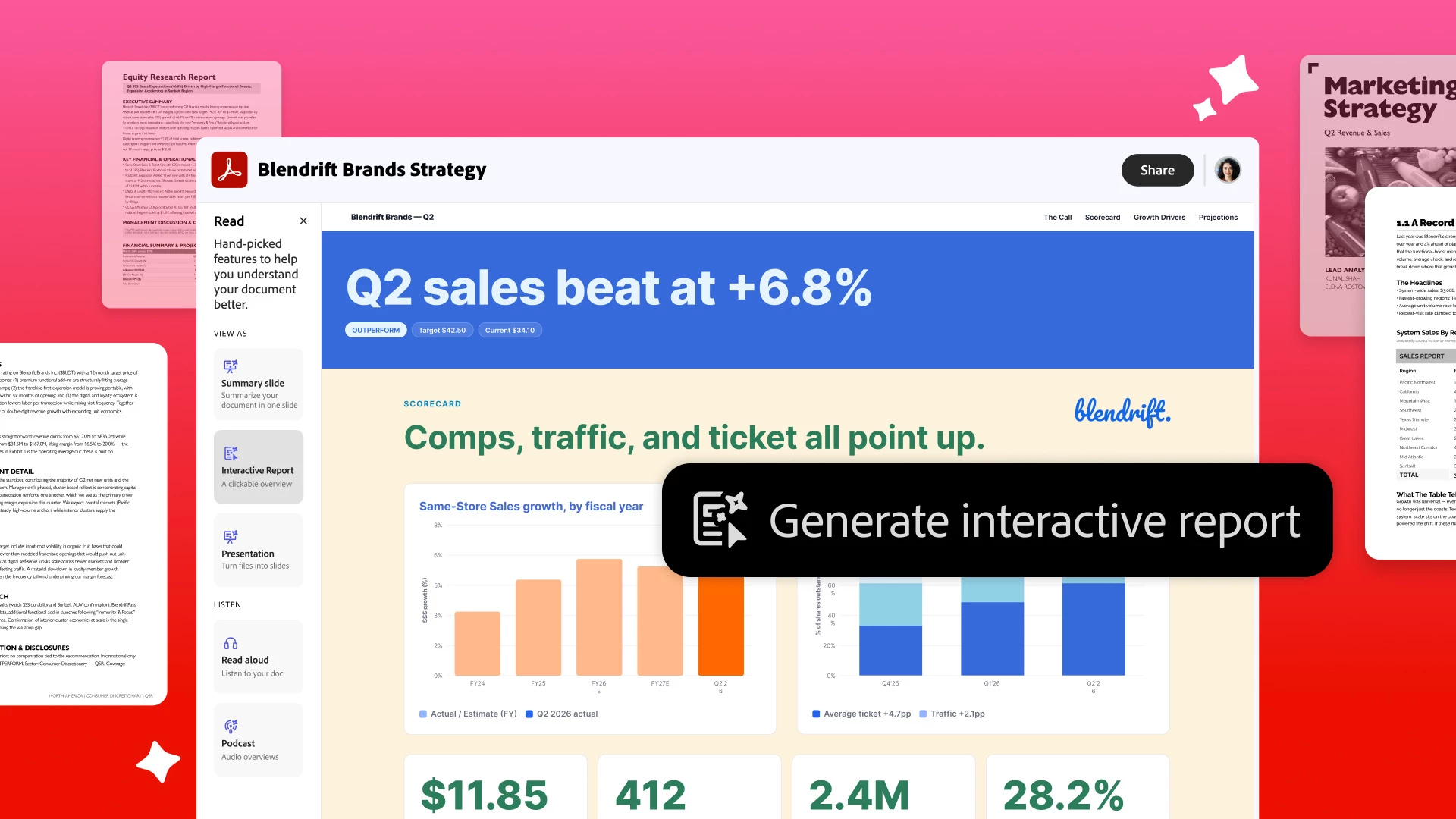
It's an AI Assistant feature that turns text-heavy docs into a visual, navigable report, complete with charts, images, and built-in navigation. Instead of scrolling through pages of text, you (or whoever you share it with) get the story, not the slog.
People are already using it for business reviews, sales contracts, market research, and HR policies: basically anywhere "just read the whole thing" isn't realistic. You can ask AI Assistant to refine any part of it, or edit it yourself, then share it as an interactive PDF Space and see how people actually engage with it.
What is Generate Presentation?
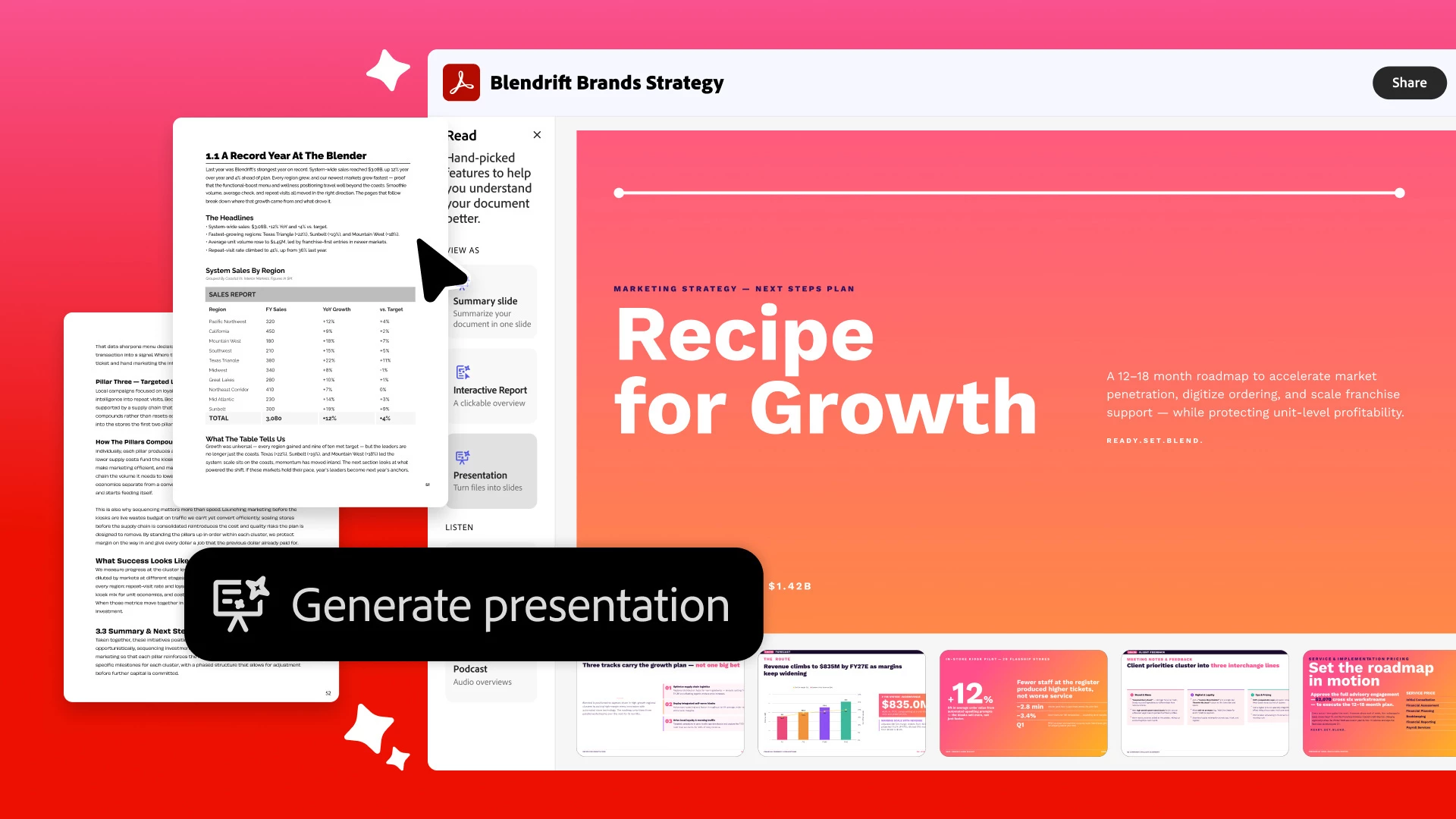
Upload a doc (PDF, Word, PowerPoint, Excel, or even just a text prompt), pick a template, and Acrobat (with Adobe Express) builds you a full deck: outline, layouts, icons, the works.
How it works:
-
Open Acrobat and sign in.
-
Upload a doc or describe what you want.
-
Pick a style, hit generate, review the outline.
-
Refine with AI, then download as PDF/PPT or present right from Express.
Every deck is fully editable after — rewrite text, add slides, drop in your own branding. You're polishing, not starting from a blank slide.
Quick FAQ
- Does this cost extra? Nope — both are included with Acrobat Studio or the AI Assistant add-on.
- Does my original content change? No — your source info stays intact, you just get a new way to present it, and you can edit before sharing.
Which one are you trying first? Turn a doc into an interactive report or build your next presentation. Then come back and tell us what you made. 👇
 AdChoices