

Acrobat is now in ChatGPT
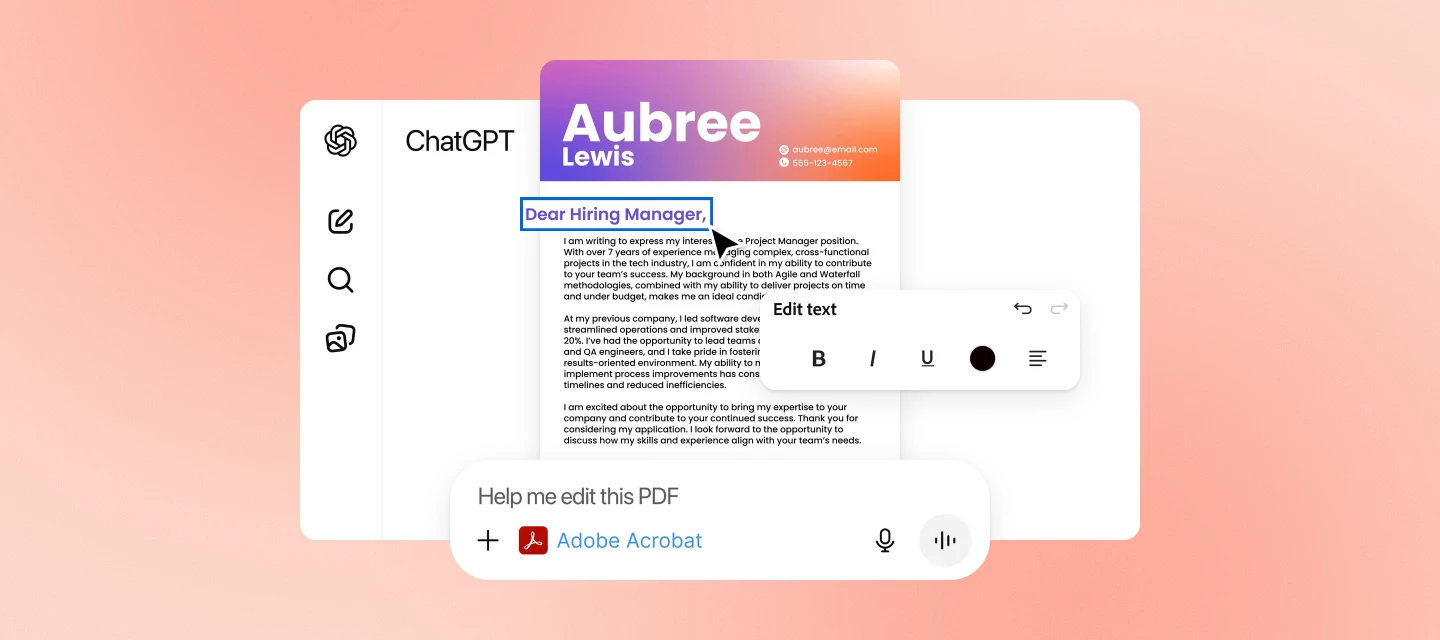
Hi everyone! We’ve just launched Acrobat GPT, a new way to work with PDFs directly inside ChatGPT.
If you’re already using Acrobat to convert, combine, compress, or organize PDFs, this GPT brings many of those workflows into ChatGPT in a more conversational, guided way.
What you can do with Acrobat GPT
With this early release of Acrobat GPT, you can:
- Convert files
- Compress a PDF’s file size
- Merge multiple PDFs
- Create organized PDFs from uploaded files
- Sort through complex PDFs
These actions are triggered by uploading your files and telling the GPT what you want to accomplish — it guides you through the steps. Learn more about Acrobat for ChatGPT.
Try it now
You can access Acrobat GPT directly in ChatGPT, no additional installation required.
What's next
This is an early release, and more workflows are planned. If you run into anything unexpected or have suggestions for what would make Acrobat GPT more useful, feel free to share your experience here — it helps guide improvements.
We'd love to hear from you
Try out Acrobat GPT and share your thoughts! Got questions or ideas? Drop them in the comments below. We’re here to chat and help.


 AdChoices