




The Express AI Assistant beta just got better
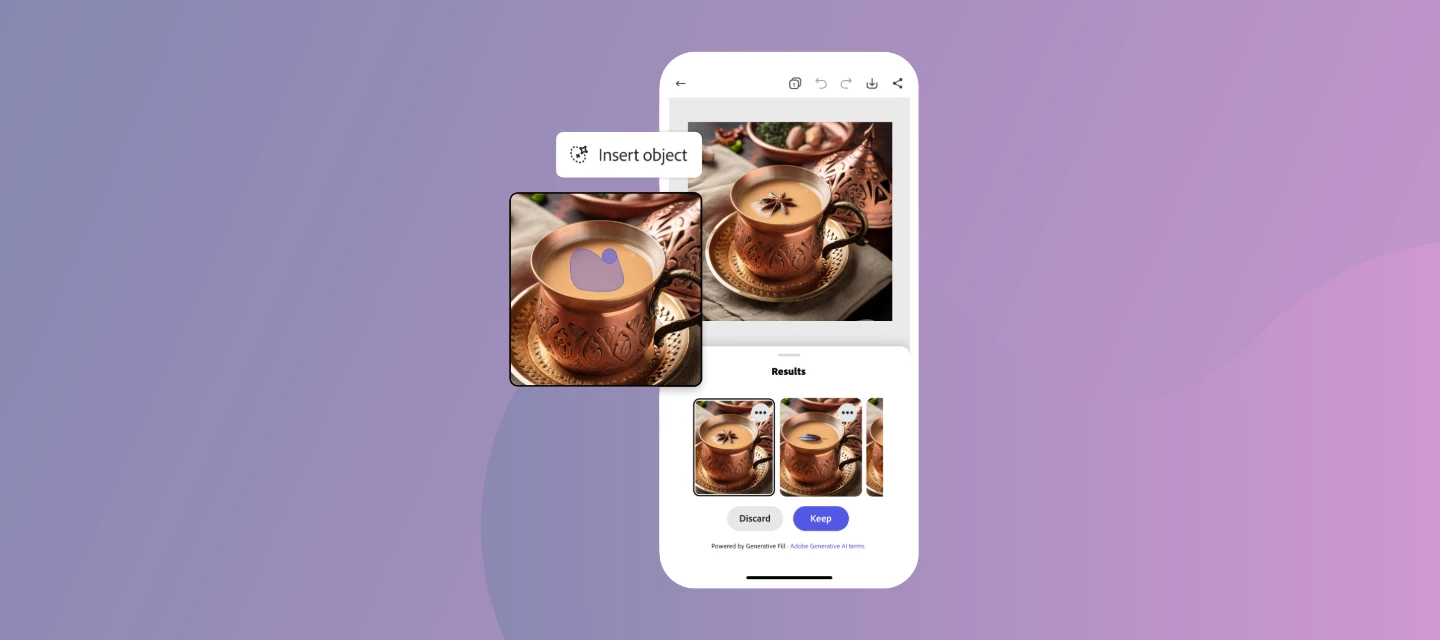
Go from first prompt to publish-ready — without leaving Express
If you've been in the AI Assistant beta, you already get the idea. Today, it gets a lot more powerful.
Starting June 18, the AI Assistant imaging update is live in Adobe Express, and this is the version we've been building toward.
What's new?
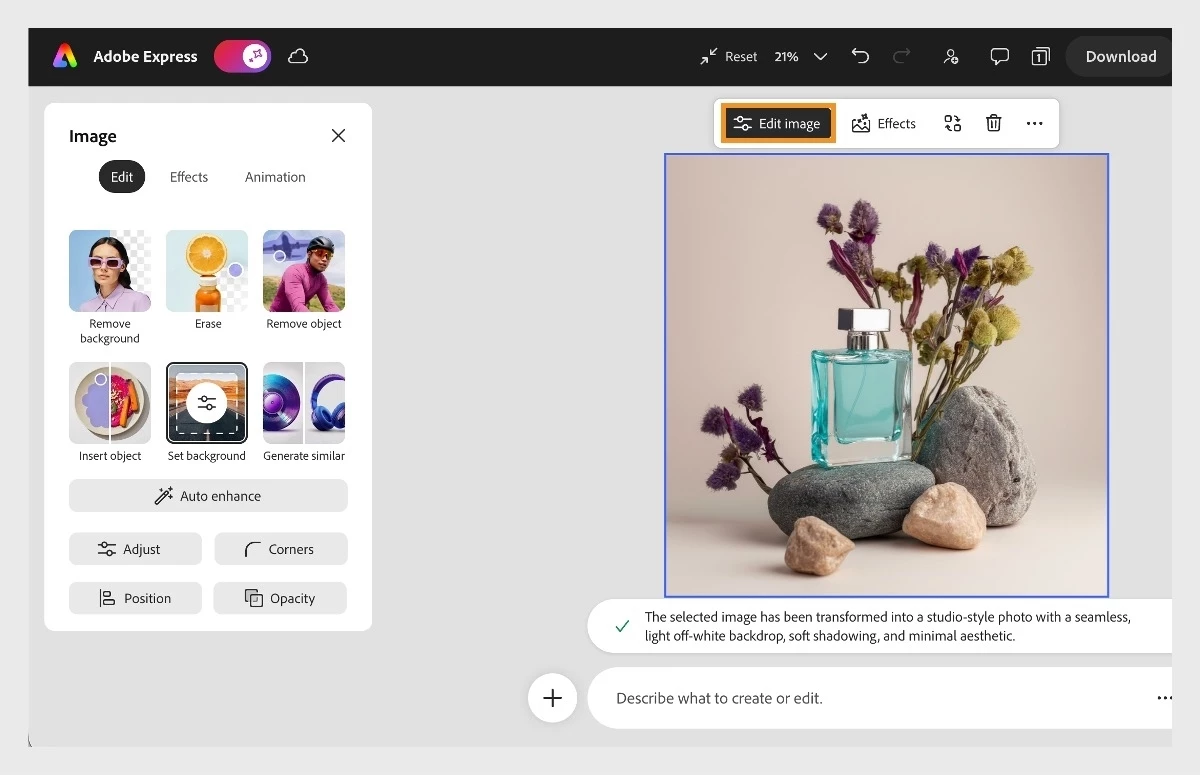
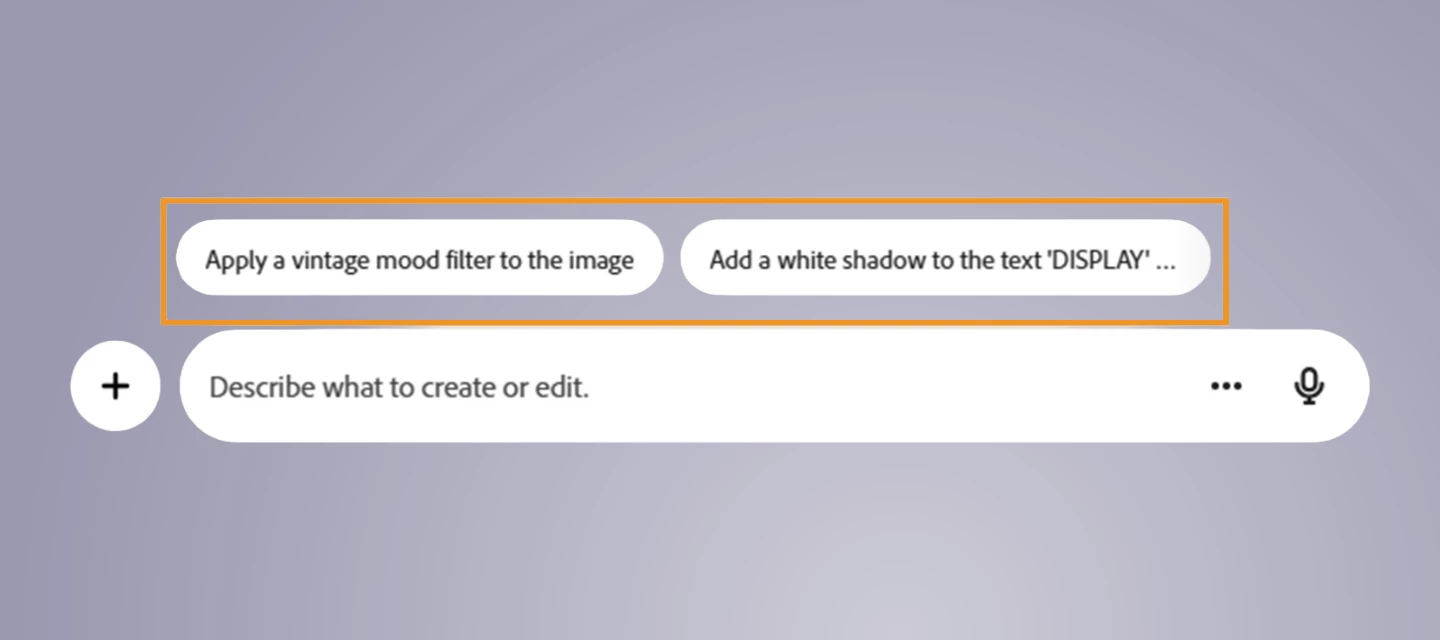
The earlier beta let you describe what you wanted and see the assistant take action. This update goes further: re-imagine any image in a single prompt while keeping the parts you love intact, then keep layering. Crop, add filters, adjust lighting, and more until every detail lands exactly where you want it. Prompts and manual edits work together in the same flow, so you're never choosing between AI speed and hands-on control.
Here's what that looks like in practice:
- Turn a casual snapshot into a polished professional headshot in seconds.
- Spin up product shot variants for a campaign without a full reshoot.
- Remove distractions, swap backgrounds, or take yourself from city to beach.
- Kawaii your cat. Remove the person who always blinks. Make a meme. Go wild.
When you're done, drop your finished visuals straight into a social post, flyer, or presentation — without ever leaving Express.
Why did we build this?
Honest answer? Because fast and finished are not the same thing. We kept hearing the same thing from creators: the AI output gets you most of the way there, but the final details (the crop, the lighting tweak, the background swap) still mean jumping to another tool. That breaks the flow. This update is built to close that gap.
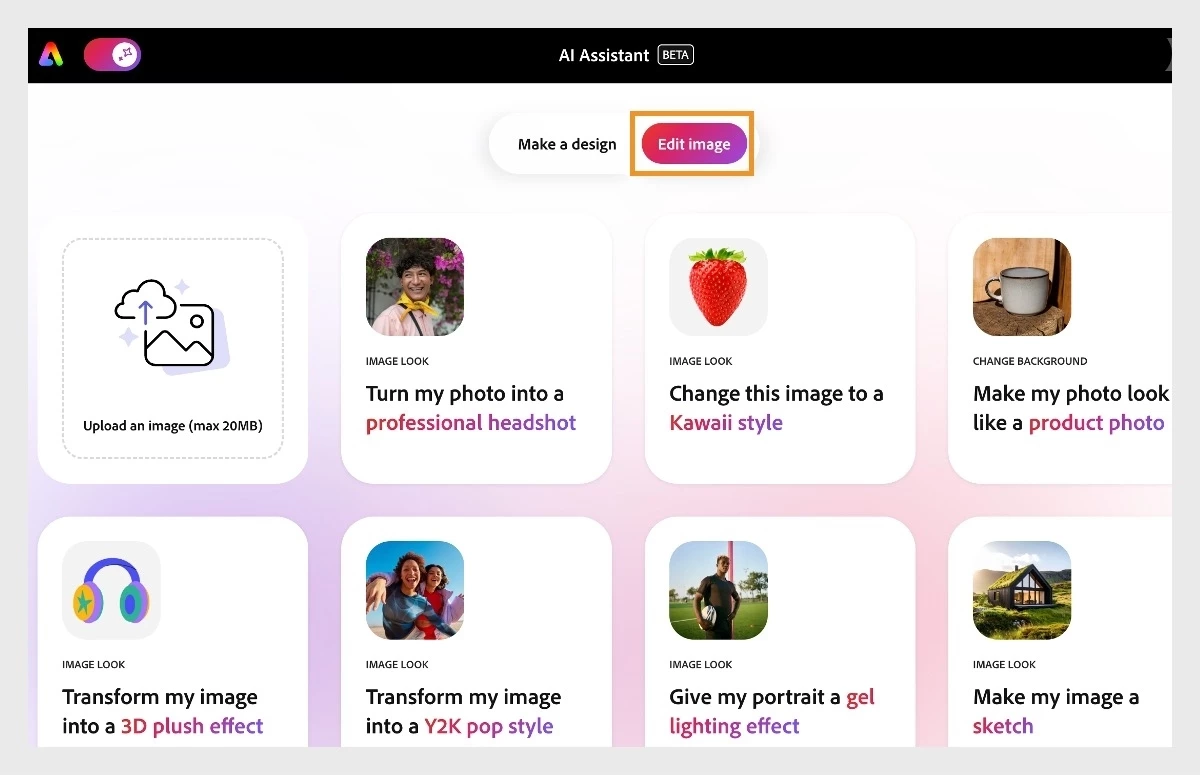
How to find it: Head to our AI Assistant landing page, toggle on AI Assistant Beta, then select Edit image. Not sure where to start? Browse the built-in presets (Kawaii, gel lighting, professional headshot, and more) to find a style that fits, then use prompts to make it yours. From there, dial in the details with Express's full manual editing toolkit.
Already using Brand Kits, the Content Scheduler, or the Clip Maker? This fits right into that same workflow. Create, refine, and publish without breaking stride.
A few things to know!
AI Assistant is in beta on desktop only, available to personal Premium and Free plan accounts. Teams, Enterprise, and Education plans aren't supported yet. Access is rolling out gradually worldwide; if you see "coming soon," you're in the queue. No sign-up needed: if you're eligible, a welcome message will appear when you visit the link above.
On credits: image editing actions like restyling, adjusting, and modifying your existing photos don't consume your free daily generations. Actions that generate entirely new content (like inserting objects or generating a new image from scratch) do. Free plan users get a daily allotment; Premium users get monthly generative credits for more.
AI Assistant is available in English, French, German, Japanese, Hindi, and Brazilian Portuguese, with more languages on the way.
Give it a try
Jump in, run a few prompts, and see where it takes you. Whether you've been in the beta from day one or this is your first time, share your before/after or favorite result in the replies. We'd love to feature what you're making.
What's the first image you're going to transform: a headshot, a product shot, something totally unexpected? Drop it below.
 AdChoices