
9:16 video is turning to 16:9 on a 9:16 canvas
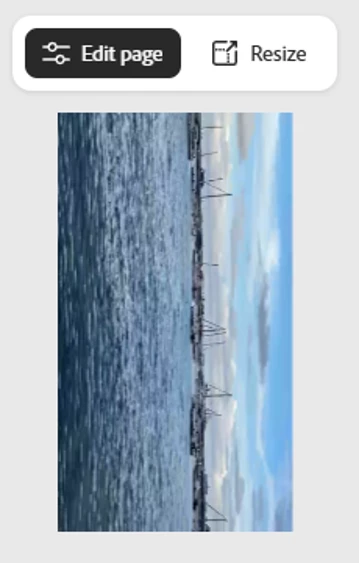
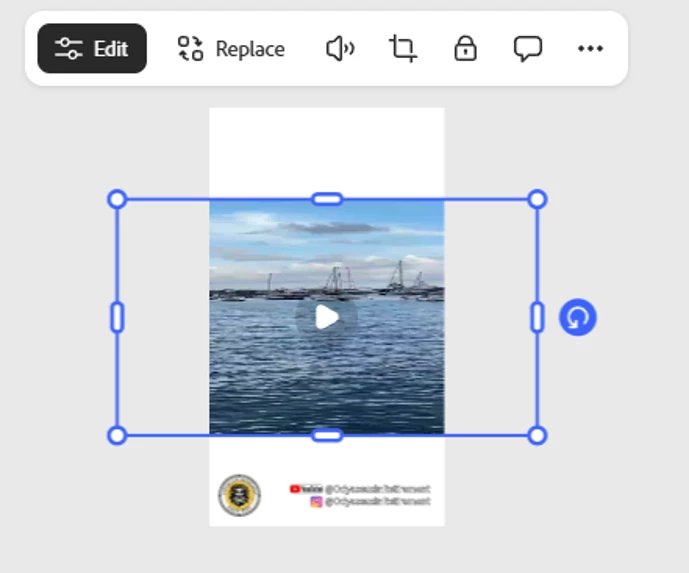
When I upload a vertical 9:16 video into a 9:16 canvas it turns it horizontal 16:9 and compresses the video so I cannot rotate it and resize it because it has been stretched (see screen caps of original video before import, the video after import, and the video rotated). As the video uploads it looks fine until the video is fully uploaded, then it rotates. I have been on vacation and haven’t used express for almost 2 weeks so I don’t know if an update did this, but it is happening with videos I previously uploaded and worked fine along with videos I just took. I am using a template canvas I have been using for over 6 months with no problems. I have tried clearing the cache, etc. to not avail. I can upload the MOV video to clipchamp and export it as an MP4 video and then it works as it did before, but I have been uploading MOV files fine prior to this. I have an HP laptop and use chrome for Express. If I have to us clipchamp going forward why would I continue to subscribe to Adobe Express and just make my videos in clipchamp?



 AdChoices