

Participant
September 26, 2026
Open for Voting

Adobe Expressで制作したイメージの背景の上下に白いボヤがかかってしまうのはなぜですか?
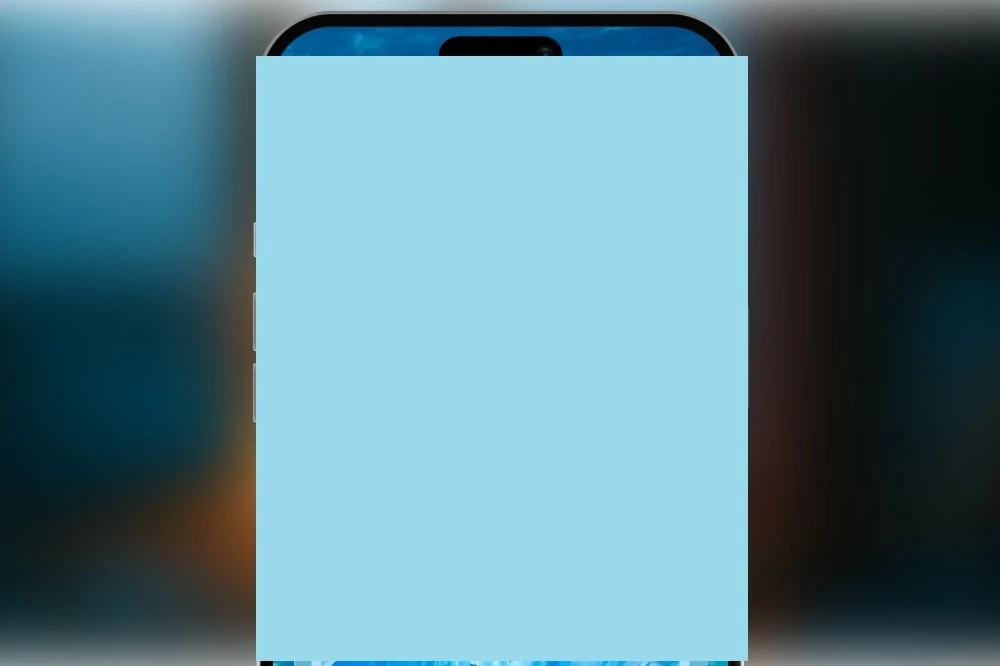
 

ダウンロードしてから画像を確認すると、背景画像の上下が白くぼやけているのがわかります。

※水色の四角形は見せられない部分を隠すために配置しています

Adobe Expressの編集画面上では問題ないです。ダウンロードするとこの問題が起きます。

ユーザー側で何か対処する方法があれば教えていただきたいです

1 reply

Tarun Saini
Community Manager
Community Manager
September 28, 2026

​

Hi @NatchanL2D,


Thanks for reaching out! Could you please try:

  • Downloading the project in a different file format (PNG vs. JPG) and checking whether the issue persists.

  • Duplicating the project and exporting the copy.

  • Ensuring that all background elements fully extend to the canvas edges and are not placed partially outside the artboard.

  • Trying the download from a different browser or device, if possible.

To help investigate further, could you also share:

  • A screenshot of the project in the editor before export.

  • The downloaded output showing the white/blurred areas.

  • Your device, operating system, and browser/app version.

  • The file format and dimensions used for export.


Regards,

Tarun

Translate