



Adobe Express drag and drop file upload will not accept .otf file type
STORYTIME!
Found this ‘broken’ feature this morning that was not broken a couple of weeks ago:
In Adobe Express, you have the ability to upload fonts you have the license for in your brand.
USUALLY, you can drag and drop the font (in this case, one or many .otf files) onto the window, and it will upload fine. It even says that file type in the guidance text in the window.
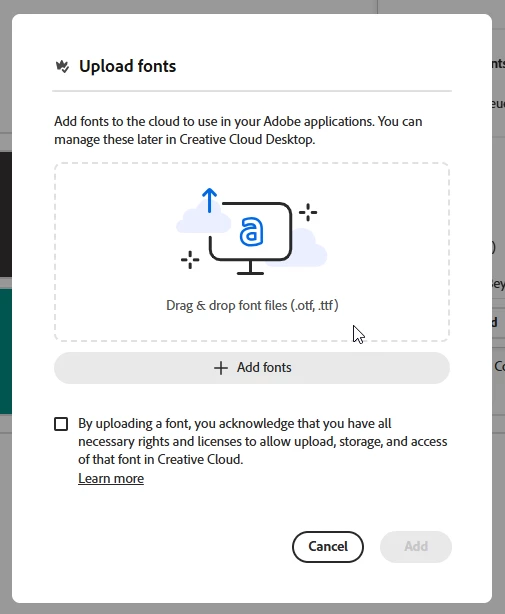
HOWEVER… I think someone has been playing with drag and drop ‘accepted file type’ settings in the backend of Express recently, because you drag, you drop, you see the helpful purple that says you can add file types XYZ (that does not include .otf), and then…

BANG! Computer says no. And yes, I did make sure when verifying the error I was not trying to add the files from a zipped file 😃. The error and below workaround has been tested on mine and a colleague’s devices.
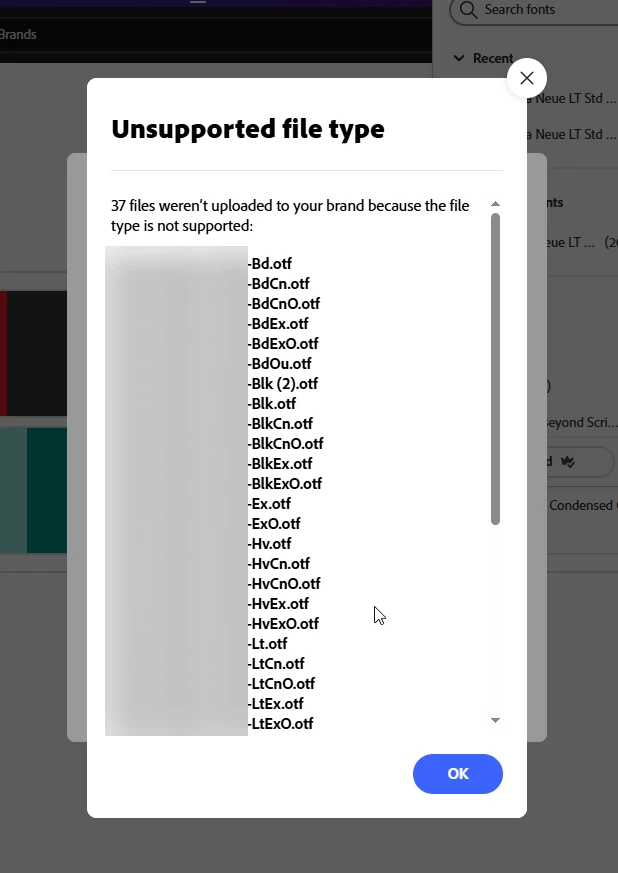
HOWEVER – this only applies to drag and drop. When you select the ‘+Add Fonts’ button, she works like magic.
Can you please escalate internally, and communicate this out to any of our international colleagues for Adobe who might be doing demos of Brand Building in the near future but who might not be aware that this is conditionally broken (with the ‘do not use the drag and drop feature for now’ workaround?
 AdChoices