


Participant
November 22, 2024

Adobe Express failing to export videos/animations

  • November 22, 2024
  • 6 replies
  • 733 views

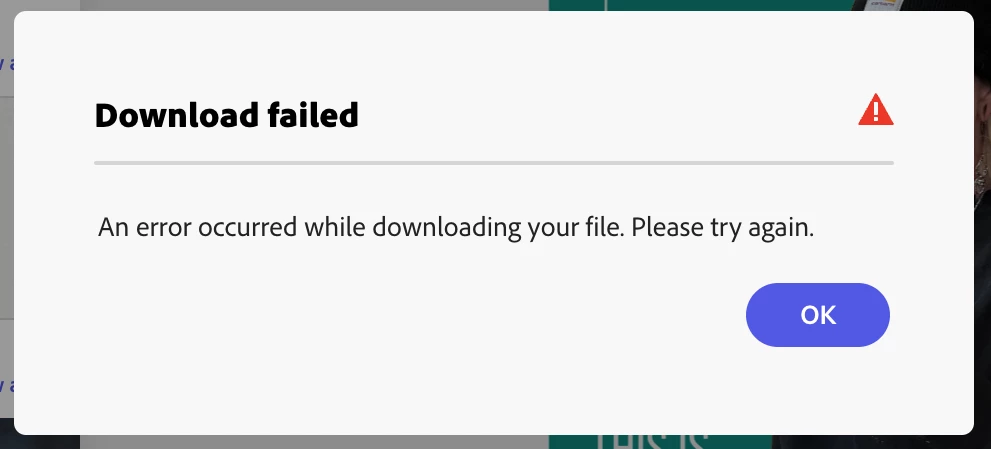
After successfully downloading multiple "pages", the download started stalling at 0% or 1% and then I would get an error message (photo below).


I have tried (with no success):

  • duplicating the file
  • starting a new file and copying over the assets
  • different browsers
  • igcognito mode
  • clearing clash
  • disabling pop up blockers
  • looking for broken links or corrupted photos


Feeling frustrated after reading of other users not getting a clear answer on how to fix it. Weary of continuing to use this app if there is no recourse for whatever problem this is.

This topic has been closed for replies.

6 replies

Adobe Employee
December 2, 2024

Hi @joel_2136 @Sarah | EP


Sorry for the inconvenience: there was a temporary outage last week. You should now be able to use the same fonts you were using earlier. But let us know if you continue to see these font-specific download errors.


Thanks,

Abhi G

Participant
November 23, 2024

Wow, changing the font worked for me too. You are right though that this is still a significant problem. The font I had selected initially was a pre-existing font within the app so it shouldn't have been an issue to use in the final design. 

David__B
Legend
December 2, 2024

Thanks for raising this issue, I'd like to share this issue with our developers. I was curious if the issue seemed to be tied to any specific font(s) and if someone could share a link to an example project with the issue? If you don't want to share it publicly you could send me a private message here on the forums too.


Thanks,
Dave

joel_2136Author
Participant
November 23, 2024

I think I found a work around solution, though it isn't ideal and would still love the issue to be fixed given this is a paid service.


After attempting to alter all the elements of the desing to route out the bug, I finally tried changing the font (which was an annoying proccess). For whatever reason, removing the existing font allowed me to download my videos.

This is still a problem, because the font that caused the problems was included in Adobe fonts and was the default in the template I was building off of.


In any case, I hope this work around helps others in advance of a proper fix.

Participant
November 23, 2024

Same problem for me too

Participant
November 23, 2024

Im also having this same issue. Only trying to download a 10sec video all created on Adobe Express with a Fresco Timelapse upload. Tried all the same troubleshooting as you too with no luck, plus different devices. Also connected my dropbox to try directly downloading which still failed. I have no idea what to do next

Participating Frequently
November 22, 2024

Having the EXACT same issue.  Created a simple 5 second animation, it will not download as ANY format.