


Open for Voting
Adobe Express will not load or open and loops to download app page continuously
To report a bug, please provide:
- Version adobe express graphic design iOS
- iPad Air 5th gen & iPhone 15 plus
- The "app" absolutely will not work now when devices are in lockdown , even if you turn off lockdown specifically for adobe website and the app. It worked like this before I updated to iOS. 18 yesterday, to test this I turned off lockdown officially for the Whole device and it worked. This is a security breach as it refuses to work if you turn off lockdown specifically for adobe.com pages and the app and forces me to BE UNPROTECTED as if I turn lockdown officially on my iPad of basically makes me unprotected in my iPhone which is also on lockdown, I am in lockdown because I was hacked with Pegasus spyware and it's vital for me. The challenge here is all my creations are locked in adobe now. When I could get it on I couldn't see the items made in the mobile app. So I know it's forcing me into the web based version off the app. I have a premium subscription.
- Expected result - open and work, and actual result is it just loops comtinually into download the app page, open on app, download app, open on app.. or a blank white page with the adobe rainbow logo in the middle of the page.
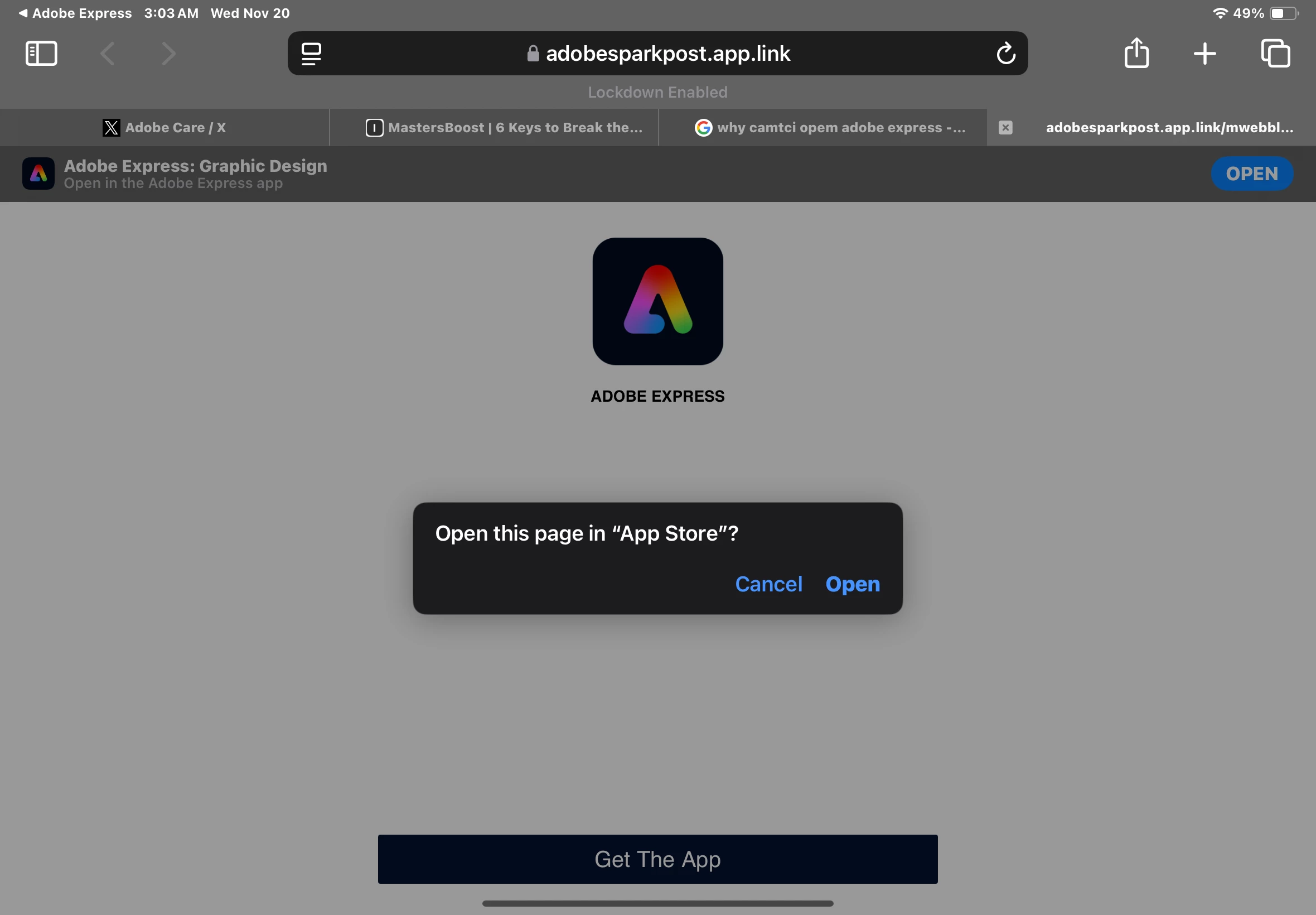
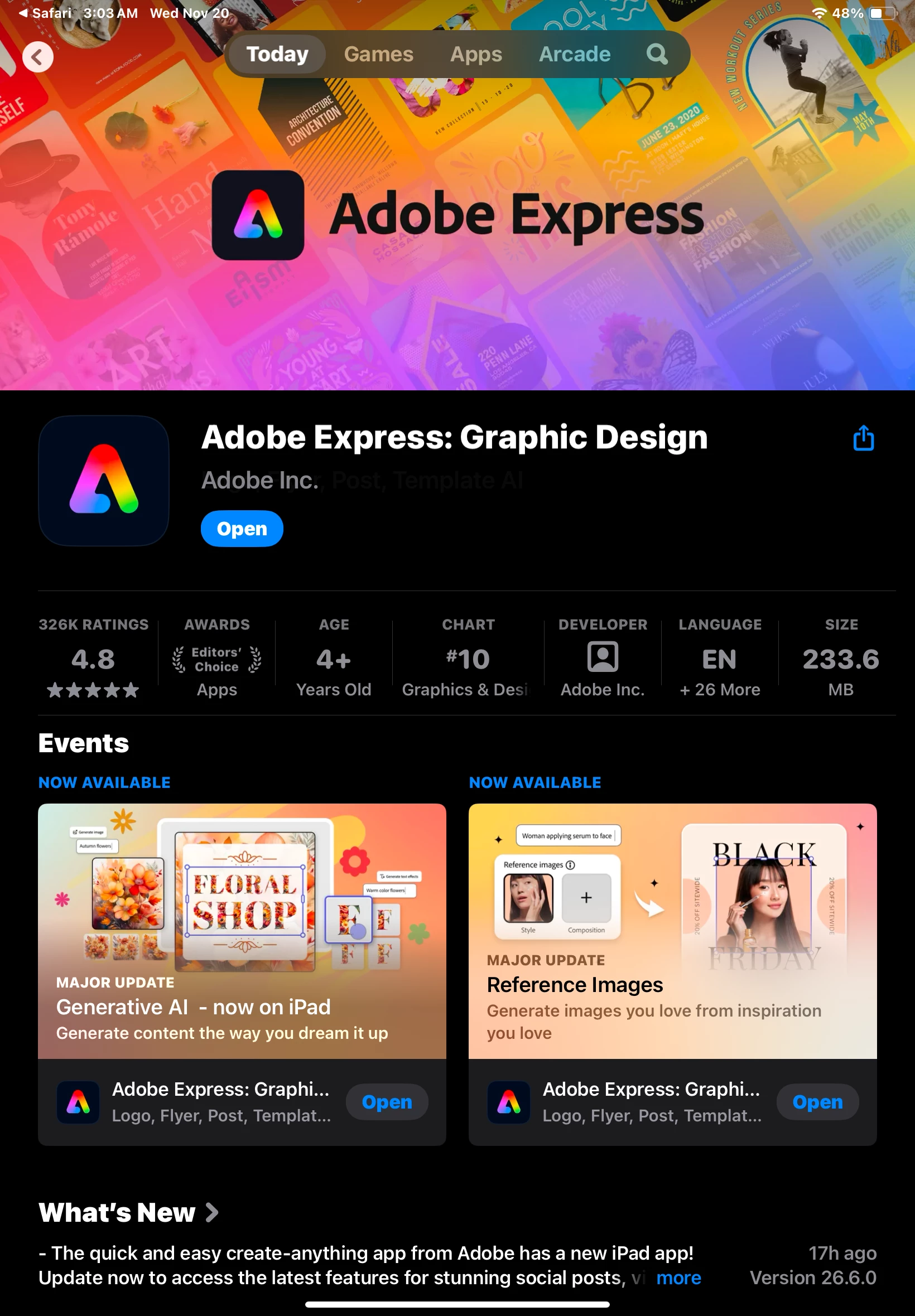
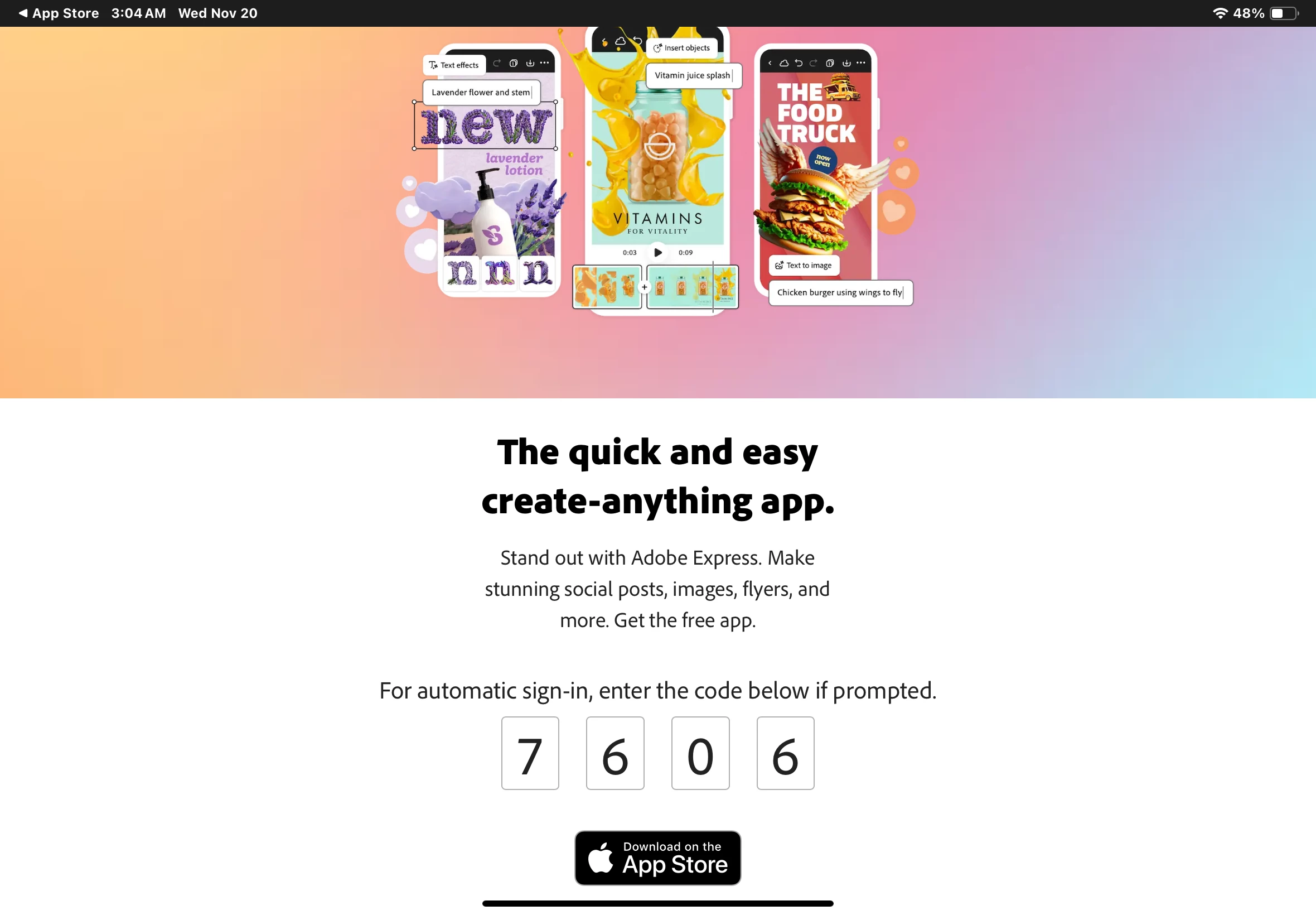
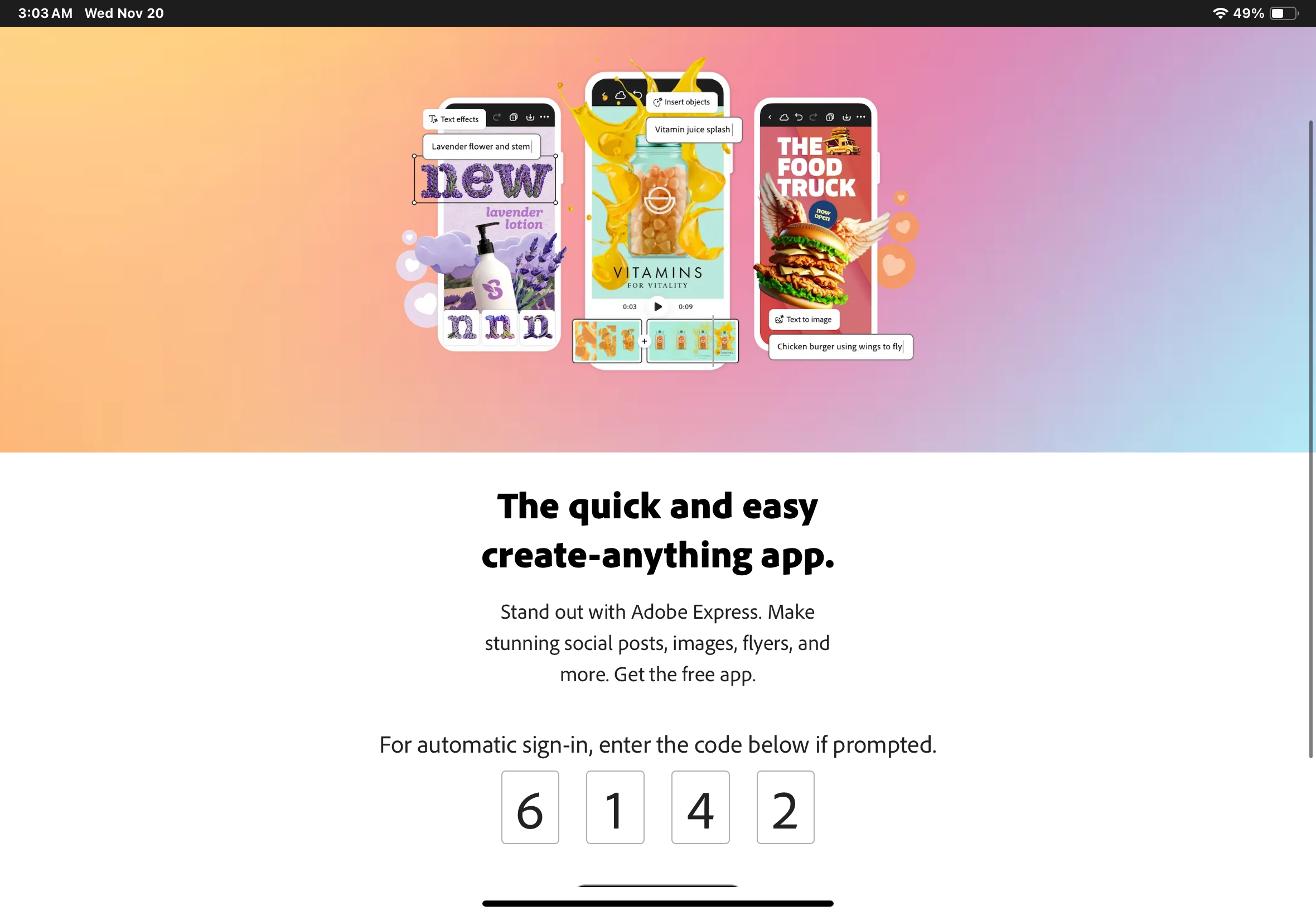
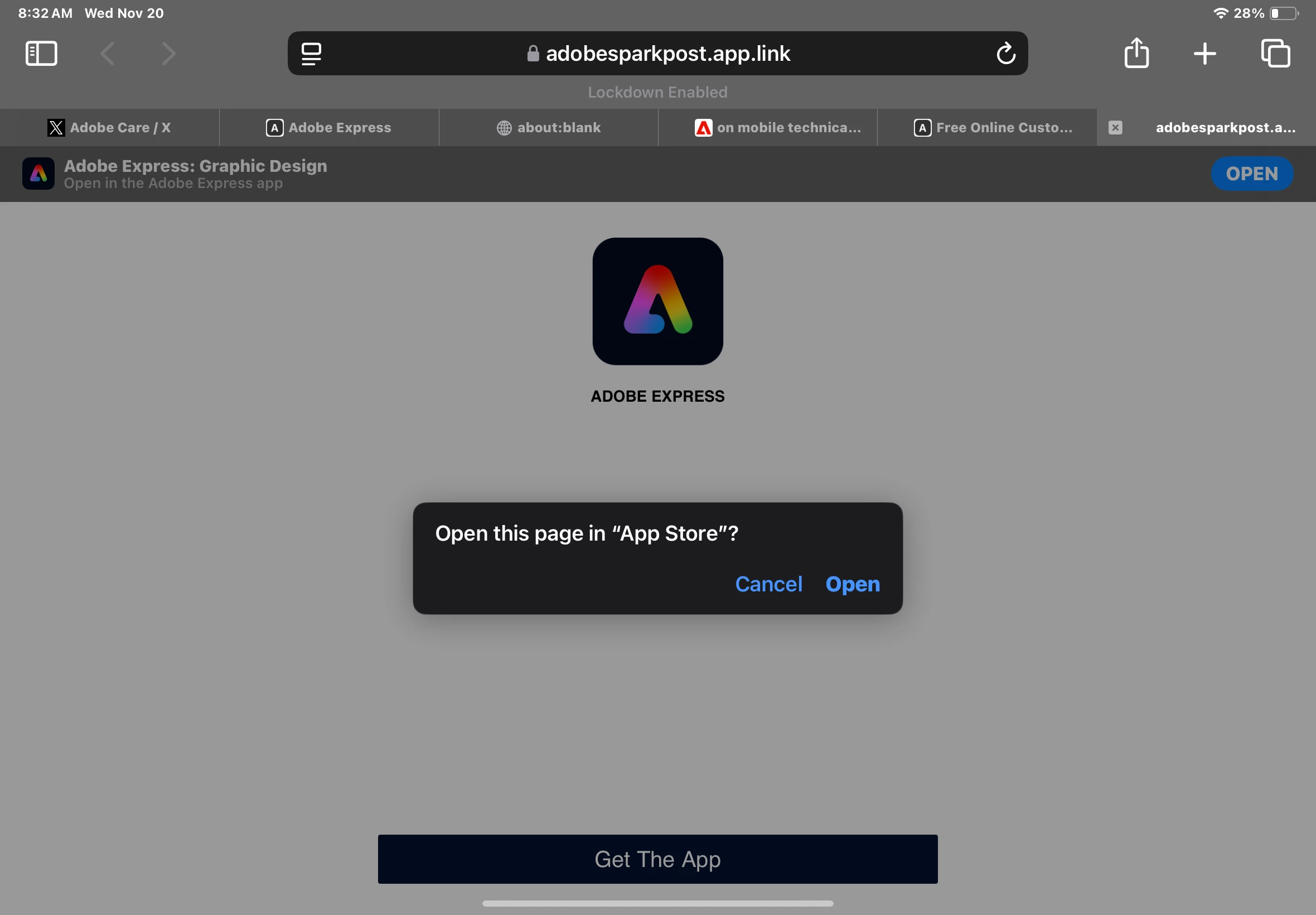
* Optional: Test file, screenshot, video or gif file capturing the issue
 AdChoices