


Participant
September 24, 2026

After removing content from an image using Adobe Express, it cannot be saved to my computer

  • September 24, 2026
  • 1 reply
  • 15 views

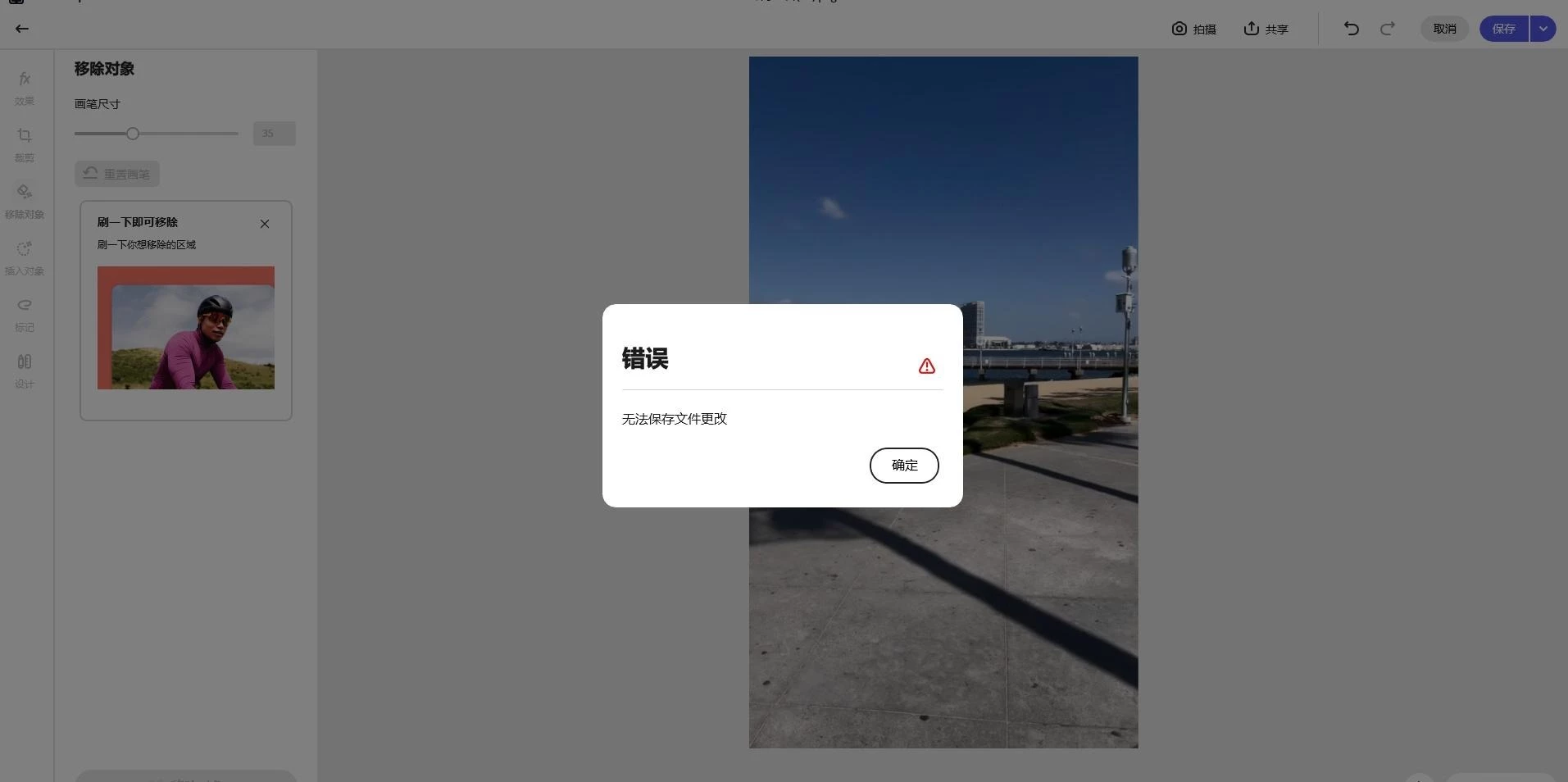
After removing content from an image using Adobe Express, I am unable to save it. Clicking save displays an error message and states that file changes cannot be saved. My photo is not in violation of any rules
 

1 reply

Rose DV
Community Manager
Community Manager
September 24, 2026

Hi @responsible_codeeab6,

Sorry you're running into this. I'd like to figure out why using Remove Object and then saving gives you the "unable to save file changes" error.

First, one reassurance: a generic save error like this usually isn't about your image content, so I wouldn't worry that your photo was flagged. It's more likely something in the save or sync step, so let's narrow it down:

  • If you open the same project and save it without making any changes, does it save fine? Or does saving only fail after you've used Remove Object?

  • Does it happen with every image, or just this one?

  • Are you on the web app or the desktop app, and which browser and OS?

  • If you try Remove Object on a different, simple image and then save, does that also fail?

If even a simple image fails to save after a removal, that tells me it's not the image itself and I'll take it to the team. Let me know how these go and we'll work through it.

Rose