



doug5150
Participant
February 21, 2026

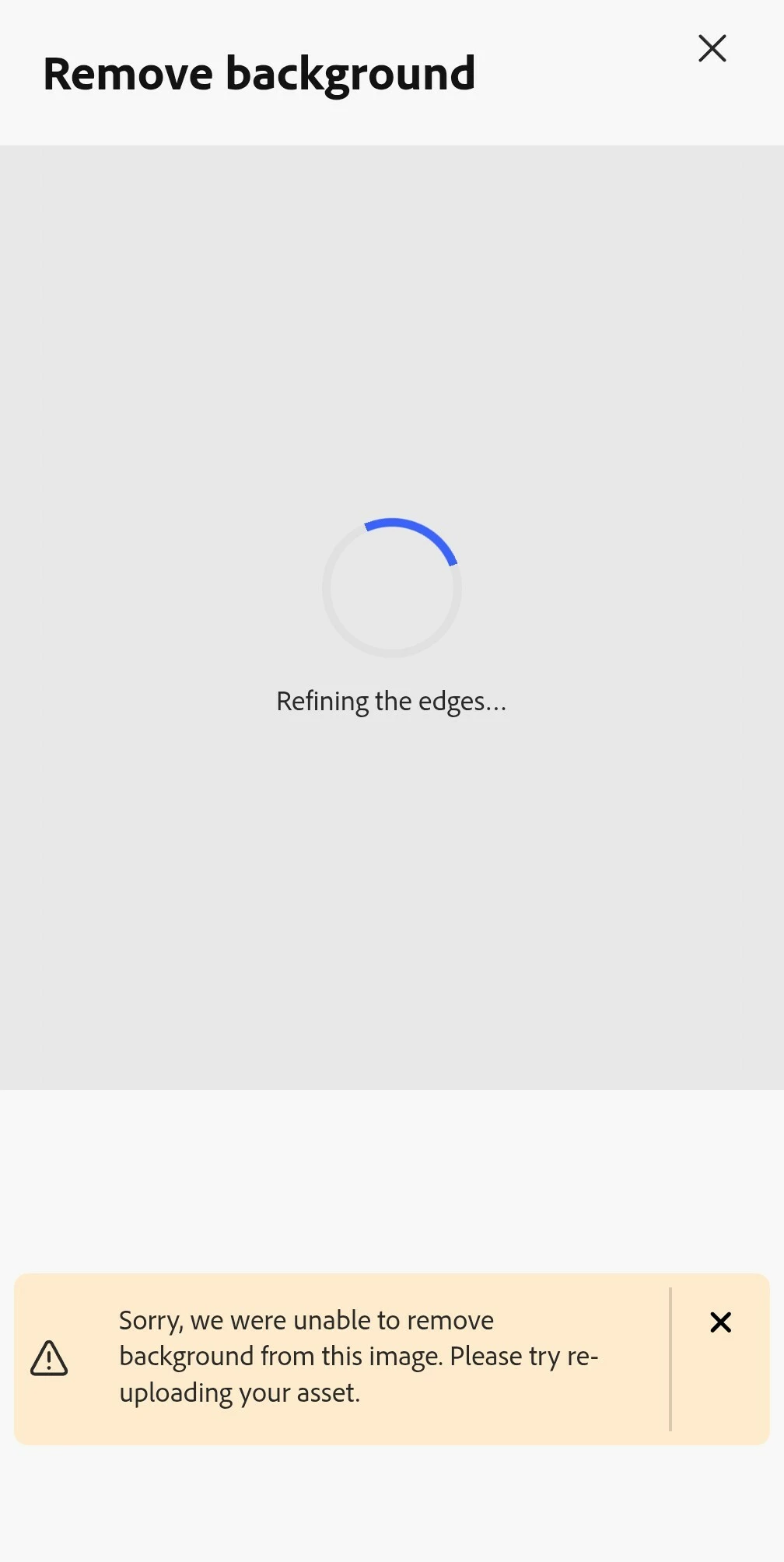
After the most recent update, almost every time I click on Remove Background I see, "Sorry, we were unable to remove background from this image. Please try re- uploading your asset".

  • February 21, 2026
  • 2 replies
  • 92 views

After the most recent update on the Android app, almost every time I click on Remove Background I see, "Sorry, we were unable to remove background from this image. Please try re- uploading your asset". This rarely happened before, but now it's the only response I get to any image.
 

    2 replies

    GasMan
    Known Participant
    March 17, 2026

    Yeah, I started getting this same output as well this evening using AE/bg remover tool. 3/16/26. 

    #MacOS #Version 26.1 


    Tarun Saini
    Community Manager
    Community Manager
    March 24, 2026

    Hi ​@GasMan,


    Thanks for your patience. We’re sorry for the delay. Are you still experiencing this issue? Could you please try again now? Our product team has deployed a fix to resolve this issue.


    Let us know how it goes.


    Regards,

    Tarun

    GasMan
    Known Participant
    March 24, 2026

    We’re good on my side, its working like it should now.

    Before:


    After:


    Yeah, dont worry about Sammy he doesn’t bite. 

    Thanks for updating and the tag. 🤙

    Amitej S
    Community Manager
    Community Manager
    February 23, 2026

    Hi ​@doug5150, Welcome to our Adobe Express community, and thanks for reporting this.

    Since this started happening after the latest app update, here are a few things you can try:

    Force close and clear cache. 
    Go to Settings > Apps > Adobe Express > Storage, then:

    • Tap Clear Cache (avoid Clear Data for now)

    • Force stop the app

    • Reopen and try again.

    Reinstall the app
    If clearing the cache doesn’t help, uninstall and reinstall Adobe Express. This refreshes background services that power features like Remove Background.


    If the issue continues after reinstalling, could you please share:

    • Your Android device's make and model details with the OS version

    • Adobe Express App version number

    • Whether this happens with all images (including very simple ones)

    This will help us narrow down whether it’s device-specific or related to the recent release.

    However, I tried using the remove background feature on an Android device with the latest version of Adobe Express installed, and it seems to work fine for both camera-captured images and downloaded graphics. 

    We can also test with the image that fails for you if you're able to share it for testing. 


    Appreciate you flagging this, we’ll help get it sorted.