

Participant
July 1, 2026

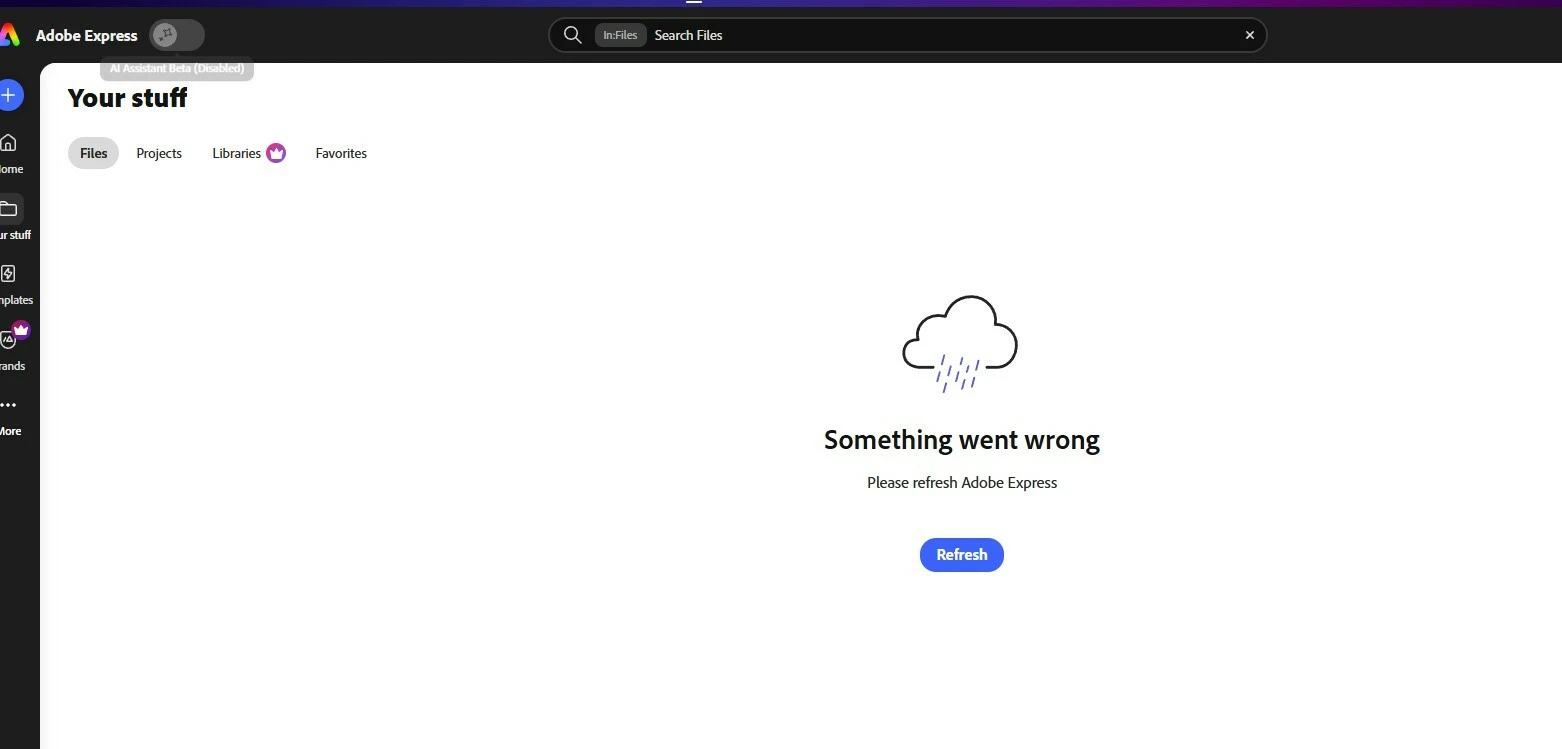
All my projects/files have disappeared.

  • July 1, 2026
  • 3 replies
  • 42 views

All my adobe express files/ projects have disappeared. I have refreshed, logged in & out, and tried different devices, and I cannot see any of them. 
 

    3 replies

    Amitej S
    Community Manager
    Community Manager
    July 2, 2026

    Hi ​@HannahY, I’ve dropped you a community private message, you can check it here: https://community.adobe.com/inbox/overview 

    Amitej S
    Community Manager
    Community Manager
    July 2, 2026

    Hi ​@HannahY, Could you confirm that you're signed into the correct Adobe account? If you're part of a team or organization, please also check that you've selected the correct team or profile, as projects may not appear if you're in a different one.

    Could you check whether your projects are visible here: https://www.adobe.com/files/?

    Also, let us know, whether only your Projects are affected, or if BrandsLibraries, and other assets are missing as well.

    Once we have these details, we'll be able to investigate further and help you get to the bottom of this.

    Thanks!


    HannahYAuthor
    Participant
    July 2, 2026

    It will not let me view any files or projects. Everything is blank or says it has trouble loading.

    Amitej S
    Community Manager
    Community Manager
    July 2, 2026

    Hi ​@HannahY! We'll need HAR file, which captures the network requests and responses between your web browser and the Adobe Express website during the issue.

    You can refer to the following steps to generate and share the HAR file:

    Once you've captured the files, please upload them to a cloud storage service and share the link with us. This will help us investigate the issue further.

    Tarun Saini
    Community Manager
    Community Manager
    July 1, 2026

    Hi ​@HannahY,


    Welcome to the community! We’re sorry to hear about this. Please ensure you’re signing in with your correct Adobe ID and choosing the correct profile. For more information, you can check this article- https://helpx.adobe.com/enterprise/using/manage-adobe-profiles.html


    If that doesn’t help, try switching to another internet connection. If you’re on a VPN, try disabling it and see if that helps.


    Let us know if that helps.


    Regards,

    Tarun

    HannahYAuthor
    Participant
    July 2, 2026

    I did try from different connections and devices. It will not show any of my files.
