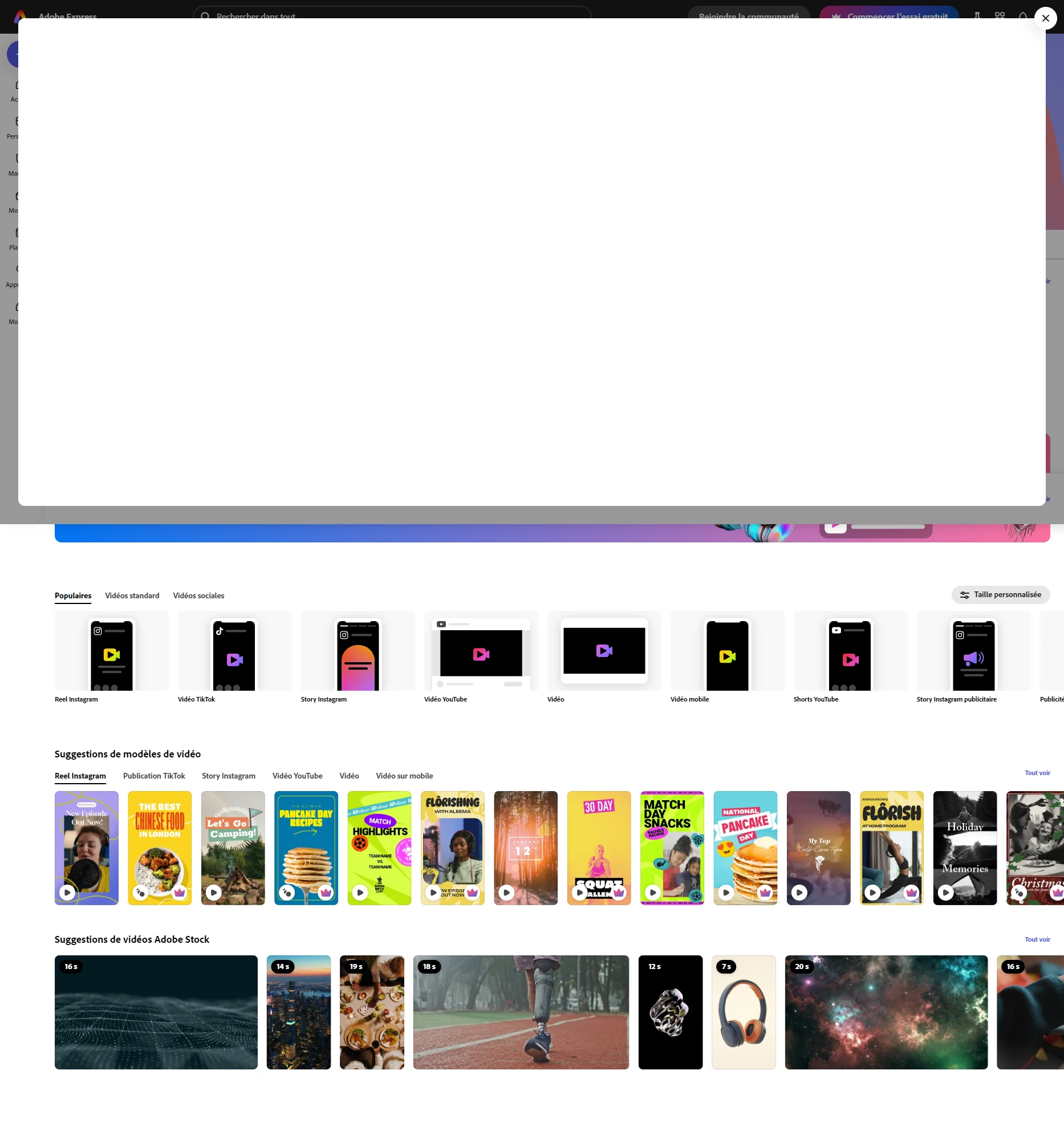
2 replies

Participant
December 13, 2024

Hello @Tarun Saini ,


Thank you for your reply.

I tried to clear cache and cookies and with chrome, I still got this blank page.

chaimaa.7
Community Manager
Community Manager
December 17, 2024

Hello @quentinlpo . We are sorry you're experiencing this issue. Here are a few  steps to help you resolve this blank page issue:

Check Browser Compatibility

  • Make sure you are using a compatible browser. Chrome, Opera, and Firefox are generally supported, but updating to the latest version of your browser may help.

Disable Browser Extensions

  • Sometimes, browser extensions (like ad blockers) can interfere with features. Try disabling all extensions and then check if the page loads correctly.

Try Incognito/Private Mode

  • Open a new Incognito or Private Browsing window in Chrome or Opera and log in to Adobe Express. This mode disables extensions and uses a clean session, which can help bypass issues with cached data.

Let me know if this helps or if the issue continues! 

Thanks, 

Chaimaa.

Tarun Saini
Community Manager
Community Manager
December 13, 2024

Hi 

@quentinlpo

,

Welcome to the community! We're sorry to hear about the issue you're facing. I am able to use this quick action. Did you try using the other suggested browsers (Safari, Microsoft Edge, and Google Chrome) or incognito mode to see if it makes a difference?


Also, try clearing the browser's cache and cookies, restart the browser and try again. For more info on how to do this, please check this link-.https://adobe.ly/3OSxpeU


Best,

Tarun