

Participant
May 1, 2024

Can’t open any of my recent files

  • May 1, 2024
  • 4 replies
  • 389 views

Help. I can't access any of my "recent" files. I get this on my phone. 
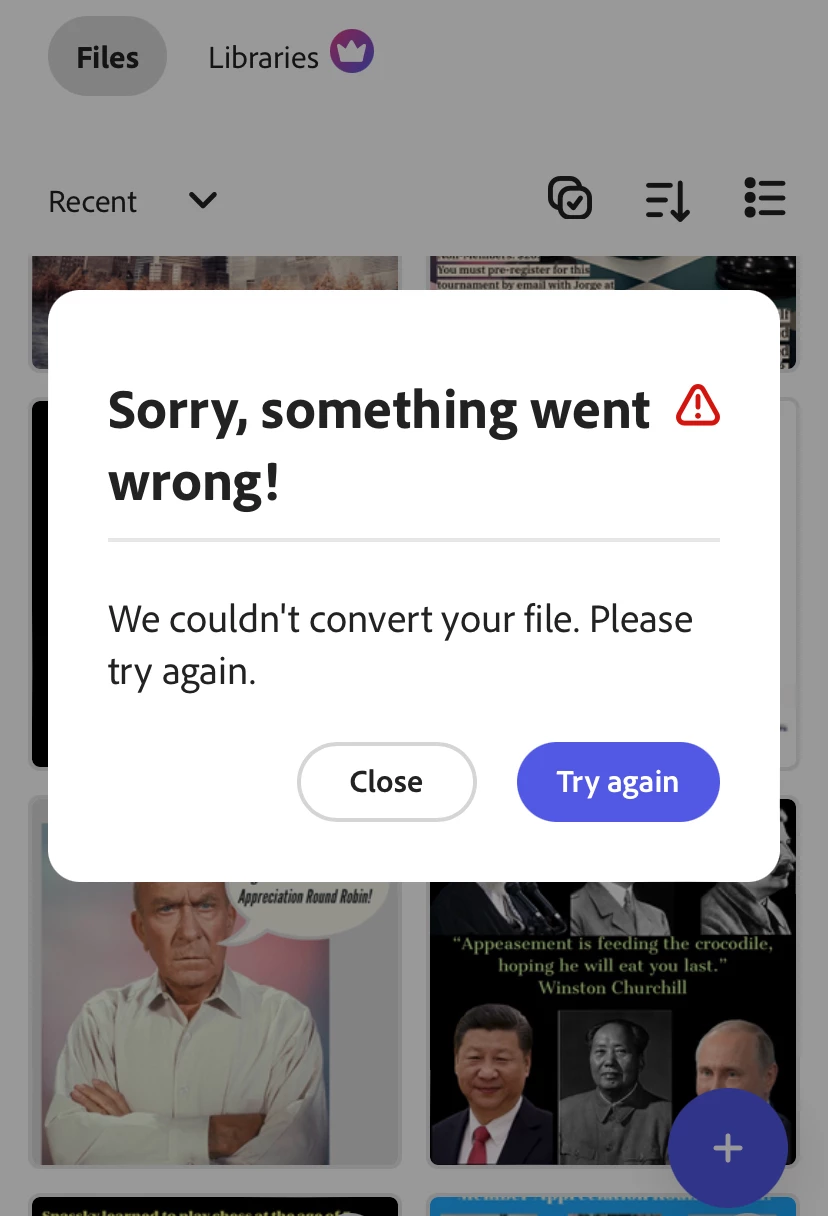
4 replies

Participant
May 19, 2025

I have opened system settings to ensure that Acrobat has permission, but I still get the same error code.  

Tom

David__B
Adobe Employee
Adobe Employee
May 19, 2025

Hi @tom_9990

Thank you for sharing the screenshot and testing those troubleshooting steps. I found this post which might help. https://adobe.ly/436A0tN

It sounds like a permissions issue for Acrobat opening PDFs in that location. If you continue to face difficulties I'd suggest posting on that thread or reaching out and working with our support directly.

https://adobe.ly/3H3iWMv

Hope that helps,
Dave

Participant
May 18, 2025

I can't open files that I downloaded a few  days ago saying " Acrobat doesn't have permission to access these files".

Community Manager
May 19, 2025

Hi @tom_9990,


Thank you for reaching out.

The error message usually indicates that Acrobat doesn't have the necessary permissions to access the folder or location where your files are saved.

Please try the following steps:

  • Ensure Acrobat has permission to access your device’s storage or file locations (check your device’s app permissions).

  • Move the files to a different folder or location that Acrobat can access, such as the default Downloads folder.

  • Try opening the files directly from within Acrobat using the “Open File” option rather than tapping the files outside the app.

If the issue continues, please let us know your device type and operating system version so we can assist you further.


^MM

Participant
May 8, 2024

Hi, 

no it does not. 

Andy Lambert
Community Manager
Community Manager
May 3, 2024

I'm sorry about this - if you close and re-open the app - does this help? 

Thanks!Andy
