Participant
December 14, 2024

Cannot use Generative AI Template

  • December 14, 2024
  • 7 replies
  • 782 views

Hi Team


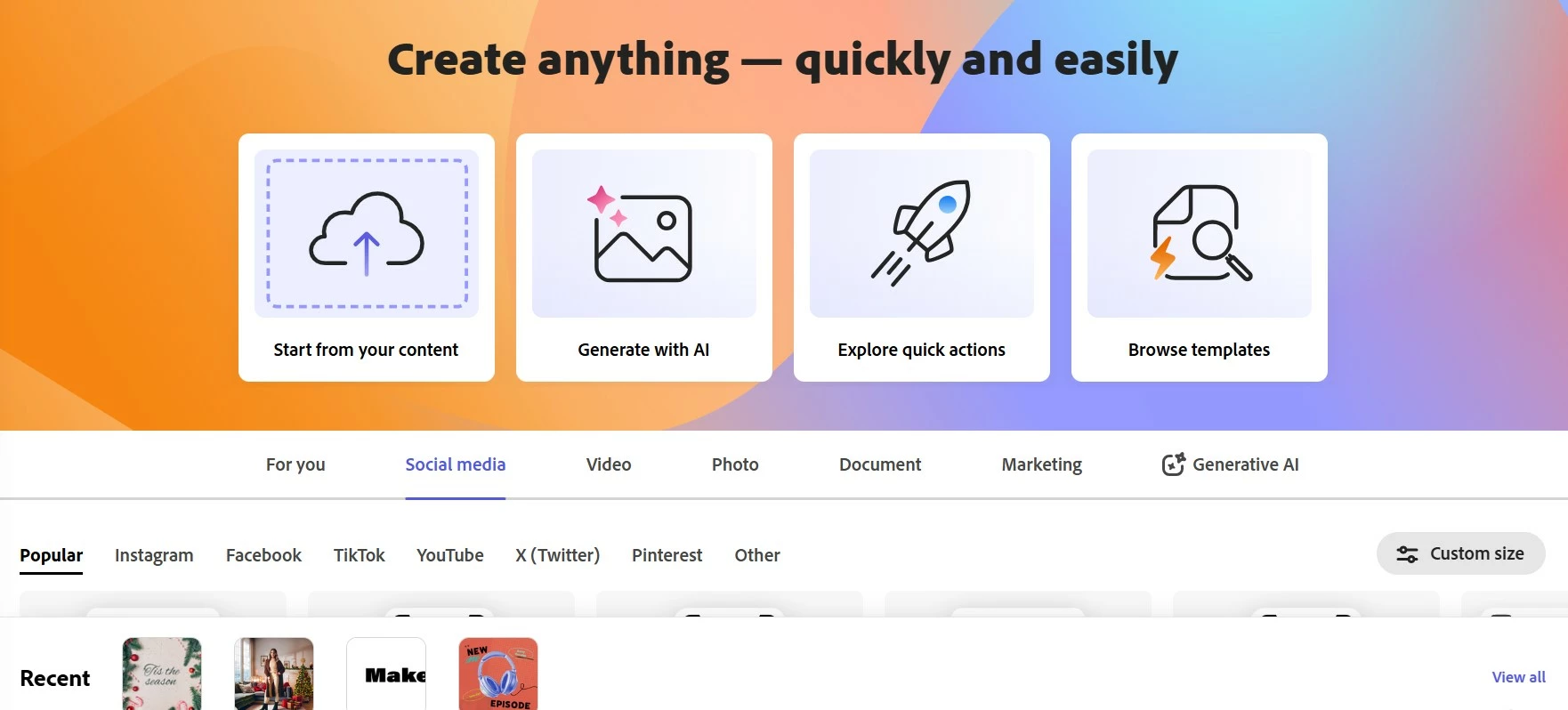
Today i got purchase my premium version Adobe Express, but when i try to use Generative AI Template, system doesn't landing the page and unable to put my Prompts.  Its landing to the same page.
7 replies

Adobe Employee
January 15, 2025

@Suresh Nagiah This could be an issue with your adobe account. You can try to sign in with different email or adobe id and check if the feature works for you.

Participant
January 5, 2025

Is there any update about it? I still can't use this feature.

Participant
December 29, 2024

Hi, I have same issue on iOS while living in Türkiye and also checked all of the network endpoints. Like @Suresh Nagiah mentioned, generative template option is not visible on Generative AI tab, however, I found it on 'Create with AI' button on the 'welcome container'.  When I clicked on generate with template option inside this pop-up, there was no response and just stayed same as before.

Participant
December 21, 2024

Hi Chaimaa,


I already done all the steps you guide with me. After logout and reinstall the Apps or Access via website version also same problem. Here attached the screen recording link https://us04web.zoom.us/clips/share/BHVzMDQWRXhVNlBDaGZSNWVkbG9MX0tjazcxUQE

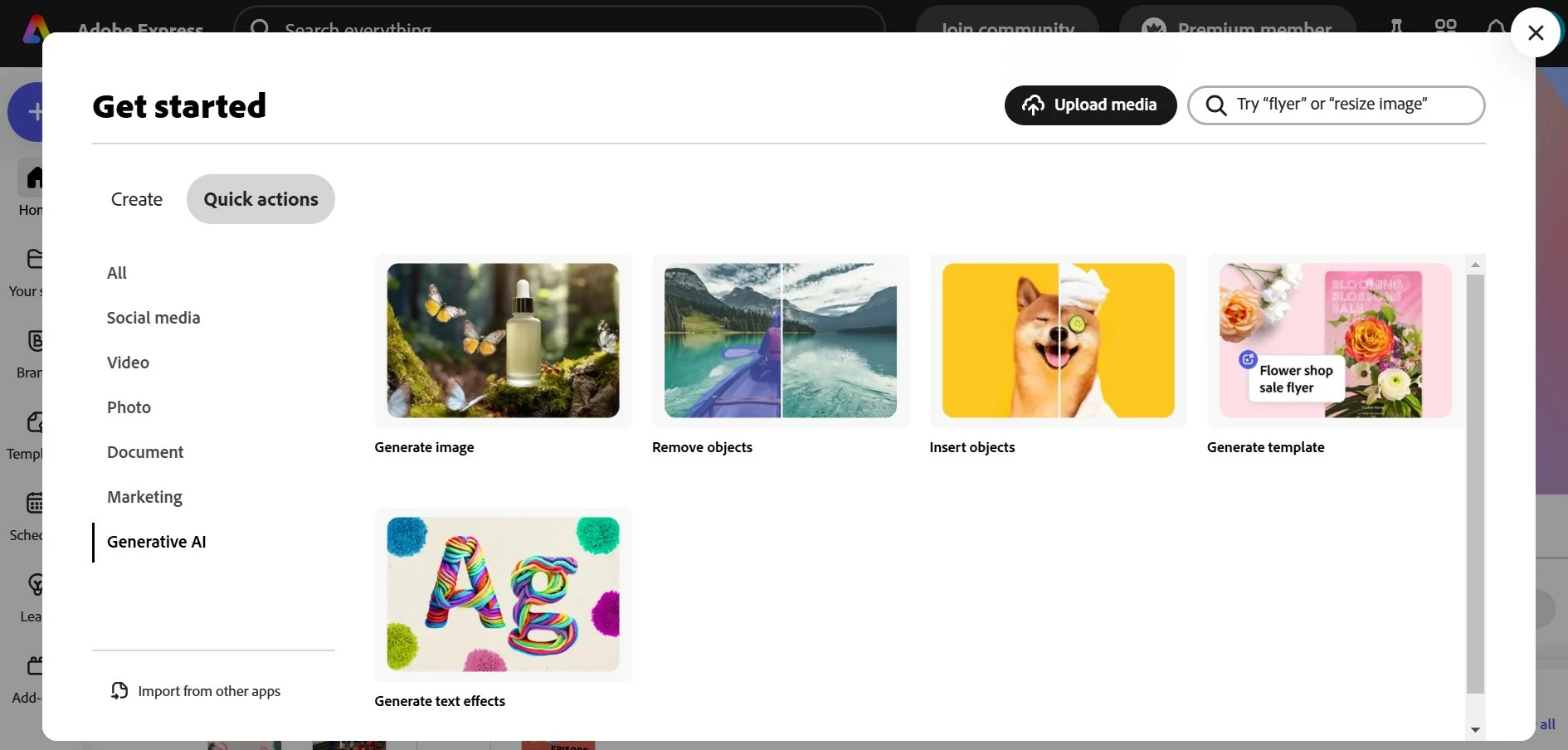
please take note, in Generate AI module, there are Generate Image, Remove object, insert Object and generate text all can use only Generative template are not working. I hope your side please double check and revert to me

Tarun Saini
Community Manager
Community Manager
December 23, 2024

Hi 

@Suresh Nagiah

,

Thanks for sharing the screen recording. I tried to use the generative template feature, and it's working fine for me. please make sure that the network endpoints listed on https://adobe.ly/4gPqsHy are allowed.


Let us know if that helps.


Regards,

Tarun

Participant
December 18, 2024

Hi Chaimaa, thanks for replied to me.

Attached the link here for video recording

https://youtube.com/shorts/IYgwE5Zt-0o?si=Ij5xl5x9gsLHdX_r


Please view and revert to me sooner.

chaimaa.7
Community Manager
Community Manager
December 19, 2024

Hi @Suresh Nagiah. We are sorry for any frustration caused. Here are some steps to help resolve the problem:


  • Check App Version:
    Ensure you have the latest version of the Adobe Express app installed. Visit your app store and check for updates.

  • Sign Out and Back In:
    Sometimes, signing out of your account and signing back in helps refresh the subscription and fix access issues.
  • Reinstall the App:
    If the problem continues, you can just go ahead and uninstall the app, restart your device, and reinstall Adobe Express from the official app store.

Feel free to let me know if you need any more help! 😊 

Thanks,

Chaimaa


Participant
December 14, 2024

Hi Team,

I can see the button, but when click the button no any function. Suppose the generative template button should be appear below. Look at my screen shot.

chaimaa.7
Community Manager
Community Manager
December 16, 2024

Hi @Suresh Nagiah. Thank you for your feedback. To better understand the issue and assist you effectively, could you share a  a screen recording showing the problem you’re experiencing? This will help us identify the cause quickly and provide the right solution. Thank you in advance for your cooperation! ^Chaimaa

December 14, 2024

Hey @Suresh Nagiah 

You have to tap on the Generate Template button on the far right.


Cheers

O.Nate