Participant
March 11, 2024

Cant download and upload PDF file

  • March 11, 2024
  • 3 replies
  • 424 views

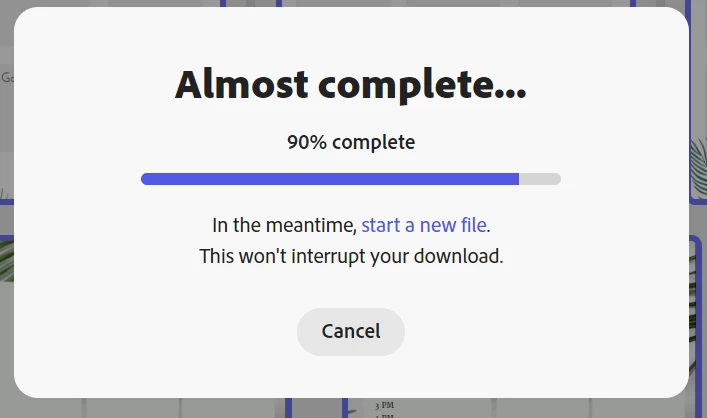
I can't download the PDF. pdf files get stuck 90% of the time. I'm using Chrome. It downloads as PNG but not as pdf. (39 pages)


Also, I cannot upload the pdf I downloaded from another platform.


3 replies

Tarun Saini
Community Manager
Community Manager
March 18, 2024

Hi @UMUT360101915y1z,


Could you please share the Adobe ID which you're using? You can share it with me via private message.


Regards,

Tarun

Participant
March 21, 2024

- Birincil e-posta (Adobe ID)

[Personal Information removed by moderator]

Tarun Saini
Community Manager
Community Manager
March 21, 2024

Hi 

@UMUT360101915y1z

,


Please share your Adobe ID when you sign in to Adobe Express. Also, did you try switching to another internet connection to check if that helps? You may also try downloading 1-3 pages to check if that finishes.


Please share your document with us ti investigate further. Go to the top right corner "Share" > "Invite Collaborators" > expresstest@adobe.com > Invite to edit.


Regards,

Tarun

Participant
March 12, 2024

I tried selecting half the files (selecting them one by one, 18 in total). I got the same error again.

Also I couldn't even upload the 30mb pdf file.


Adobe Employee
March 11, 2024

@UMUT360101915y1z, sorry you are having that issue. Wondering if you can share a bit more information to help us debug the issue more? Feel free to send me a private message if you don't want to share it here.


For that document that doesn't download, are you able to download a subset of the pages instead of all 39 pages? We've been working on a similar problem that other users are also hitting with documents that contain lots of image effects, and often they are able to download some pages, but not the full thing.


Is there an error message that you see when you try to upload the other PDF file?
