


Not Prioritized
Classroom Edit Button Invisible
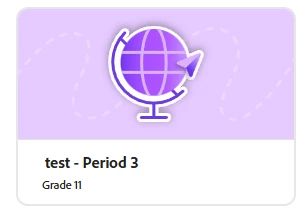
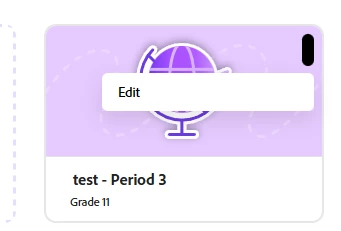
When viewing classrooms the Classroom actions button is invisible. If the mouse hovers over the right location at the top right in tile view or under Action in the list view, a grey button will appear. When clicking the button it turns black and a dropdown appears with edit as an option. Clicking edit brings up the appropriate menu. This is the only way a teacher has access to delete a classroom. This occurs regardless of view. On the android app the user has no buttons to click. This behavior doesn't match documentation for deleting a class from the My classes area.

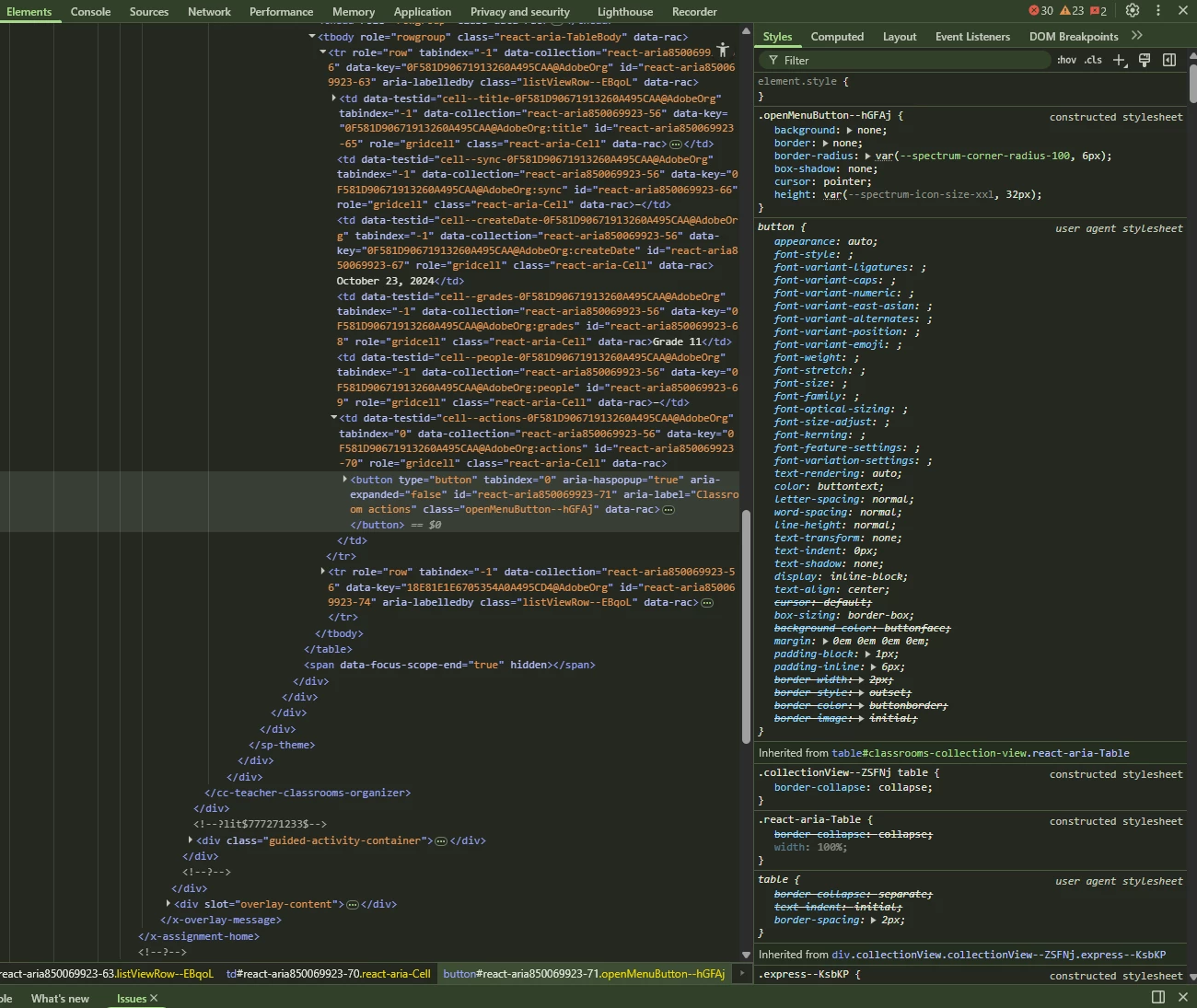
The unselected sytle is as follows.
 AdChoices