


Open for Voting
Copy and paste text effect style doesn’t past gradient
iPad v29.1.1
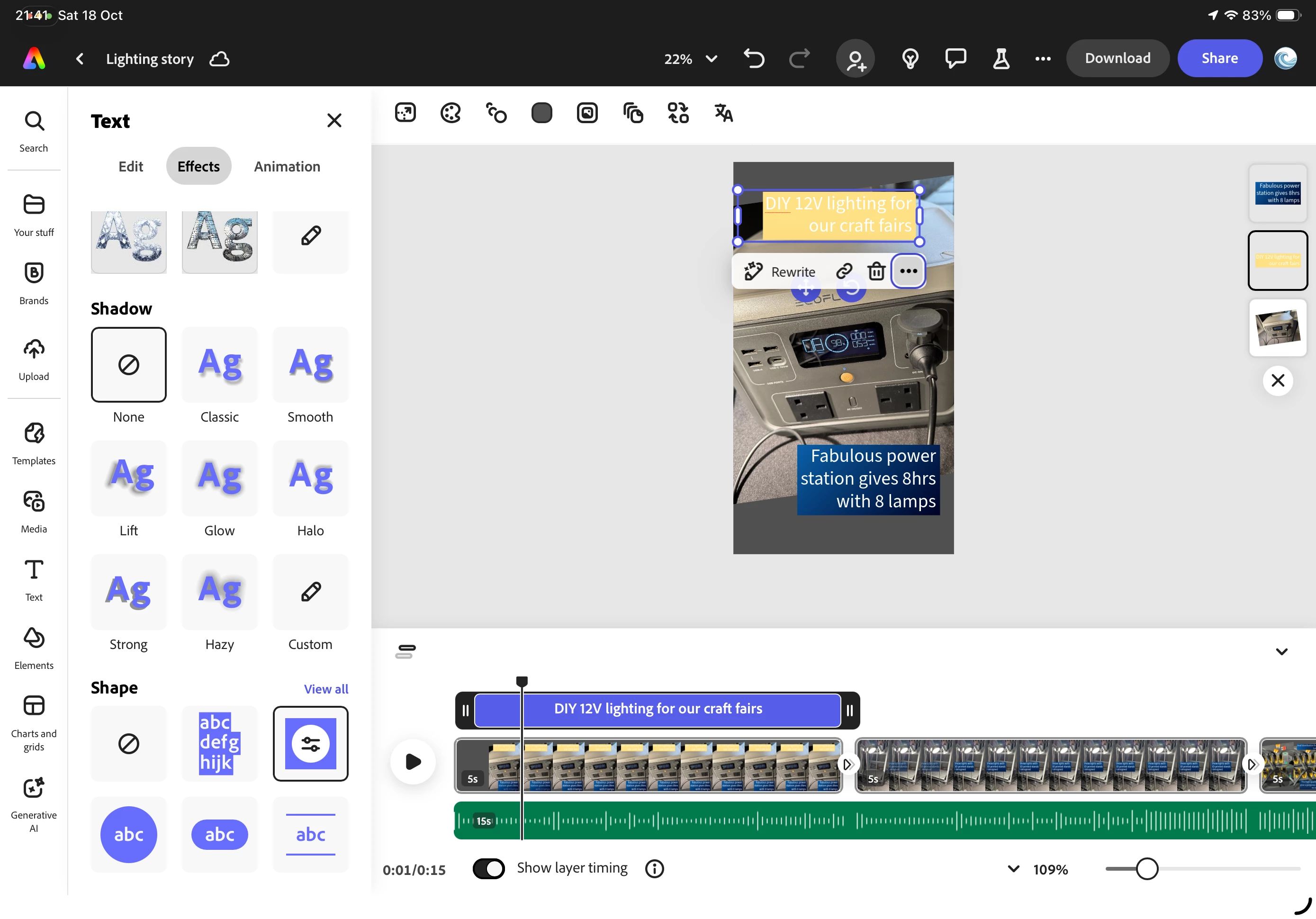
when copying and pasting a style for a text item that has a shape applied (the square one as per the screen shot), the copy and paste doesn't copy and paste a gradient applied to the shape. See the screen shot - I copied the style from the lower text and applied it to the top one. Result - the ghastly default yellow (please change that default to something better!)
 AdChoices