


Open for Voting
Custom Shapes to Crop/Mask Images - Function Not Appearing
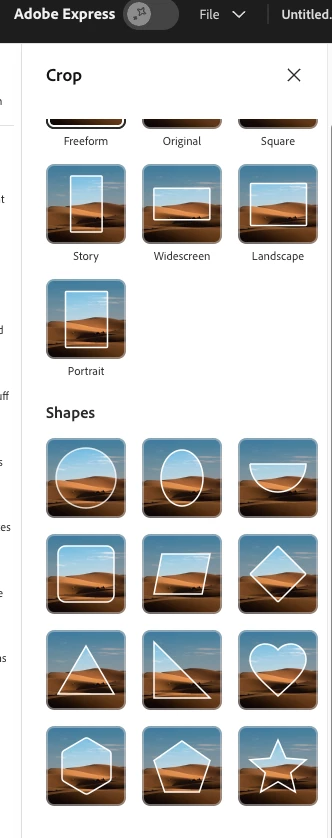
Last week, there was a update posted to the uservoice forum for the Express Idea: Utilize custom shapes to crop/mask images that stated that a new function should be available now to upload a number of different image types, including PNG, SVG, JPG, AI, PSD to your Brand and when you go to apply a Crop to an image, you should now see the shapes appear as crop/mask options.
I am not seeing any difference in my interface. I already had a good number of transparent PNG’s in my Brand Kit, and they are not appearing as options. Additionally, I uploaded a new SVG and that, too, is not appearing as a crop/mask shape option. Others in that above linked thread are reporting the same inability.
 AdChoices