


Participant
August 31, 2025

Error message - can't open file

  • August 31, 2025
  • 2 replies
  • 88 views

Hello,


I am encountering an error message when trying to open a file both in the Web app and via browser:


We've encountered an unexpected problem. Try refreshing the page or return back to home.

UUID: 25589135-39e9-4bf3-83fa-a7aa7de0dc8e
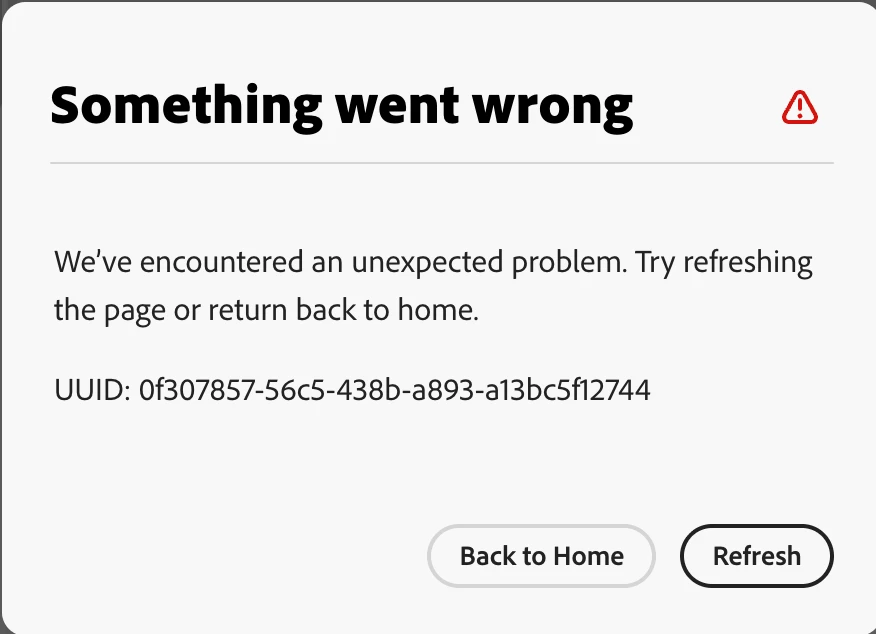


I have tried logging out/back in, signing out/back in.

If you can please assist, that would be much appreciated.


Thanks

2 replies

Community Manager
September 1, 2025

Hi @Friendly_Echo2127 


We've deployed a fix for this. Could you please try again?


Thanks

Abhi G

Amitej S
Community Manager
Community Manager
September 1, 2025

Hey @Friendly_Echo2127, welcome to the Adobe Express community!


Thanks for sharing the screenshots. A couple of quick checks to help us narrow this down:

  • Does the error appear with one specific file or across multiple? If it’s just one, could you DM us the project URL so we can share it for investigation?

  • When exactly do you see this error pop up?

It’s also worth checking if any ad-blocker or strict firewall settings are blocking access. You can find the required network endpoints here: link.

If possible, posting your browser console logs would be really helpful:

We’re here to help—just need a bit more info.

Thanks,
Amitej