


Participant
March 14, 2025

Error: "Replace Asset" while downloading PNG

  • March 14, 2025
  • 7 replies
  • 1715 views

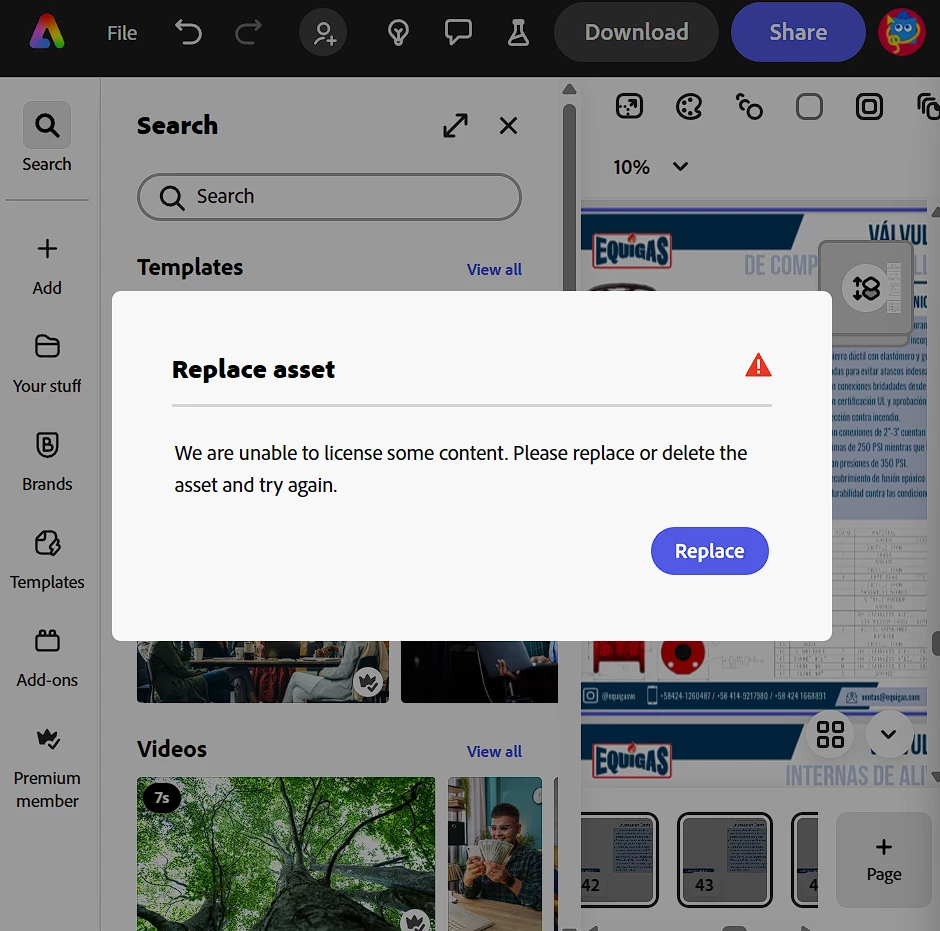
Currently, I'm an Adobe Express Premium Member and I'm not able to download a PNG format. The error message I receive is: "Replace Asset, We are unable to license some content. Please replace or delete the asset and try again" as shown on the attached file. However, on any part of the flyer the asset is identified, and before I could download the same file in any format I required. I need to solve this asap.
 

7 replies

Adobe Employee
October 13, 2025

Hi @nineli_4335 


Sorry to hear you are running into this issue. Based on the logs associated with your account, the content that cannot be licensed looks like an envelope (see screenshot below). Hope this helps you locate, then delete/replace the asset.


Abhi G

Participant
October 11, 2025

i did all of this and its not working.

Tarun Saini
Community Manager
Community Manager
October 13, 2025

Hi @nineli_4335,


Welcome to the community! We're sorry to hear about this. Would you be able to share your project in which you're seeing this issue via private message with edit access?


Regards,

Tarun

Adobe Employee
June 23, 2025

Hi @NancyhFL 


Sorry to hear you are running into this issue. Based on the logs associated with your account, the content that cannot be licensed looks like a grid with blue lines (see screenshot below). Hope this helps you locate, then delete/replace the asset.


Abhi G


Participant
June 22, 2025

I too have the same issue and am a Premium Member. All has worked wonderfully with this app for two years, but now this happens. How can it be fixed. Also images saved can't be found and must be reloaded. Your help is appreciated 

Participant
June 6, 2025

so... how did you know the asset was "bad".. that is the biggest problem I seem to have... is identifying what assest/item, is linked, or not, is it bought by me from stock or was it from adobe expresses media... where is the panel that shows these links?  Similarly to Indesign and Photoshop... I have searched and searched, and can't find where the panel for linked files are. Help.. 

Participant
March 24, 2025

To narrow down what actual page the "asset" was on, I saved each page individually until I found the page with the actual bad asset. Once I narrowed it down, I replaced the asset and all went smooth.  

Community Manager
March 14, 2025

Hi @satisfied_amazement5ED2,


Thank you for reaching out, and I apologize for the trouble you're experiencing with downloading your PNG. The error message you're receiving typically appears when Adobe Express detects issues with assets that require a specific license, such as premium or stock assets.

To resolve this issue, please try the following steps:

  1. Replace or remove any premium assets: Check your design for any stock or premium assets that may require licensing. Replacing or removing them may resolve the issue.

  2. Sign out and back in: Sometimes logging out and logging back into your Adobe account helps to refresh your session and fix licensing issues.

  3. Duplicate the project: Try duplicating the project and see if the issue persists with the new version.

  4. Test a different format: Try downloading your project in a different format (e.g., JPG or PDF) to see if the issue is specific to the PNG format.

If the issue continues after trying these steps, please contact us directly for further assistance, and we'd be happy to investigate further. Thank you for your patience.


Best regards,


^MM