


Participant
January 15, 2025

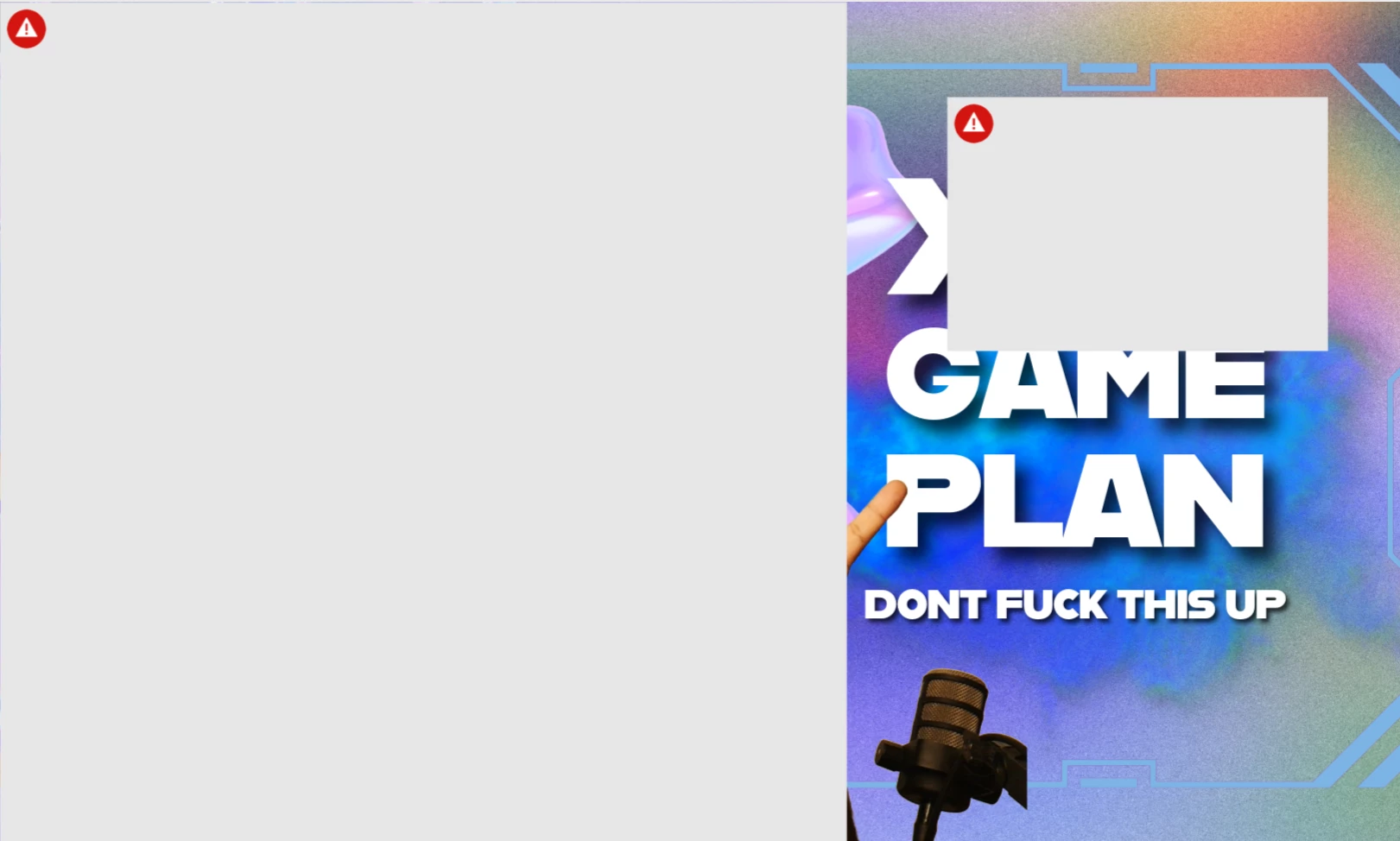
Every time i upload there is a red triangle

  • January 15, 2025
  • 12 replies
  • 2675 views

I have tried so many times to solve this issue but every time i upload something i get a red triangle. For a product this good, this is a simple and annoying glitch. Im going back to canva because it takes me 5 times the time to do the same here. 
 

12 replies

Participating Frequently
January 23, 2025

When I try to add any image from the gallery or from my own files it shows this. Cannot do any work.

David__B
Adobe Employee
Adobe Employee
January 23, 2025

Hi @Indre28536758yll7

Sorry to hear about your difficulties. Please check if your file contains any blank layers, and if it does, please delete them.  Based on the red triangle and exclamation mark in the top right, this typically is related to the licensing of one of the files being used changing resulting in it being removed. Find the layer for the removed asset and deleting it should resolve the issue.

Best,

Dave

Tarun Saini
Community Manager
Community Manager
January 17, 2025

Hi 

@Sim_K9946

,

Welcome to the community! We're sorry to hear about the difficulties. Did you try using the other suggested browsers (Safari, Microsoft Edge, and Google Chrome) or incognito mode to see if it makes a difference? 


Also, try clearing the browser's cache and cookies, and restarting the browser and try again. For more information on how to clear cache and cookies check this link- https://adobe.ly/4a5ipUF and how to use incognito mode- https://adobe.ly/4a2UzZV 


If the above-mentioned steps don't work,  please make sure that the network endpoints listed on https://adobe.ly/4a7ZI2M are allowed.


Let us know how it goes.


Regards,

Tarun