


Open for Voting
Express crashes when I copy
I am working with the Adobe Express web app to make a publication. I need to copy or duplicate pages or elements within the page to other parts of the document. Every single time I do so, I get this error and I have to refresh or go back to home and open the document again. When I open the document again, the thing I need to copy is not on the clipboard.
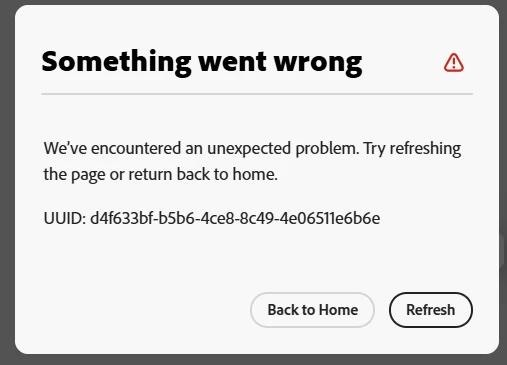
I have tried:
- clearing my cache and cookies
- using the desktop app (latest version, MS) and the web app
- using the web app in a different browser
- using the duplicate function instead of ctrl+C
- copying text boxes, images, and pages
... and the error keeps on happening.
Is there something else I need to do? It's becoming impossible to use Express.
 AdChoices