


Express PDF export skipping live tables and charts
While completing exports of 1-page infographics for my design client, I noticed that several pages exported without errors but omitted all live pie charts and bar charts from the page. The ONLY solution I found was to export the document as a flattened PNG which is not what I want to do, due to the reduced resolution of the document intended for print. This is strange, as these pages have been through multiple exports and rounds of revision, and have not changed significantly over the course of many weeks. They are only giving me trouble today. This is creating significant headaches for my workflow, as this is a government client with many revisions requested (minute changes to text and placement). Whatever error exists within the original document is "sticky" and carrying over to workaround documents I have created in an attempt to circumvent the error.
This error is specific to charts and graphs. My images and text remain unaffected. Example of preview below:
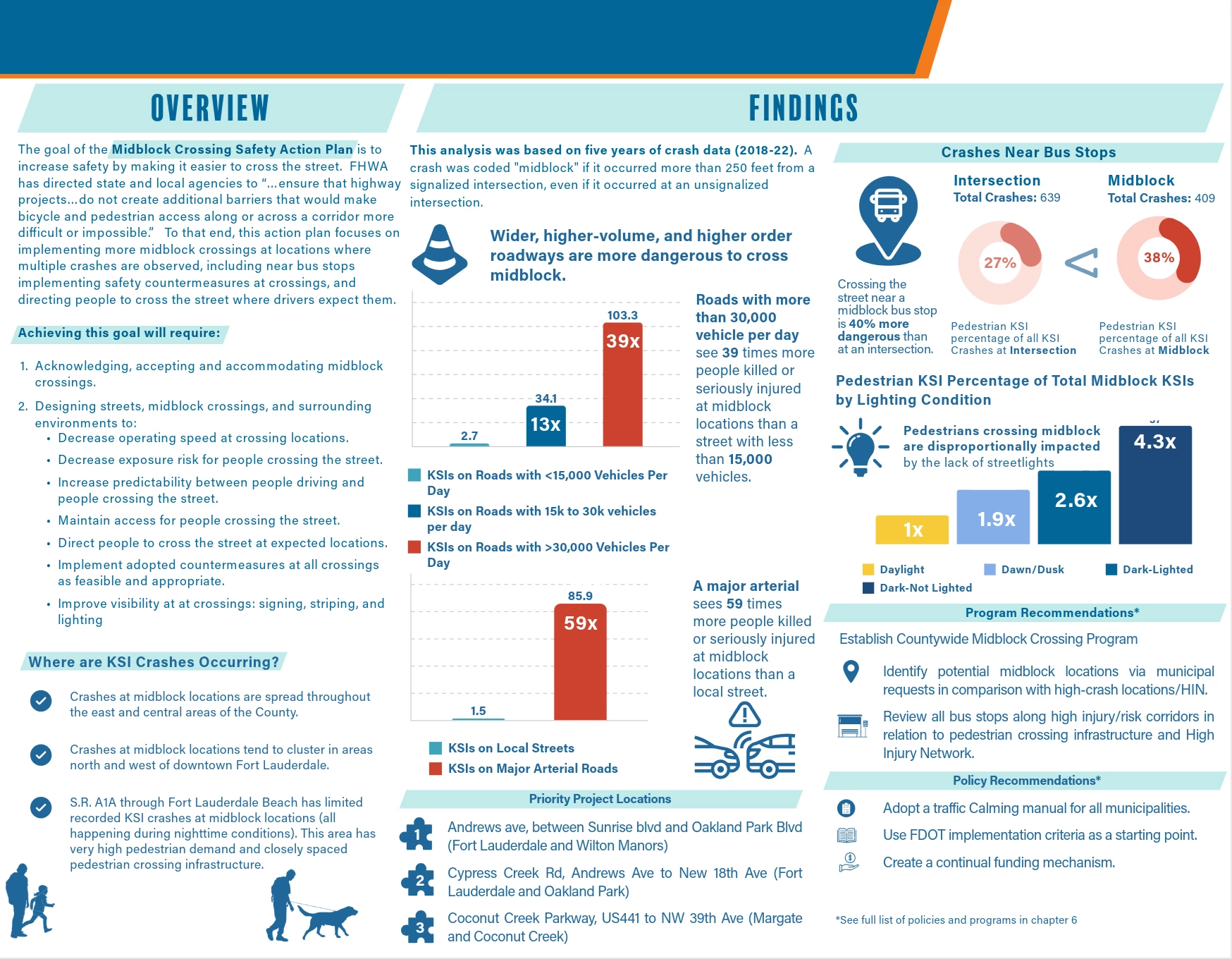
the Exported PDF, without charts below:
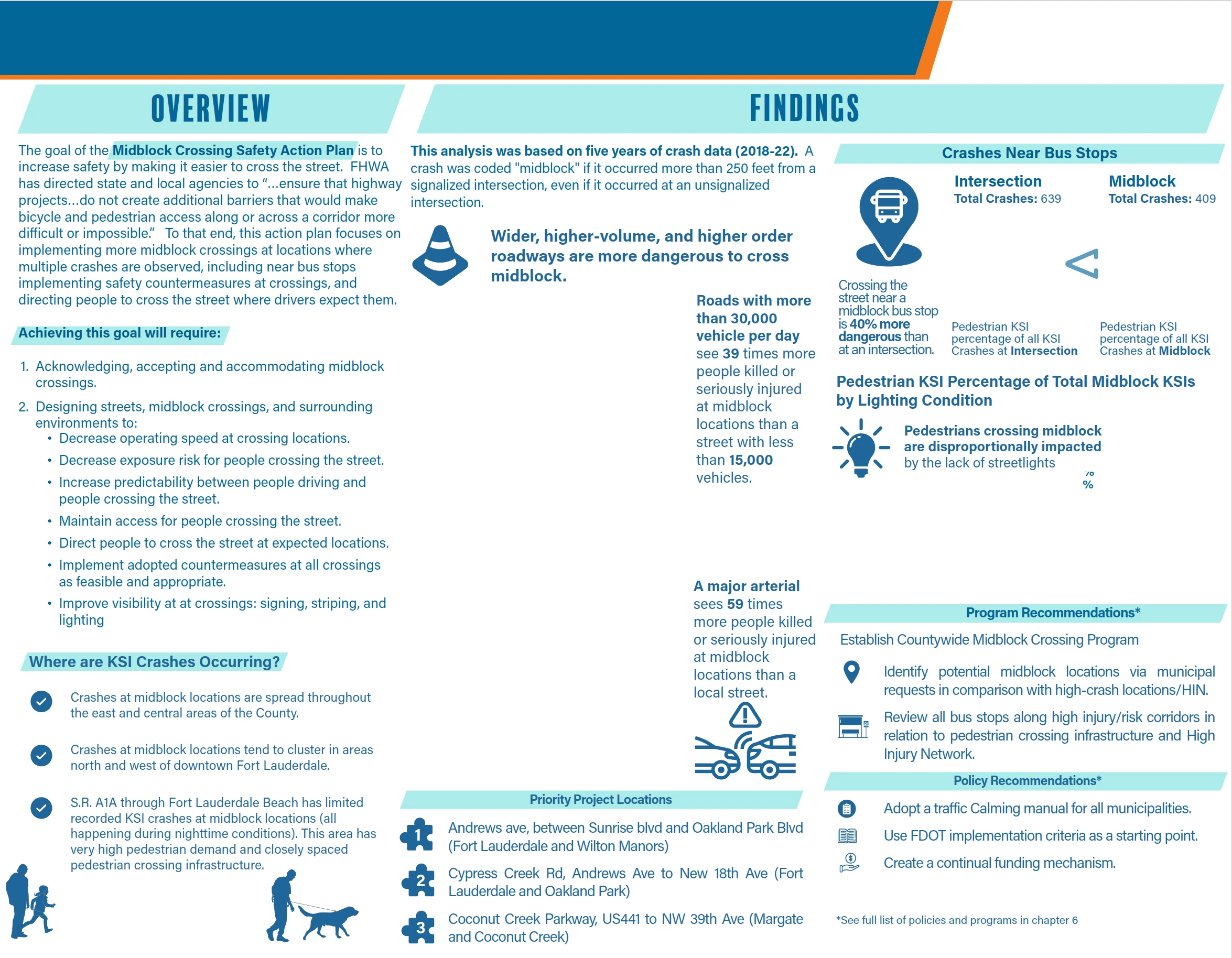
Workarounds attempted:
1. group all items on the page and paste them onto a new document of the same size, attempting export as usual. (did not work)
2. export the document using a different browser (including a cell phone) (did not work)
3. Export document as a flattened PNG (worked, but not a great solution)
 AdChoices