


Generating QR Code of mailto link with multiple addresses
I was tasked with creating a QR Code that would open a new email addressed to multiple recipients. I initially tried InDesign but it did not like the multiple addresses. I tried Adobe Express and discovered there are two different Generate QR Code windows. I copied the same mailto link into both and one worked and the other did not.
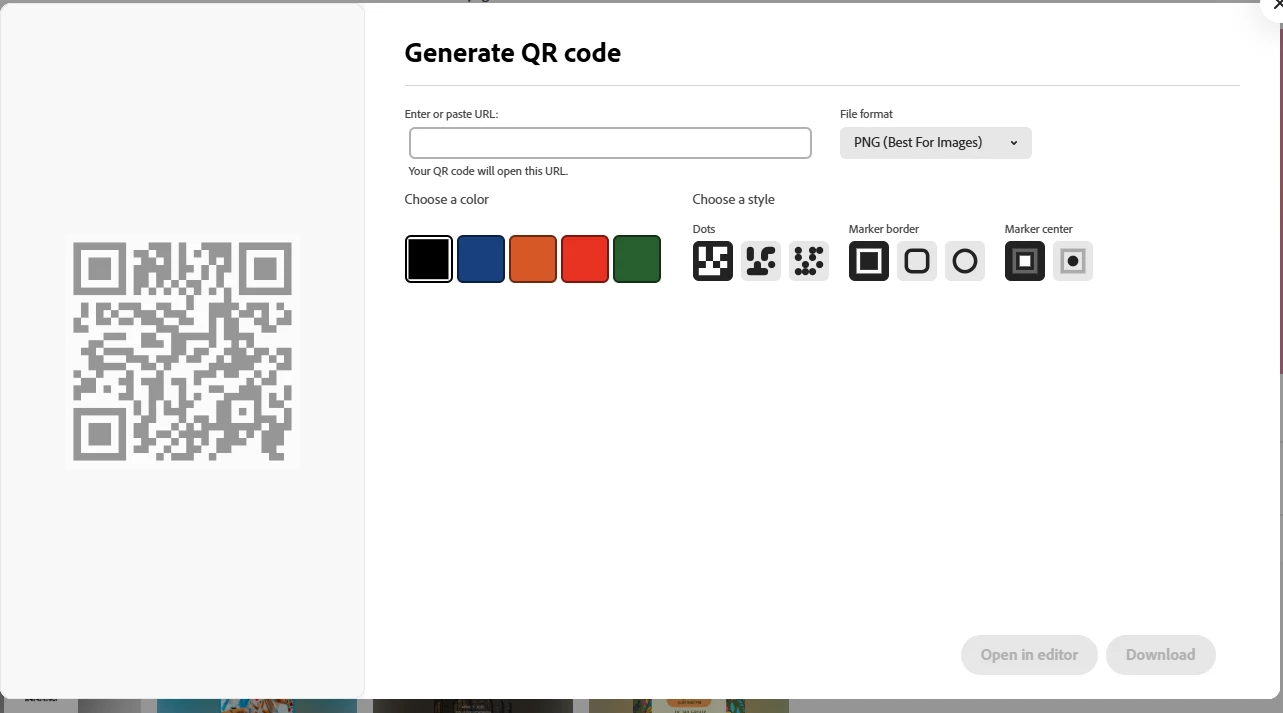
First Window - QR Code did not work:
Click on "Generage QR Code" from Home
Second Window - QR Code Worked!
Open or create a document. In the search field, type in "code" and click on "Generate QR Code"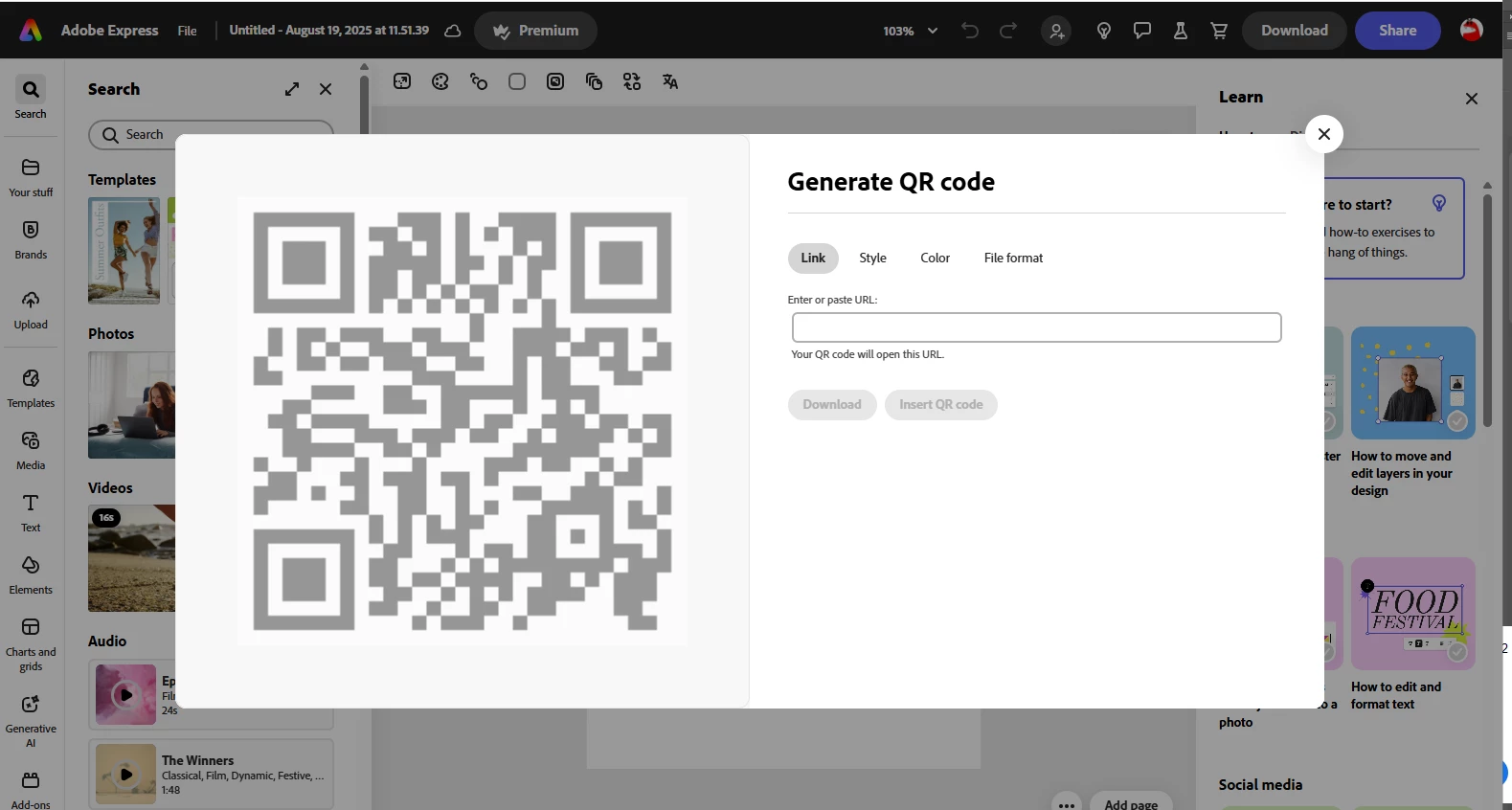
Example mailto code: Replace email address and test for yourself.
mailto:Email1@address.com,Email2@address.com,Email3@address.com,Email4@address.com?subject=Add Subject Line&body=
Please fix so that either method work.

 AdChoices