



Open for Voting
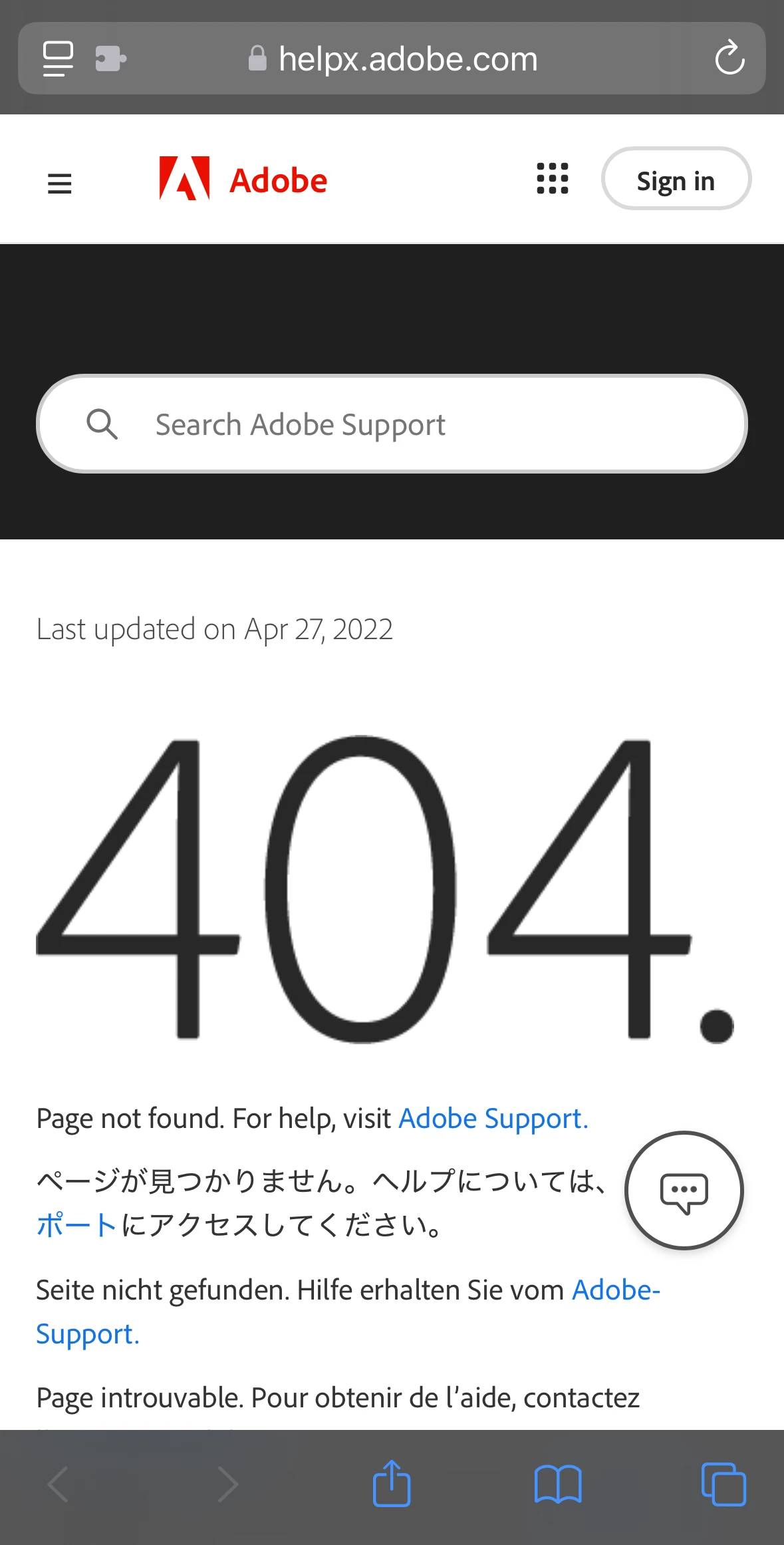
"Get help" link leads to "404. Page not found." page
The external help link in the iOS mobile app is broken due to improper formatting (highlighted in red):
BUG REPORT
- App Version: 26.41
- OS Version / Platform: iOS 18.1 / iPhone 14 Pro
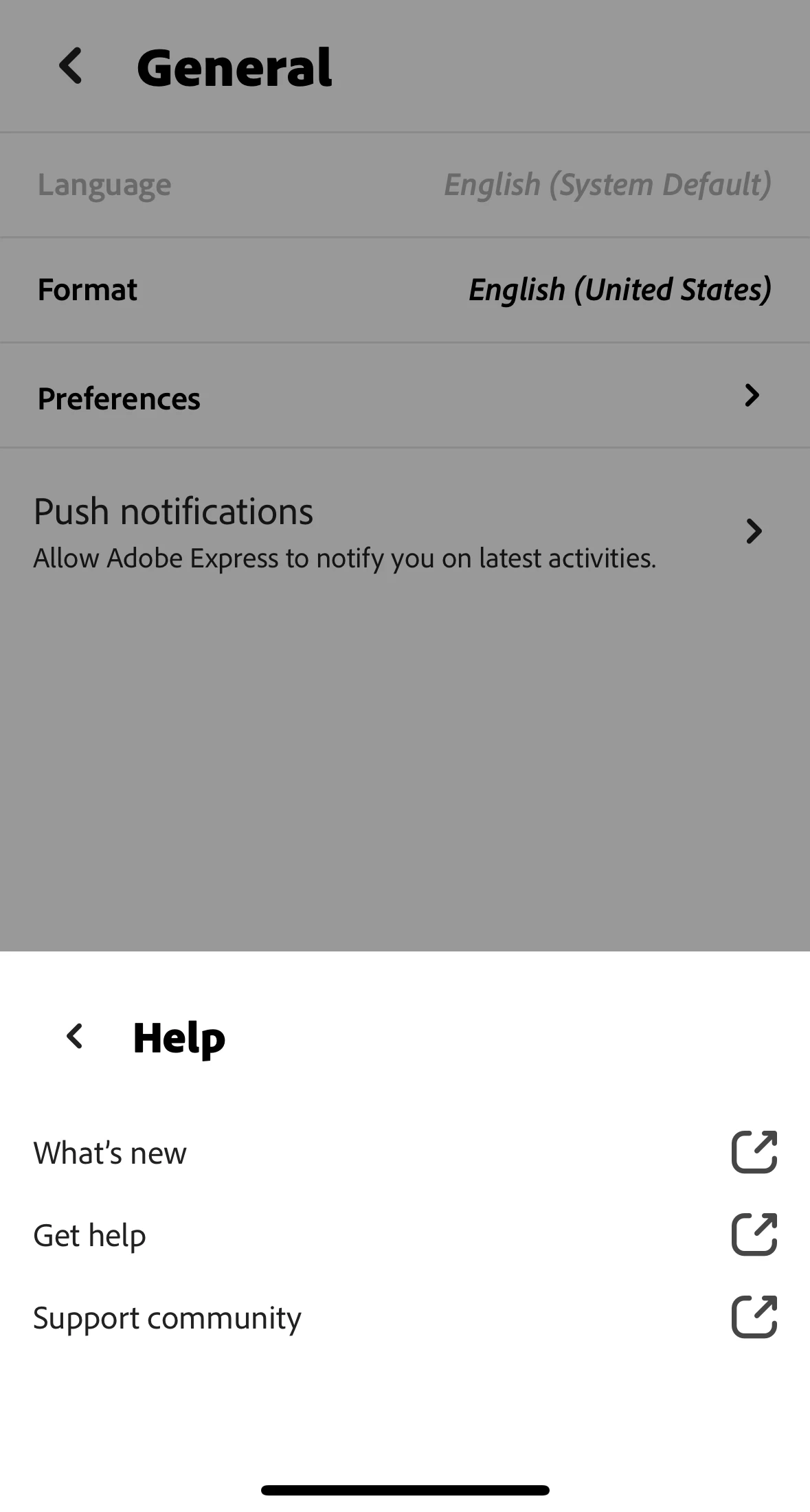
- Steps to reproduce: Tap account profile picture in top right corner -> Tap "Help" option in pop-up menu -> Tap "Get help" option
- Behavior:
- Expected result: opens link to mobile section of Adobe Express User Guide in default web browser (*currently redirects to Adobe Express on mobile basics FAQ)
- Actual result: opens link to "404. Page not found." in default web browser due to improper URL formatting
Pictures of "Get help" link within app & the page it opens in Safari:
 AdChoices