


Participant
May 20, 2025

How do all project images disappear in my Adobe Express

  • May 20, 2025
  • 1 reply
  • 166 views

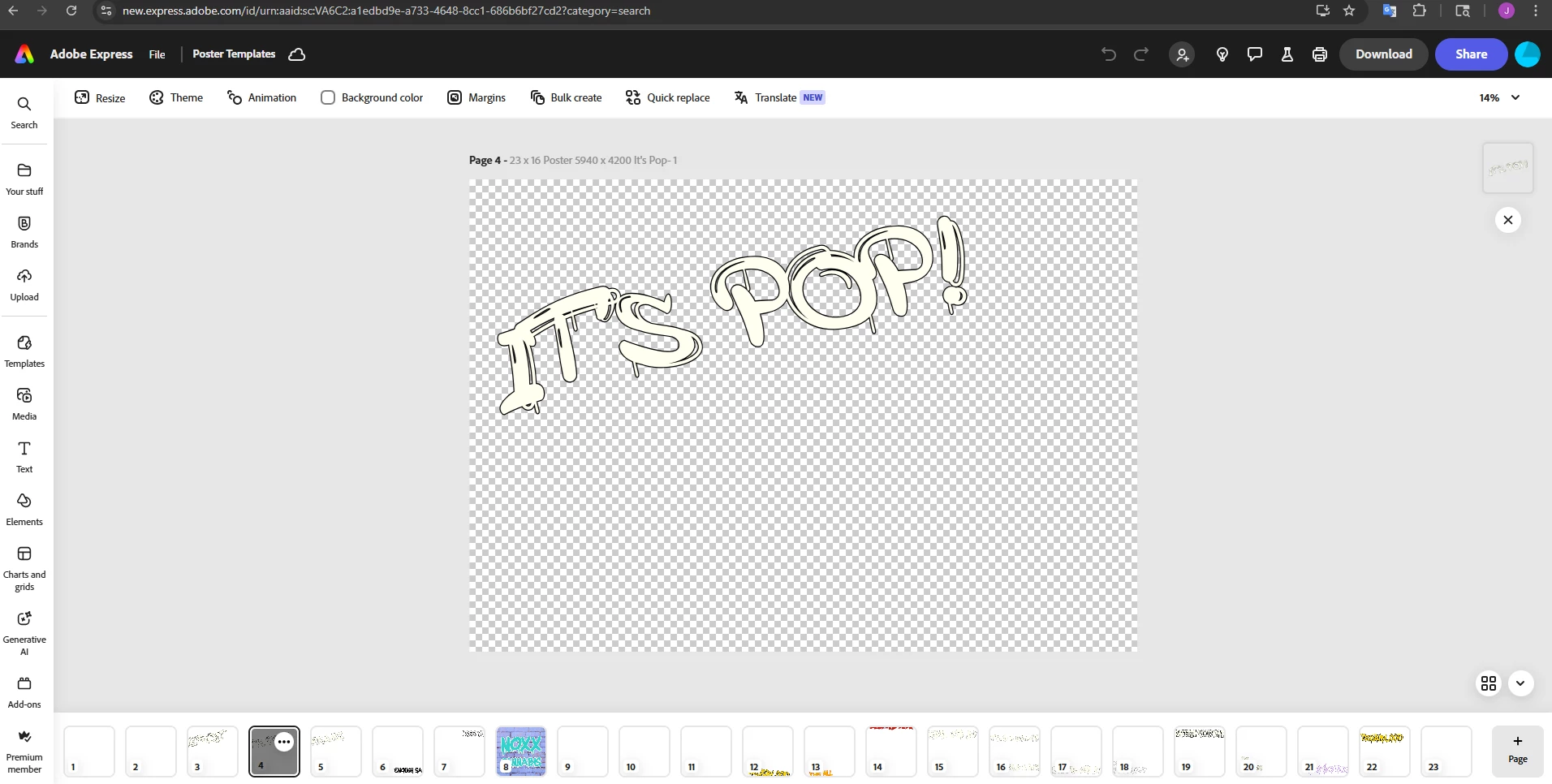
All of my images I used to create my designs are missing in my files. These are photo images I took, used Lightroom to edit, then published and uploaded to Adobe Express. Now, all I get are broken images with my text. I run a business. This is ridicoulous. Yes, I've logged in and out. Yes, I've tried New and Old Express. And yes, I even worked for Adobe. 


1 reply

Tarun Saini
Community Manager
Community Manager
May 21, 2025

Hi 

@Electric_photo1735

,

Welcome to the community! We're sorry to hear about this. Could you please answer a few questions below?


  • Are the missing images also unavailable in your "Your Stuff" library or just within the design files themselves?

  • Do you recall when you first noticed the images were missing, and was this after a specific update or action (e.g., switching from New to Old Express)?

  • If you open the design from another device/browser, do the broken image links persist?

  • Do you see any error messages when opening the affected files?


Please ensure you're logged in to the correct profile. Check this article for more information- https://adobe.ly/4k8dFC7


Regards,

Tarun