



shrimpdisc9
Participant
February 2, 2026

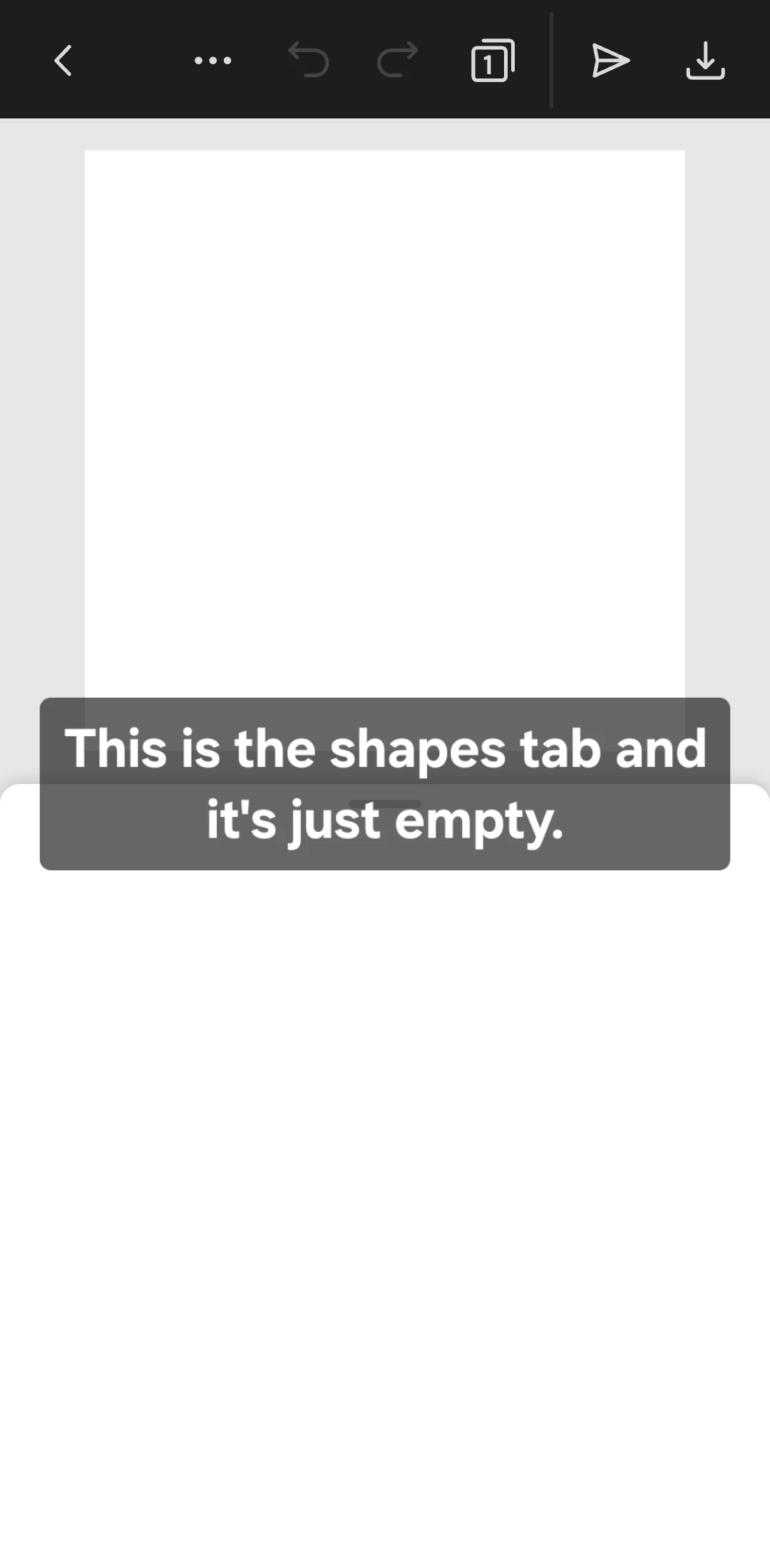
I'm having trouble with the shapes tab not working and taking a long time to load.

  • February 2, 2026
  • 1 reply
  • 23 views

My device: Samsung Galaxy A16

Version: 29.7.0


When I open the shapes tab, the tab itself is simply blank. The app's interface also takes a long time to load. While I could tolerate the long load times, the main thing is that the basic functions work.


I really hope you can fix this problem, as this is the only graphic design app on my phone that I really like.
 

    1 reply

    Tarun Saini
    Community Manager
    Community Manager
    February 3, 2026

    Hi ​@shrimpdisc9,


    Thanks for reaching out! We’re sorry to hear about this. Are you able to access other features of the app? Could you please try signing out and signing in to check if that helps? Try clearing the app's cache on your device.


    If that doesn’t help, please ensure you are running the latest versions of Android and the Adobe Express app. Also, try switching the internet connection, whether you’re on Wifi or Mobile data.


    Let us know, how it goes.


    Regards,

    Tarun

    shrimpdisc9
    Participant
    February 5, 2026

    Sorry for taking so long to respond.


    I tried everything you said, but nothing changed.

    Now I've noticed that other tabs aren't working either.

    I'll just list them:

    Search, Media, Elements, Charts, and Grinds.


    Later, after a long time, instead of the empty tab, an error appeared: Service error.

    Tarun Saini
    Community Manager
    Community Manager
    February 5, 2026

    Thanks for your response and for trying the steps mentioned above ​@shrimpdisc9,


    Please try restarting the device or reinstalling the app, and check if that helps. If that doesn’t work, can you share a screen recording of the issue so we can investigate further?


    Regards,

    Tarun