It was working last night, around 10PM. Then when I checked it earlier this morning, it wasn't working anymore. Not sure what an enterprise-type account is, I only logged in using my personal and school email
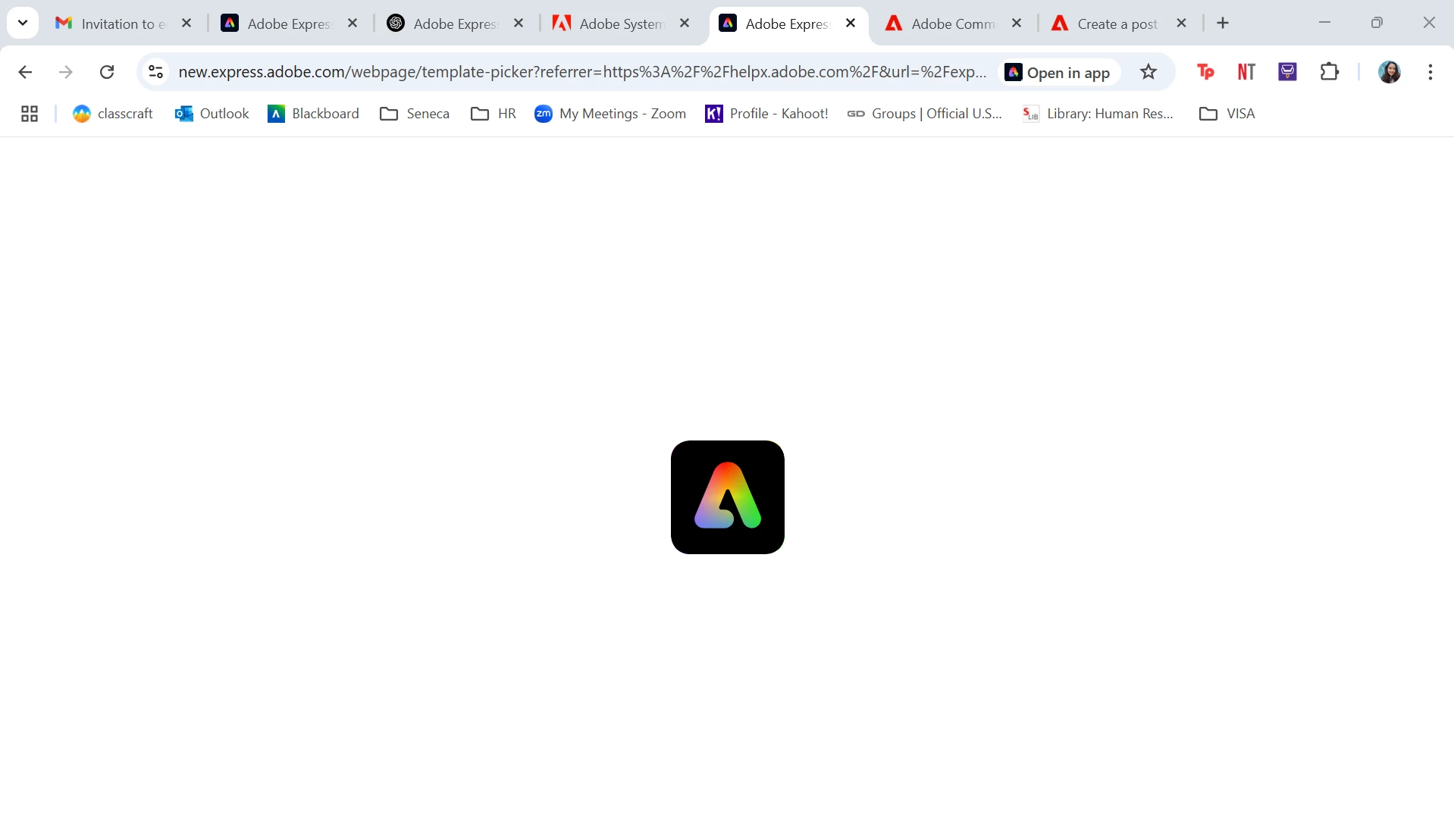
Only webpages I think. I can open my presentation file and edit it but cannot access or create another webpage (in my phone and laptop). I'm not sure if the issue is tied to a specific email because I created 2 more accounts (1 with my school email, 1 with my personal email and paid for the premium) and tried to clear cache/delete history in my laptop but both didnt work. I cannot access it through my phone either (and no one can open it through the share link)
Thank you for the additional details and screenshots. A few other questions, does this happen with all designs or only webpages? Is the issue tied to a specific email regardless of what computer?
I already cleared the cache and history for Chrome, Mozilla and uninstalled the app (laptop and phone). I'm having similar issues with 1 person in my class (we used our Seneca emails) but I paid for the 30-day trial and it's still not allowing me to access my webpage or create a new webpage.
This shouldn't be happening. Since when are you facing this issue? Can you confirm if this is happens on other recommended browsers like Edge, Safari, Firefox? Can you also check if the same is happening when working from private/incognito browsing mode?



 AdChoices