

Not Prioritized
Image editing
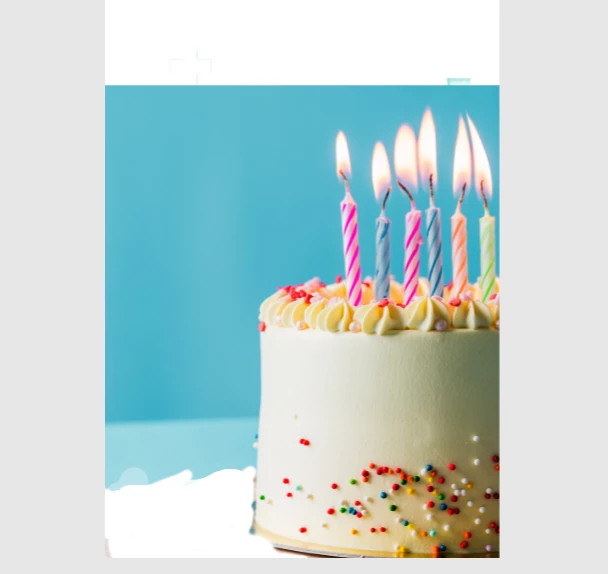
I couldn't find any way to make the areas I erased the same blue as the base image, so that they could blend together perfectly.

I couldn't find any way to make the areas I erased the same blue as the base image, so that they could blend together perfectly.
Already have an account? Login
Enter your E-mail address. We'll send you an e-mail with instructions to reset your password.
 AdChoices