


In the "Recent" bar, the Project Name no longer shows up when hovered over the thumbnails
I have numerous projects that are meant for different products, however look very similar for uniformity especially when turned into a very small thumbnail. Quite recently, I have realized the Project Name itself no longer appears when I hover over the project thumbnails in the Recent bar in the Home page (in the image, second thumbnail is hovered over, without the Project Name popping up).
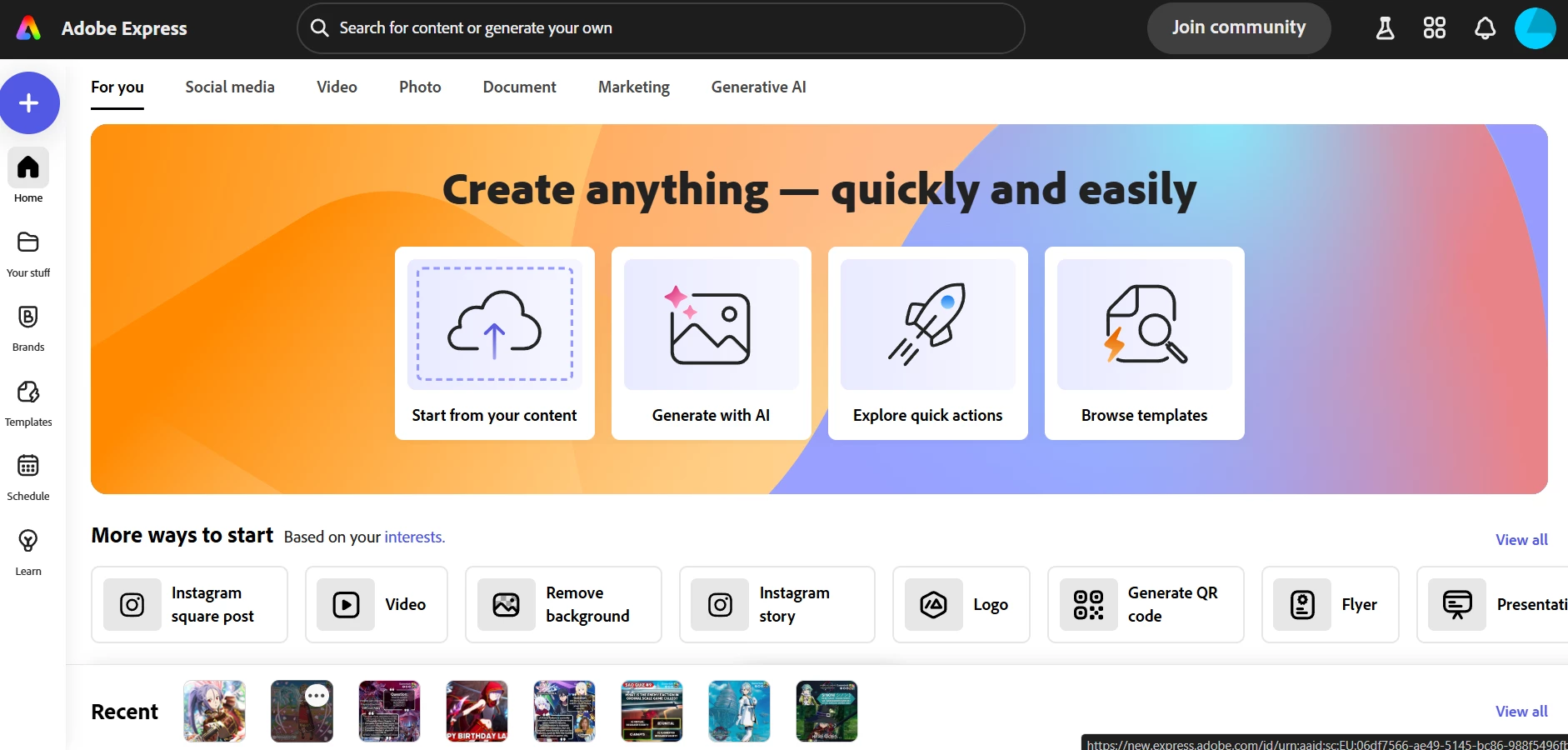
This makes it extremely frustrating to differentiate which project is meant for which product due to their uniformity, squeezed into an ant sized thumbnail (and Your Stuff is not even a reasonable workaround, due to an update from months ago enforcing every single image you upload to get added there as an "asset" with no way to disable it, turning it into an eternal garbage area with no good overview). And then I have to head into Your Stuff, filter for specific file types, scroll around, what used to be a single click on the welcome page is now a minor inconvenience that adds up over time every time I log into Adobe Express.
I cannot put into words how mildly infuriating it is to keep getting useful UI elements randomly get removed. The ultimate goal should always be to improve the usability of the app while maintaining simplicity for something like Express. Yet I have been using Express for 2 years, yet all I see is an unnecessary increase in complexity while removing intuitive simple features (looking at you "Pages" that used to appear as a collapsable on the lower portion inside a Project that inexplicably disappeared one day and cannot be turned back on). And somehow with all the intuitive UI elements being removed, the UI is getting bloatier and larger to cover even more of my screen real estate with less actual value/usability.
 AdChoices