


Participant
September 25, 2025

Instagram account wont connect to Express Scheduler

  • September 25, 2025
  • 2 replies
  • 124 views

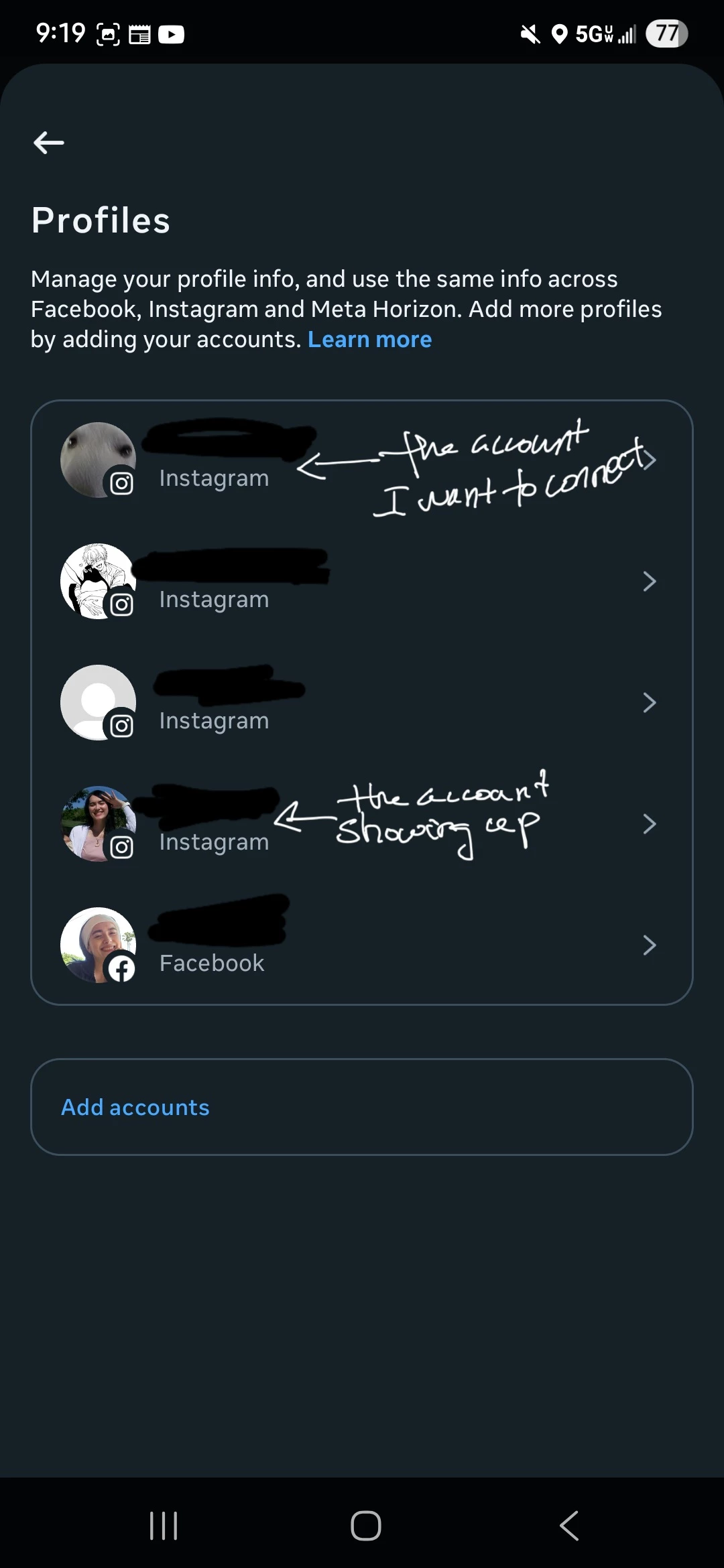
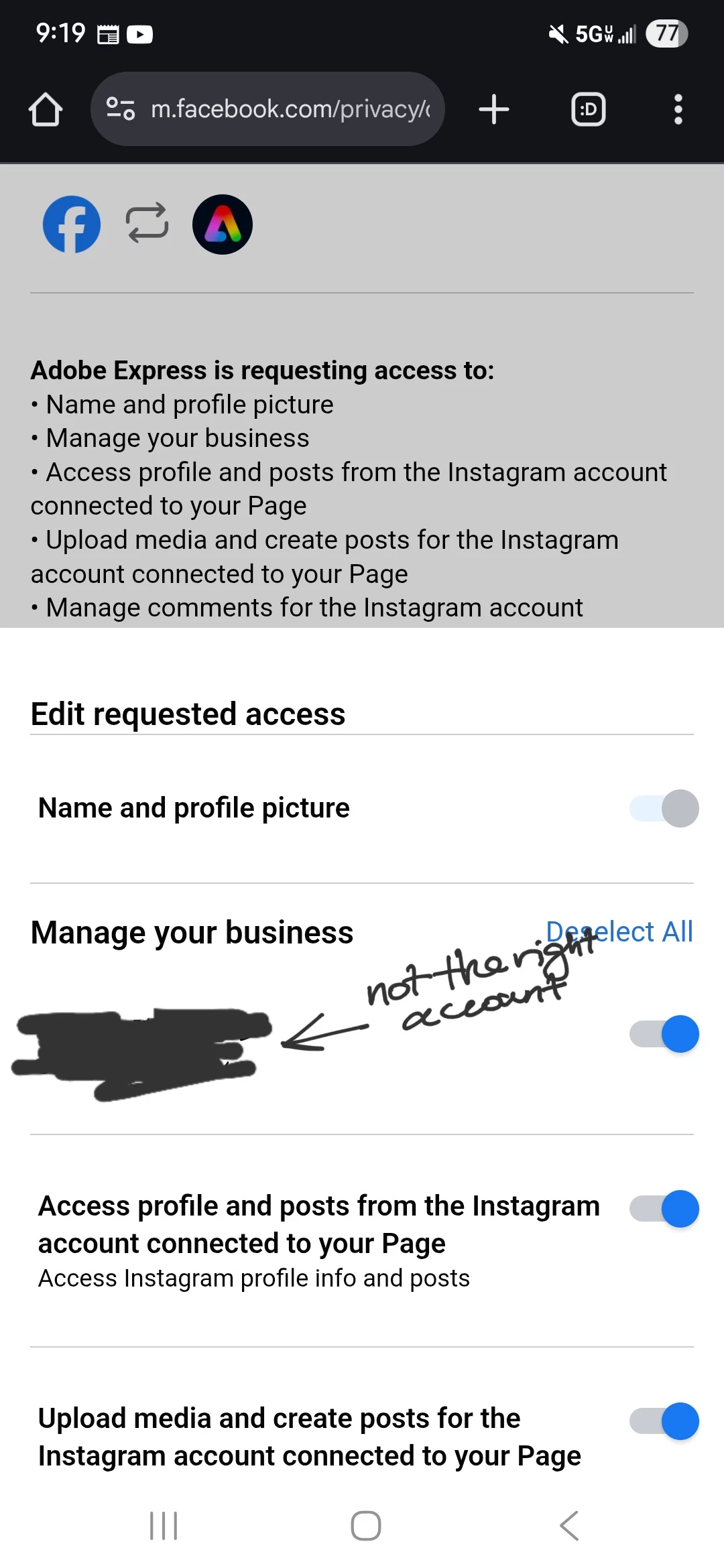
Hello-- I've been trying to connect an Instagram (professional) account to scheduler but nothing has been working. Its only displaying my main IG account when I see the connection options.
2 replies

shepaurdAuthor
Participant
September 30, 2025

Hi Mahmoud--

I followed step number 2 and it worked. Not sure how or why, but it did. Thank you!

Community Manager
September 30, 2025

Hi @6895756,


Great to hear that it worked! Sometimes a simple step can resolve connection issues. Thank you for letting us know, and feel free to reach out anytime if you need further help with Express Scheduler.


^MM

Community Manager
September 26, 2025

Hi @6895756,


Sorry, you’re running into trouble connecting your Instagram Professional account to Adobe Express Scheduler. Let’s try a few steps that usually help:

1. Check account type – Make sure your Instagram is a Business or Creator account; personal accounts aren’t supported for scheduling.

2. Connect to a Facebook Page – Your Instagram must be linked to a Facebook Page you manage:

  • Go to Settings > Account > Switch to Professional Account in Instagram.

  • Link it to a Facebook Page you manage.

3. Revoke and reconnect permissions – Sometimes a refresh helps:

  • In Adobe Express Scheduler, go to Manage Connections.

  • Remove Instagram if listed, then Add New > Instagram > Connect via Facebook, granting all permissions.

4. Clear cache / try another browser – Outdated data can block connections. Use Incognito/Private mode if needed.

For full instructions, check this guide: https://adobe.ly/4pGumrt

If these steps don’t work, please share more details here. We’ll help you troubleshoot further!


^MM