


iOS app has no option to switch to the licensed user or profile
Product: Adobe Express mobile app
Platform: iOS
I have a master account with a licensed master user and another user without a license. In the iOS app, I cannot find a way to switch to the licensed user or profile, so I cannot work on my projects from my phone.
Steps to reproduce:
1. Open Adobe Express on iOS and sign in.
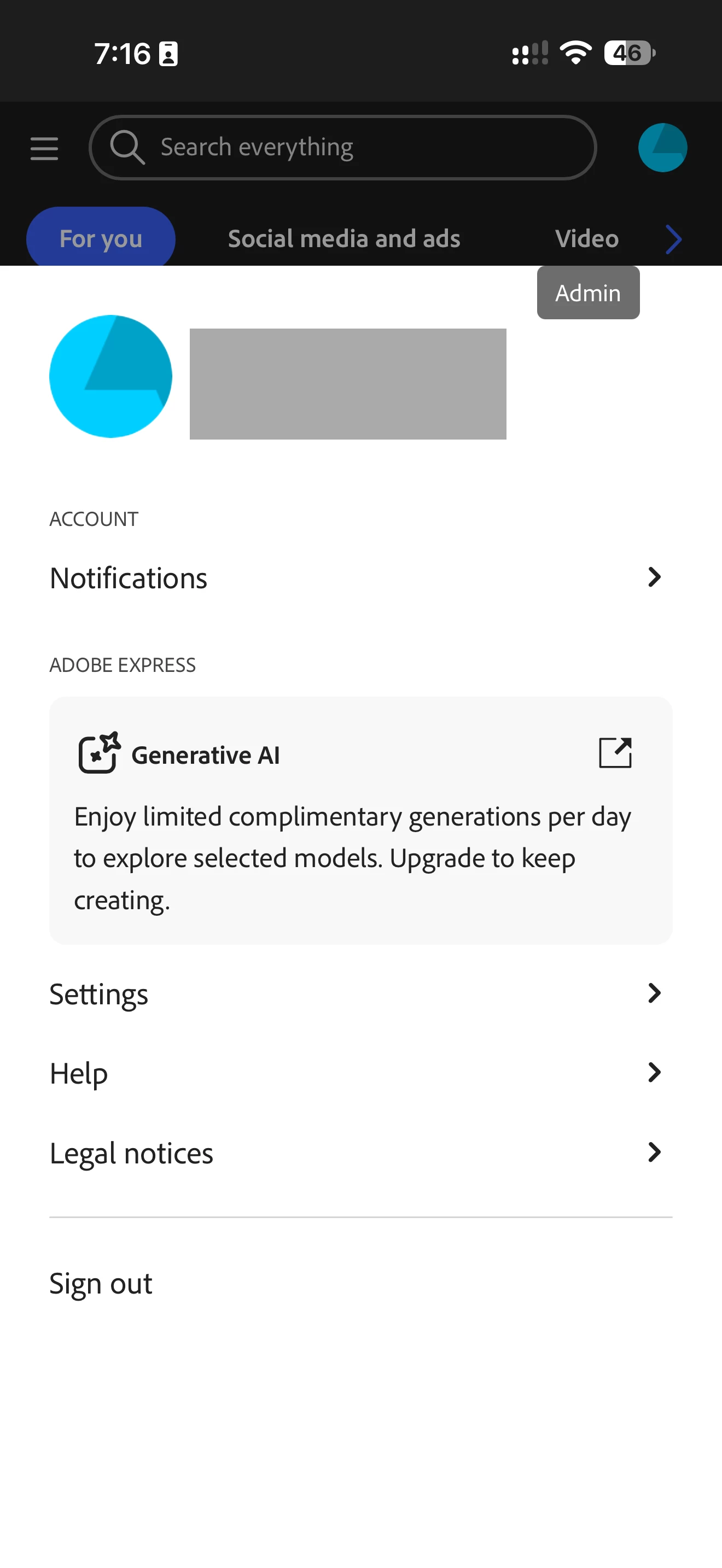
2. Tap the profile icon to open the account screen.
3. Look for an option to switch to the licensed user or profile.
Expected result: I can select the licensed user or profile and access my projects.
Actual result: The account screen shows a Sign out option but no way to switch users or profiles. I cannot access my projects to work on them from the mobile app.
Please investigate and let me know how to switch to the licensed user or profile on iOS.
 AdChoices