Participant
July 3, 2024

JPG to PDF then adding a page doesn't work

  • July 3, 2024
  • 1 reply
  • 216 views

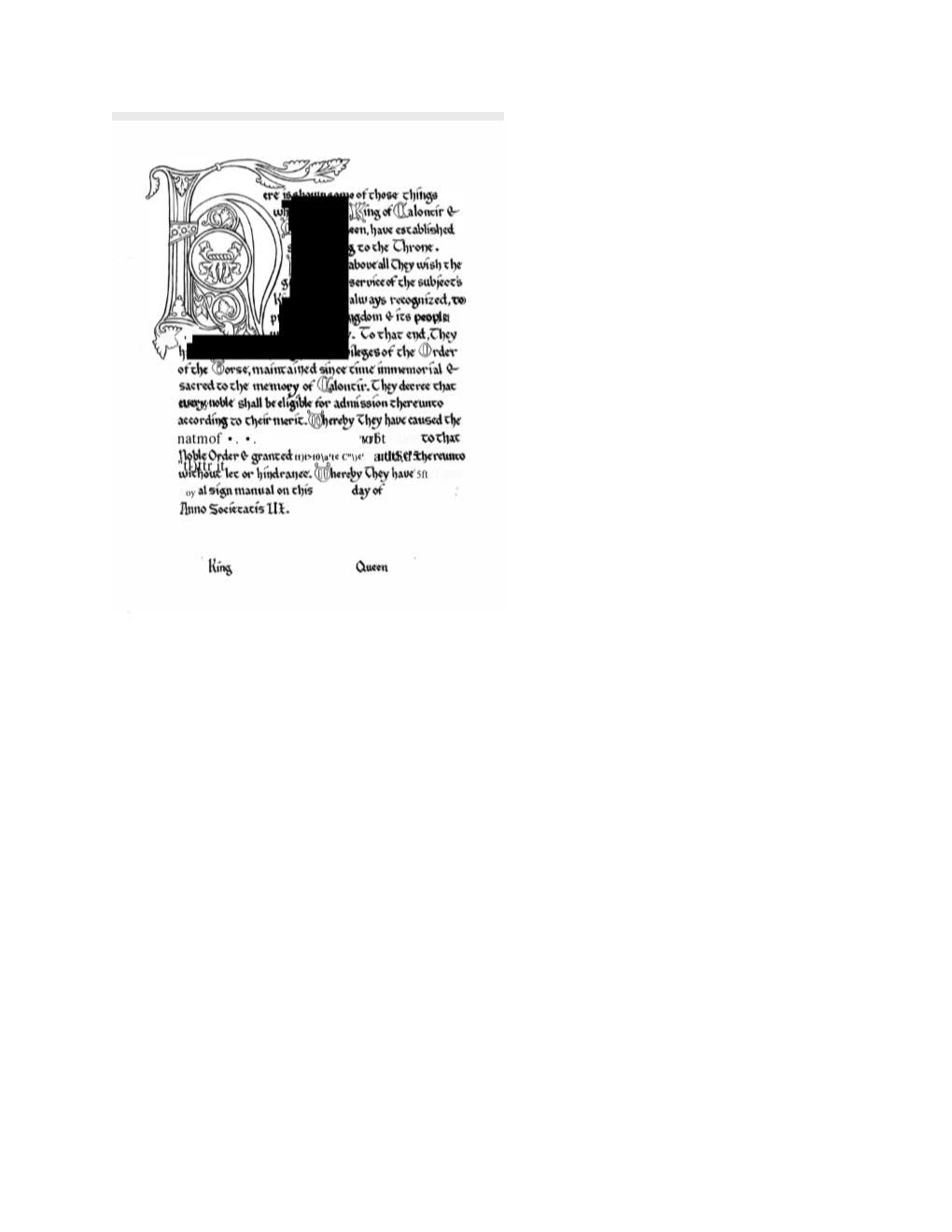
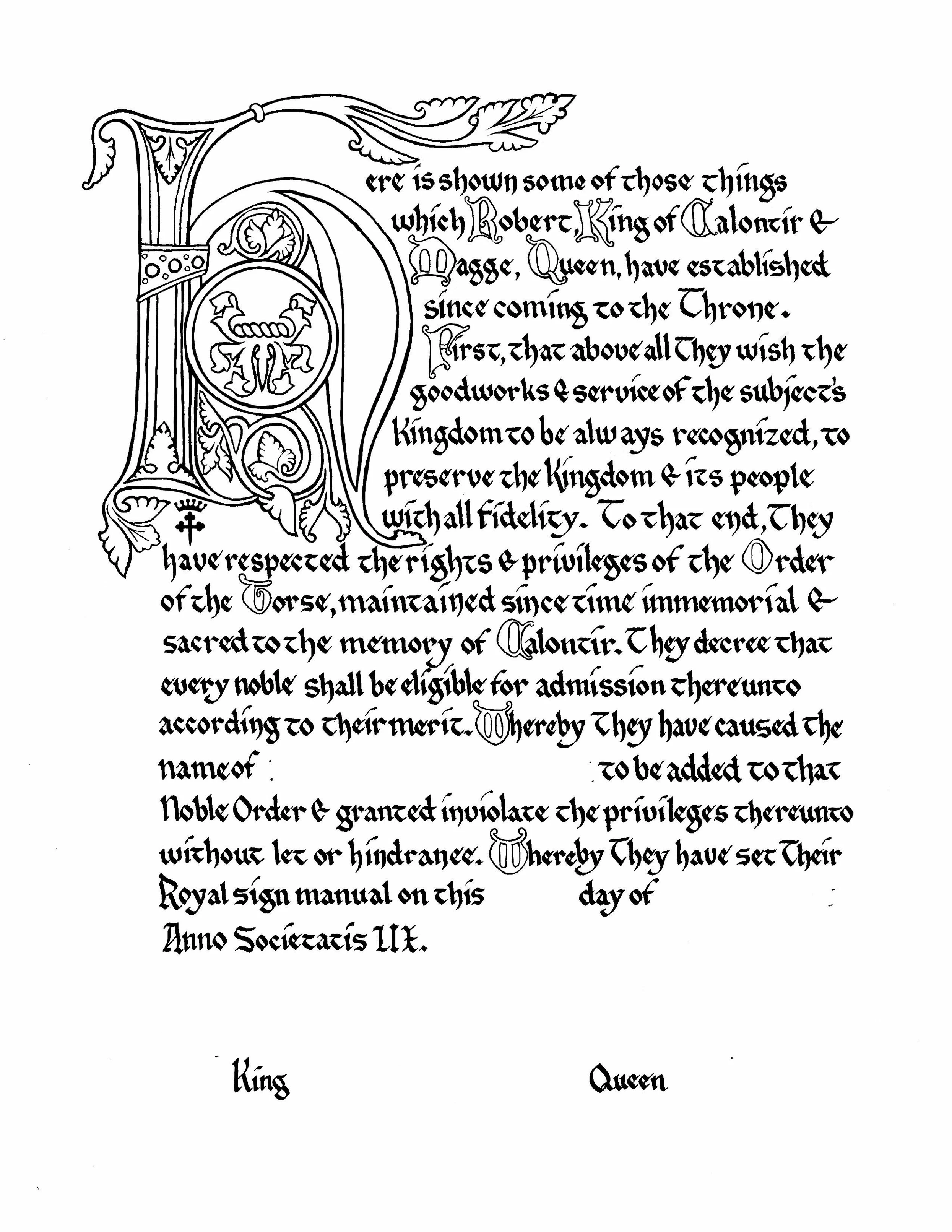
I'm trying to convert jpg files of stylized text and art to PDF. Had no problem with this on the first few. Now, PDF (Pro version 17.0 on Windows 11) is creating large blocks of black over parts of the text, which can't be removed. No idea why. I also have Photoshop Elements v. 20.0, and have tried saving the images there first, either as jpg or as PS PDF. Same results. The error message says I'm not allowed to try and edit the PDF by trying to add a second page because I'm working in Adobe Express, but I can do this in Adobe Acrobat. However, I *am* working in Acrobat, which I've verified multiple times. Extremely frustrating. 


This topic has been closed for replies.

1 reply

Tarun Saini
Community Manager
Community Manager
July 22, 2024

Hi 

@defaulty6rrwuhzbf0z

,


We're sorry to hear about this. Could you provide more details on how to reproduce the issue? What steps were you following? 


Have you tried using the other suggested browsers (Safari, Microsoft Edge, and Google Chrome) to see if it makes a difference? Also, try clearing the browser's cache and cookies and let us know if that helps.


Regards,

Tarun

Participant
July 22, 2024
It seems to only happen using "new Adobe." When I use "old Adobe," and the
"organize pages" and "Insert blank page" I have no issue. Every single
time I attempt a similar maneuver with pages similar to what I uploaded in
the initial queue, same problem occurs. Large blocky areas are blacked out,
as if "new Adobe" has decided to randomly draw rectangular marquees around
parts of the script and art, and then replace them with black.