


Lost editing access to my own Adobe Express webpage
Dear Adobe Express Support,
I am experiencing an urgent issue with an Adobe Express webpage that I created for my university assignment.
I created this project using my Adobe account:
The published webpage is still available:
https://new.express.adobe.com/webpage/IhDvfRoNuYMQG
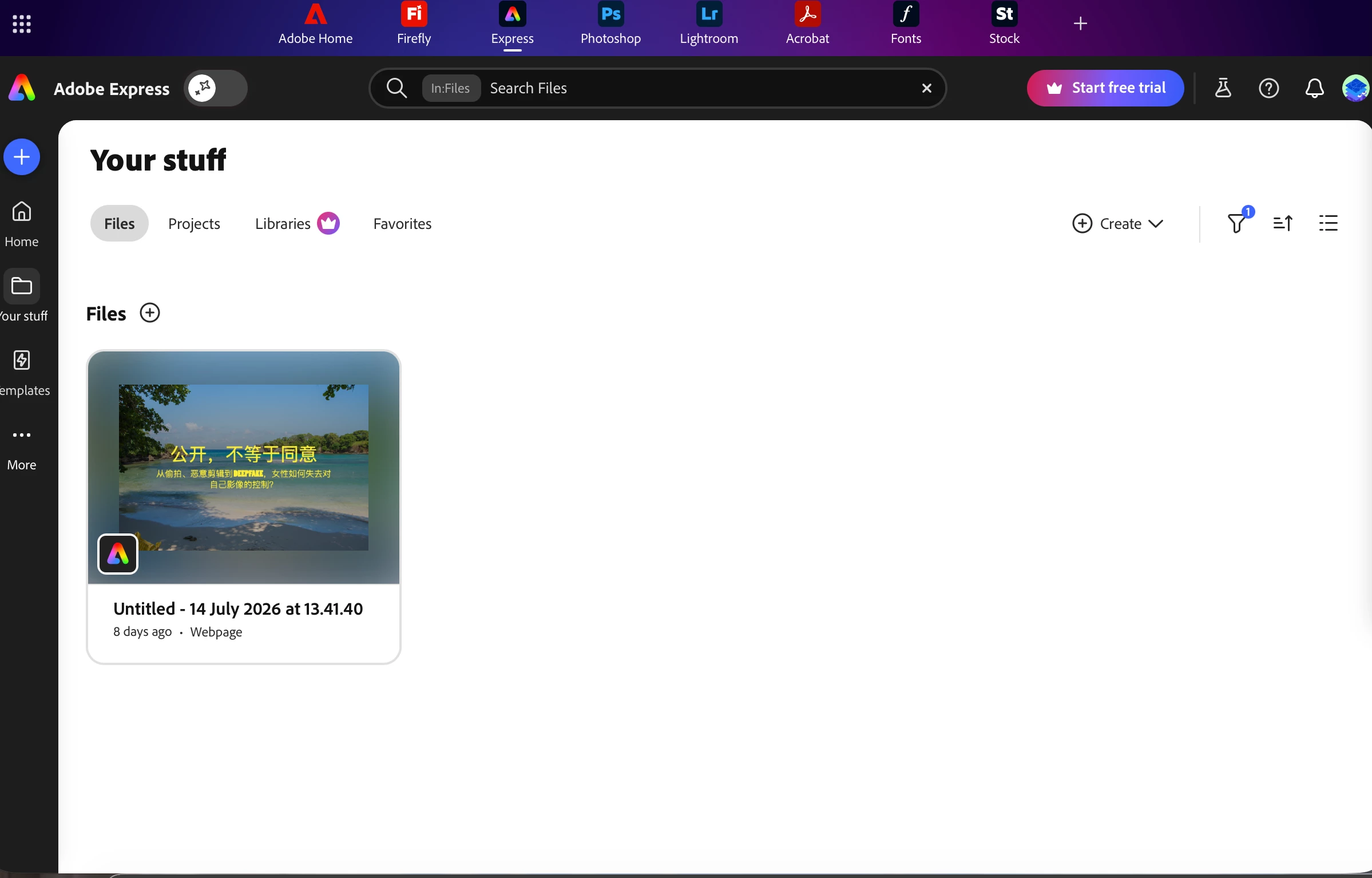
However, the editable project has completely disappeared from my Adobe Express account.
I have confirmed that:
- I am signed in with the same Adobe account used to create the project.
- The project does not appear in Your Files, Projects, or Deleted.
- The published webpage is still accessible.
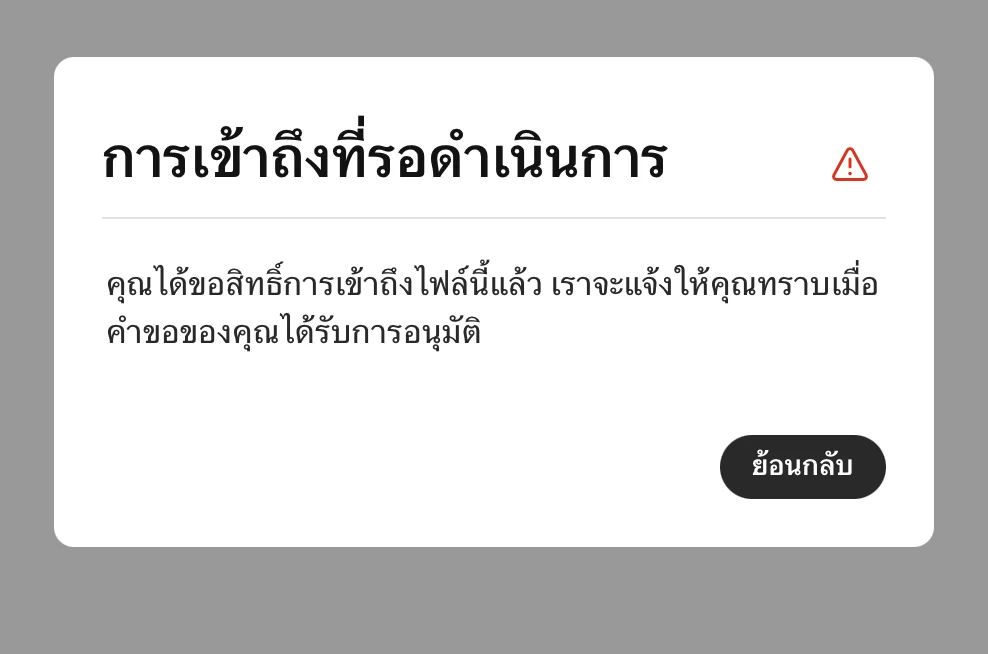
- When I open the original design URL from my browser history, Adobe tells me that I need to request access to the file, even though I am the creator.
I found the original design URL:
Project URN:
urn:aaid:sc:AP:110b9d79-8bc0-5250-8db0-471299c09a43
Since the project still has a valid design URL and published webpage, I believe this may be an ownership or permission issue rather than deletion.
My assignment is due tomorrow, so I would sincerely appreciate any urgent assistance in restoring my editable project.
Thank you very much.
Kind regards,
Ziqing Zhou

 AdChoices