


Participating Frequently
June 20, 2025

Media didn’t Import issue

  • June 20, 2025
  • 18 replies
  • 5632 views

Hey for the last week or so I've been getting this error. 


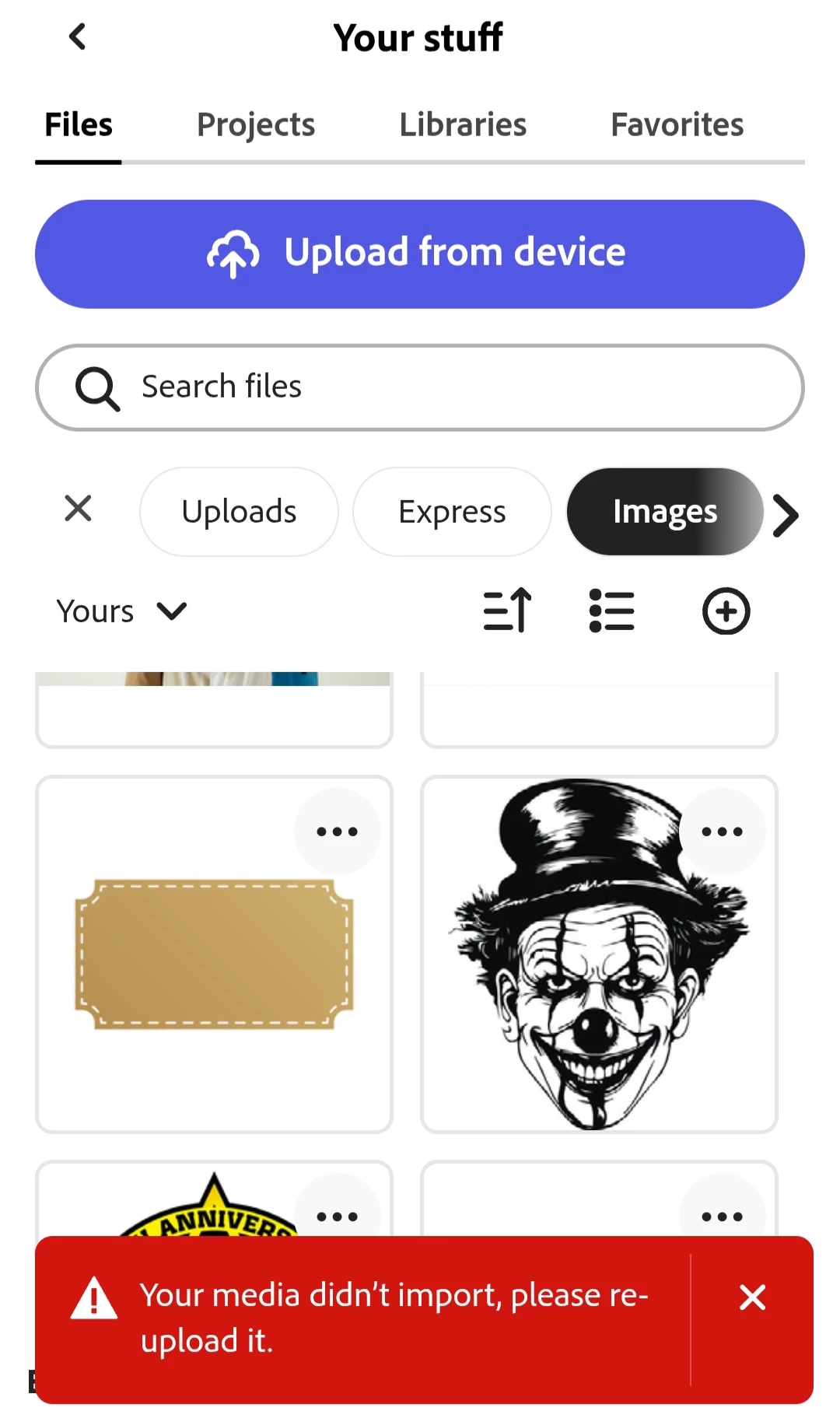
"Your media didn't import, please re upload it." 


This is for every single image I've ever uploaded. Even after I upload an image again it still doesn't import and gives the same error. When I go to "My Stuff" I can see these images multiple times but none of them will import. Anyone else having this problem or know how to fix it? There was an update to the app yesterday but this did not fix the issue. This is frustrating when im trying to work fast as I dont want to have to upload the same image I already uploaded 20 times.
 

18 replies

Participant
June 27, 2025

I get the same error with some images, I'm using images from a shared library (adobe stock) and some work and others don't the majority of the images don't.  We specially use image libaries because those are brand approved photos based on style/composition, and it reduces the time our users will spend while selecting images. 

Participating Frequently
June 27, 2025

These are the exact issues I created this thread for glad to see others are speaking up about it and it's not just on my end. I'm still experiencing the same problem.


The images/assets upload fine at first, but when we try to add abd use them later when choosing them from the "Your Stuff", tab it says they didn’t import. I end up having to re-upload the same image/assets over and over again everything I want to add them to a project.

Adobe Employee
June 27, 2025

Hi @kate_9919 @shawna_8112 @Matt29992174ax3h 


Thanks for reporting; I have escalated this with the relevant engineering team.

Will post updates here.


Abhi G


Participant
June 27, 2025

Hi all, 


I've been experiencing this issue for the last week, where I'm unable to use any of the images and videos I've uploaded. Everything was working fine till last week, and now I can't use any of the items I already had preloaded.


I am using a desktop computer, and all the items are uploaded from a desktop. Everything was working fine, and now this is happening. I also use Google Chrome as my browser. 


I have cleared my cache, too. 


Attached is a quick screenshot of the error message. It's getting really frustrating, and I don't want to have to go through and remove all my media and reupload. 

Participant
June 26, 2025

- Is this happening on both desktop and mobile?

Yes, it is both desktop and mobile
- Are the images you are trying to upload all from the same source?

Not necessarily, as I have uploaded some from my computer and some from my phone, depending on which device I was working on when I originally uploaded
- What is the operating system version used where the issue is occurring?

I work on Apple devices - so for my MacBook Pro (15.4.1) - for my iPhone (18.5)

Participant
June 26, 2025

I am having this exact issue and have been for about 2 weeks or more. It's incredibly frustrating. If I reupload the same image, it will work fine, but I shouldn't have to keep uploading the same assets that are usually just stored in my Adobe account, which I use regularly.

David__B
Adobe Employee
Adobe Employee
June 26, 2025

Hi @shawna_8112

Sorry to hear about your difficulties. I think some previous suggestions from Amitej would be worth trying in your case, too.

I also wondered about these:
- Is this happening on both desktop and mobile?
- Are the images you are trying to upload all from the same source?
- What is the operating system version used where the issue is occurring?

Thanks,
Dave

Participating Frequently
June 20, 2025

Hey AmiteJ it's literally every single image i've uploaded ever, none of them work anymore. Not even the ones that have been uploaded and have worked without issues for the last year or more. Not a single image uploaded will import to a project. File types are JPG & PNG and i have hundreds uploaded that have always worked and now don't. This error happens on both desktop brower version on Chrome & Edge. It also happens on the mobile version. This just started recently in the last week or so. Normally I would click a image to add to a project and it would work flawlessy then all of a sudden I tried to import the same images to another project and started getting the error since.


i've cleared cache. restarted phone, restarted computer. This has to 100% be some kind of issue coming from the Adobe side.

Amitej S
Community Manager
Community Manager
June 20, 2025

Thanks for the additional info @Matt29992174ax3h, we tried replicating the issue on both mobile and web platform, and it worked fine for us. 

Can you share some of the images that don't upload for you? Also, please share the OS on your mobile device with its model details. 

Can you also try uploading the same images from incognito/private browsing mode to see if that makes any difference? 


Amitej S
Community Manager
Community Manager
June 20, 2025

Hey @Matt29992174ax3h, welcome to our Adobe Express community! 


Can you please confirm the image file format you're trying to upload? If you could share that image, we can try to upload it on our end and check it. Please share the details of the device's make and model, the installed OS, and the app version. 

Also, is it happening with all the images you're trying to upload?


Please let us know the details so we can assist you. 

Thanks!