


Not Able to Download Project as PDF
I have been trying to download my project in PDF file format but have been unable to due to the below error message:
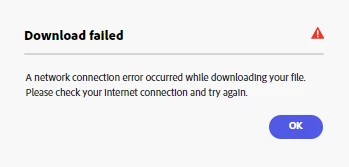
Download failed. A network connection error occurred while downloading your file. Please check you internet connection and try again.
I am on Windows and am using the desktop web version, have tried using different browsers (Edge and Chrome), have cleared my cache/cookies in both, have tried incognito mode on both and nothing has worked. I have internet connection with no issues accessing a network. I am on a work computer and have addressed this issue with our IT department (to no avail), have had others try and download the project in PDF format and they also are not able to. It seems to be a problem on Adobe's side.
I am able to download in PNG and JPG format, just not PDF.
Could definitely use some help on this.
 AdChoices