


Please help
I have made a draft poster about one month ago. This morning I logged in to Adobe Express again to make simple amendments (only the color and location of some text or icons) to my draft. Upon completion, I attempted to download the finished product in png format as usual. But an error message "Download failed" saying that some assets can no longer be used and asked me to delete assets marked with the failed icon (a red circle icon with a red exclamation mark in a white triangle in it) and re-upload them or try a different asset. And the problem is, I did not see any "failed icon" on the page and the "layer" part.
Please advise what I could do....the image is really really important for my work. Thank you in advance for any kind assistance that you would offer.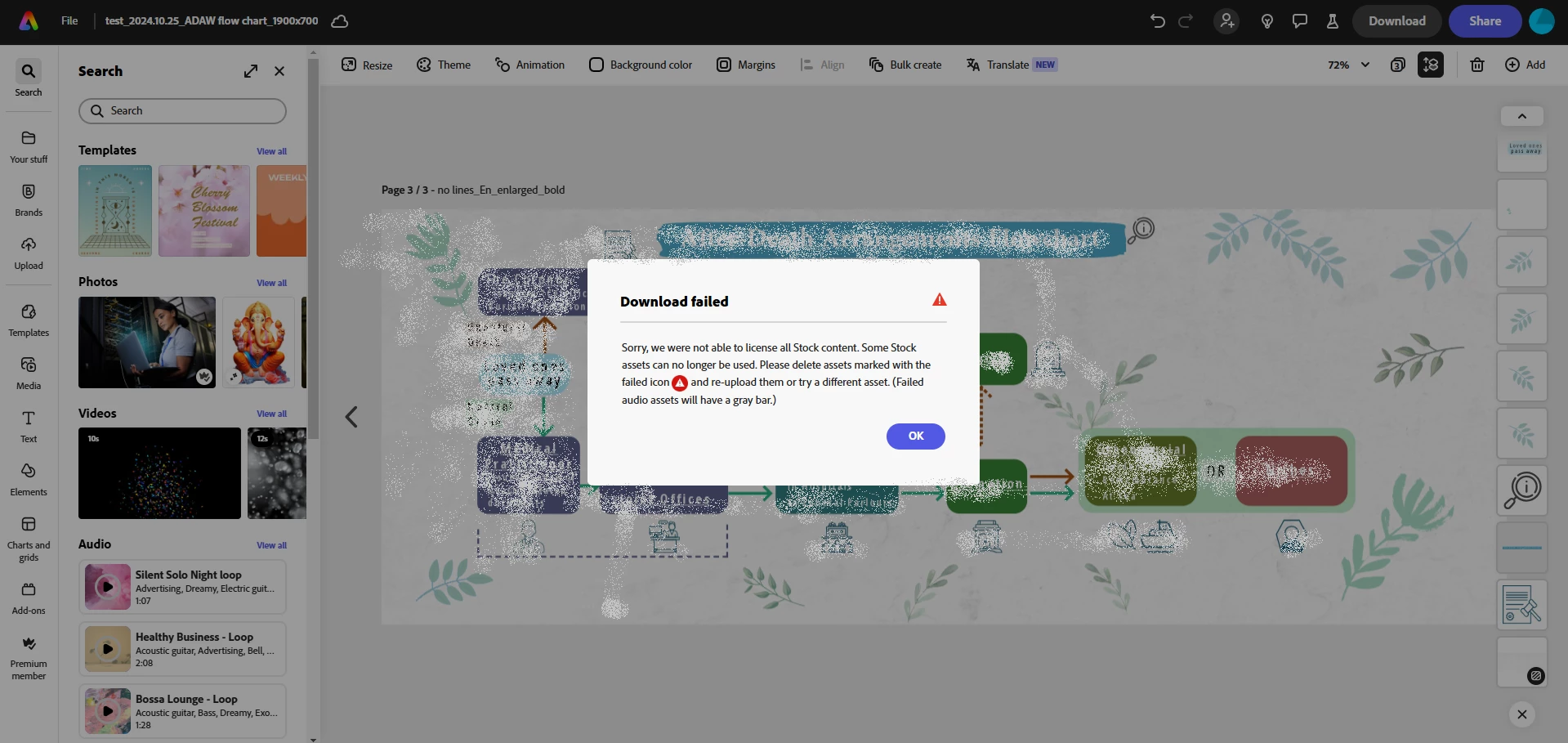
 AdChoices