Participant
December 3, 2024

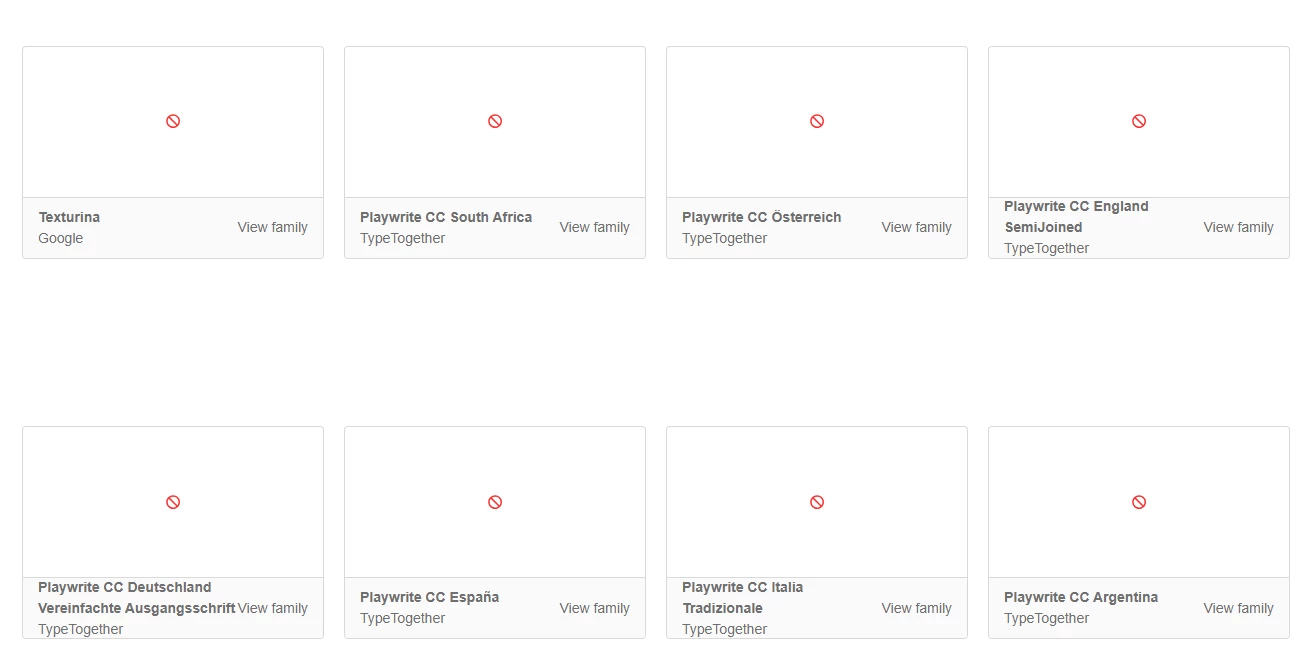
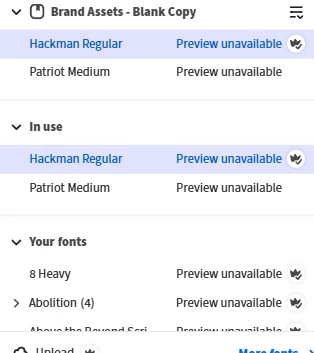
Preview Unavailable for Express and Fonts
  • December 3, 2024
  • 2 replies
  • 230 views

I cannot view or add new fonts on Express and Fonts. I have tried turning on and off the sync and fonts at creative cloud and also reinstalled EVERYTHING yet the issue still occurs. 

2 replies

Participant
August 14, 2025

Having the same issue. Does this have any resolution?

Community Manager
August 14, 2025

Hi @phil_6936,


We’re sorry for the inconvenience. Font previews in Adobe Express and Fonts may be unavailable due to a sync or cache issue. Please sign out and back into both Adobe Express and the Creative Cloud Desktop App, toggle font sync off and on, and clear your browser cache or try a private window. If the problem continues, share your account details and a screenshot via DM so we can investigate further.


^MM

Tarun Saini
Community Manager
Community Manager
December 4, 2024

Hi 

@Ronmoney123

,

Welcome to the community! We're sorry to hear about this. Please try using the other suggested browsers (Safari, Microsoft Edge, and Google Chrome) or incognito mode to see if it makes a difference. Make sure you're signed in with your correct Adobe ID.


Also, try clearing the browser's cache and cookies, restart the browser and try again. For more information on how to clear cache and cookies, check this link- https://adobe.ly/3D8zErH


Let us know how it goes.


Regards,

Tarun