


Participant
September 24, 2024

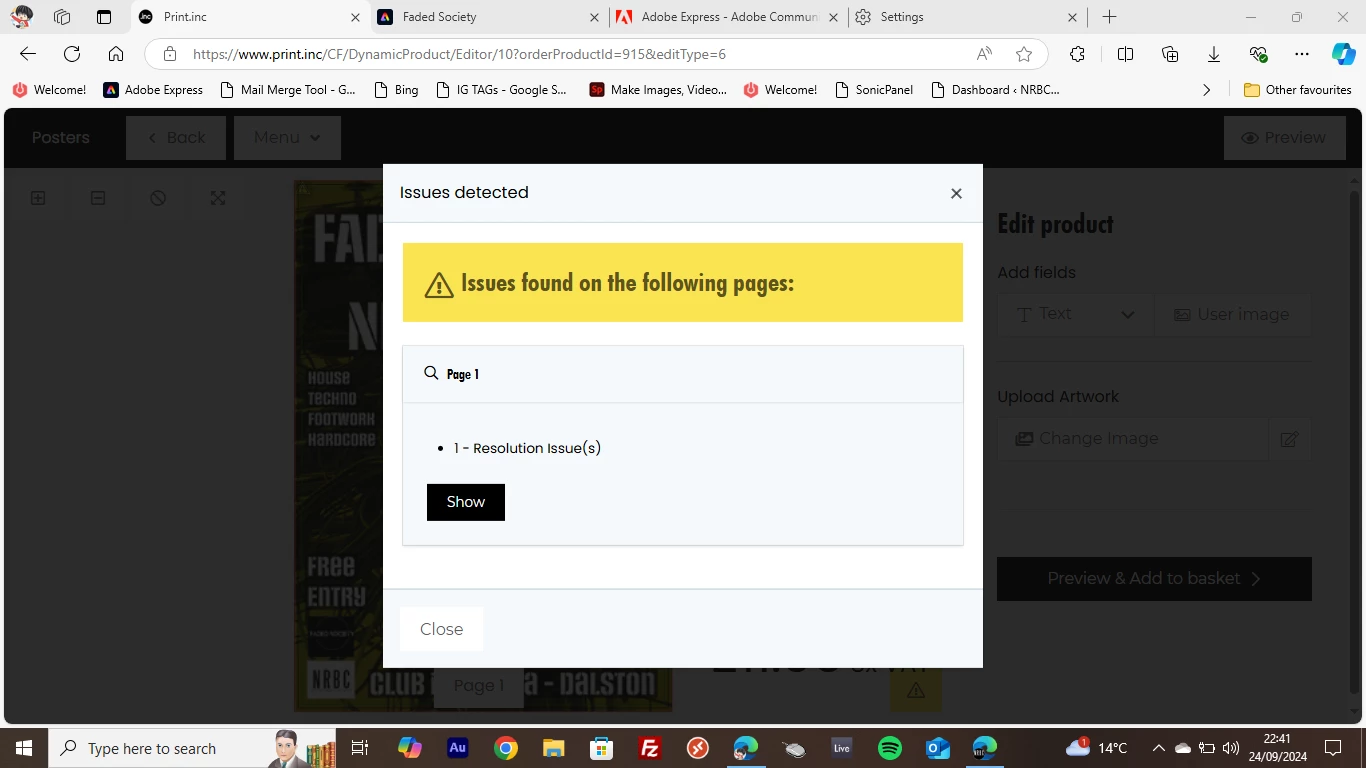
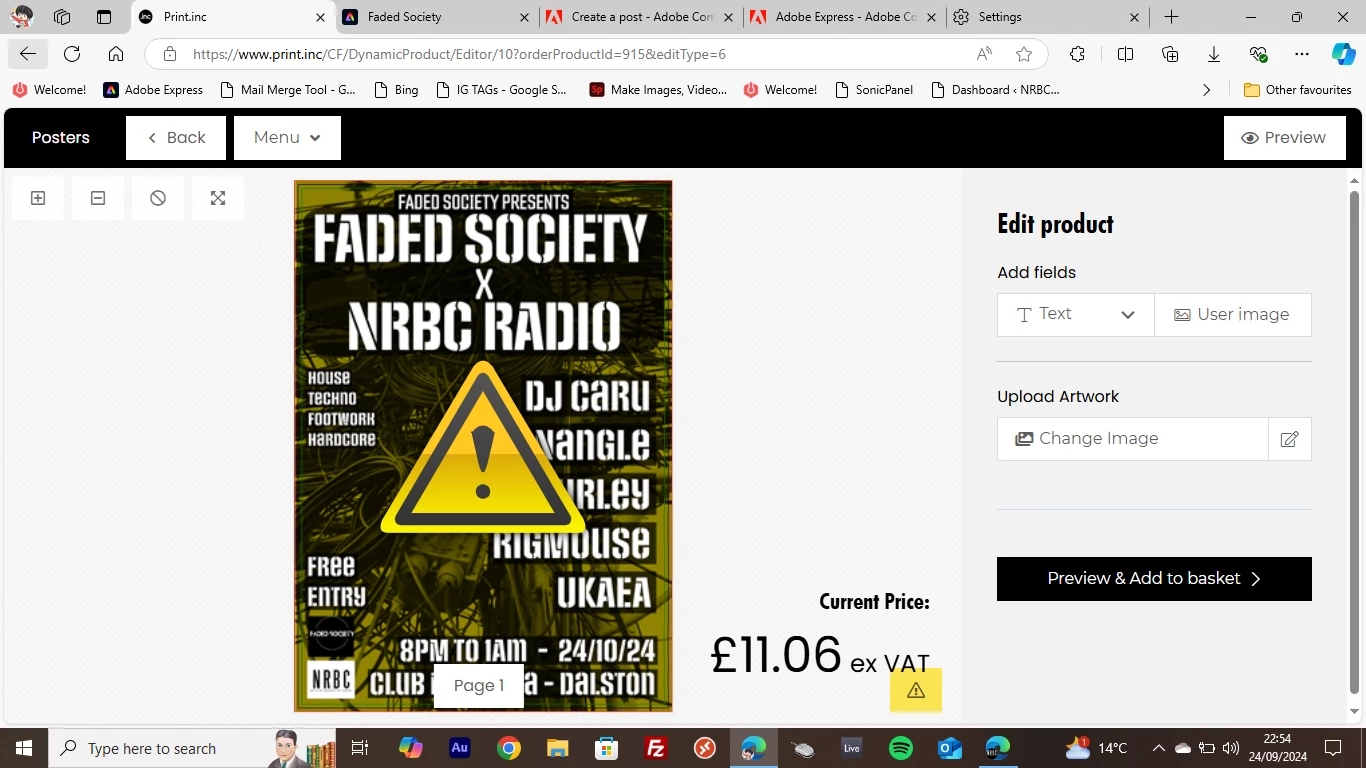
Print.inc is telling me my image has resolution issues when using poster format from Adobe Express

  • September 24, 2024
  • 2 replies
  • 109 views

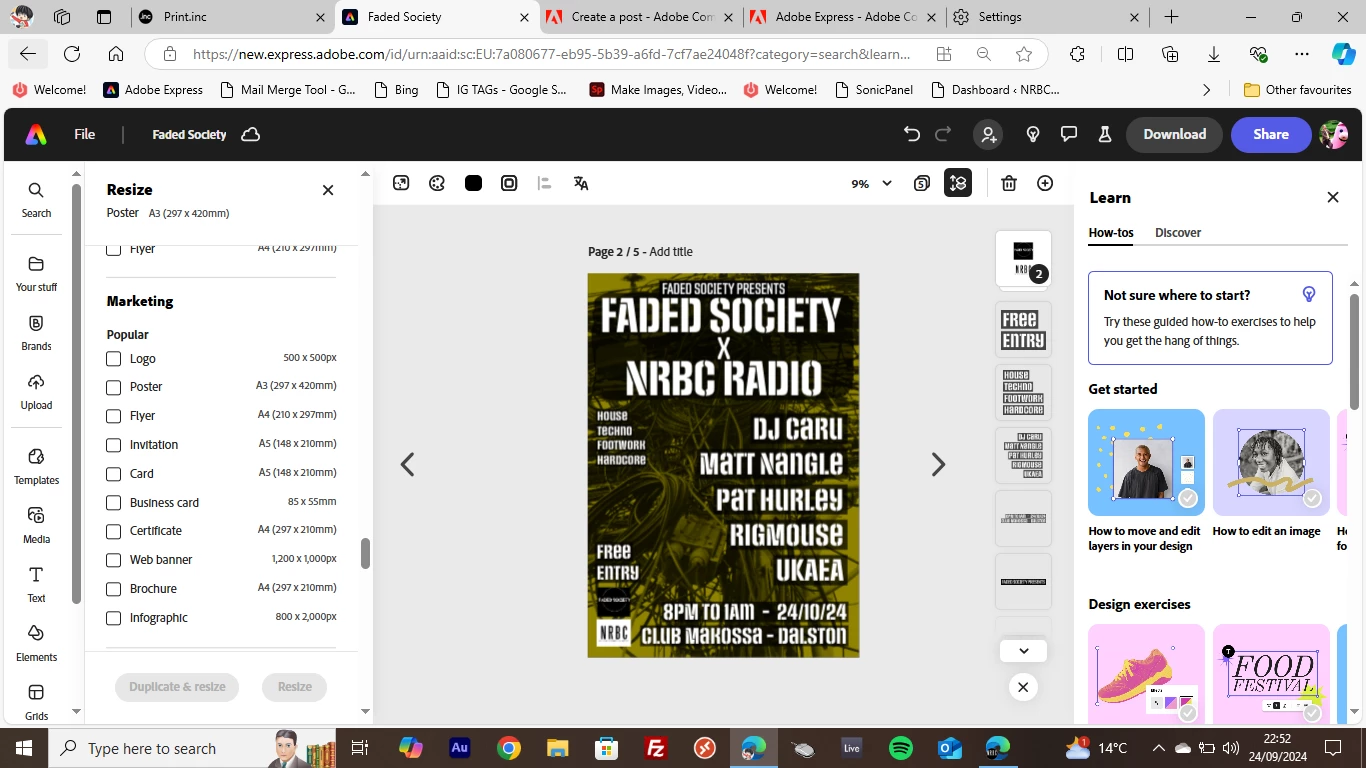
I'm trying to print some A3 posters for an event. I've re-sized my design on Adobe Express to an A3 poster and downloaded it for use. When I upload the PNG to Print.inc the tool is telling me the uploaded .png has resolution issues, I'm unsure whther there is a resolution issue or not
2 replies

RigMouseAuthor
Participant
October 2, 2024

Hey Tarun,


Thanks for responding! I was trying PNG as I assumed it was the highest quality but didn't try JPG. Clicking SHOW didn't provide anymore information unfortunately so I gave up on Print Inc


I decided to switch to Vista Print to print some A3 posters and A5 flyers and I've had absolutely no issues uploading the image.

I also opened up the PNG in Photoshop and other programs and the resolution and size was exactly as it was on Adobe Express


So I've concluded that this issue must be with Print Inc or something external to Adobe Express 🙂

Tarun Saini
Community Manager
Community Manager
October 2, 2024

Hi 

@RigMouse

,


Are you exporting the file as PNG? Have you tried using other formats like JPEG to see if https://adobe.ly/3N5Mj0y detects the same issue? Does https://adobe.ly/3N5Mj0y specify the exact resolution issue, such as the image being too low in DPI or pixel dimensions? Can you click on the Show to see the exact issue?


Also, have you checked https://adobe.ly/3N5Mj0y’s specific resolution guidelines or requirements for uploading files?


Regards,

Tarun