7 replies

Participant
September 12, 2025

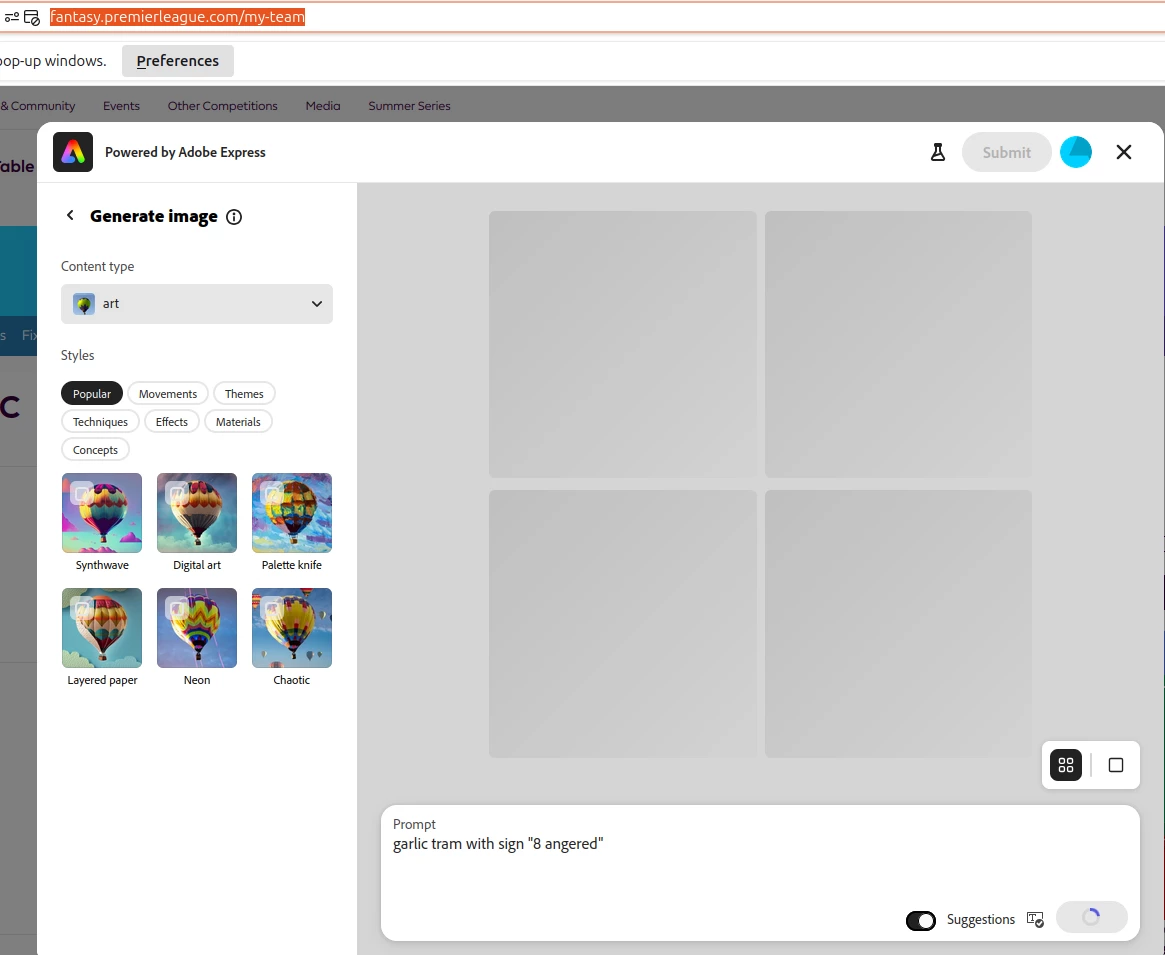
I'm having exactly the same issue as @aebomination , I've designed my badge, had it approved, and it's now showing as a broken link in the Team Badge section of the site - was there any resolution to this @mahmoud_5524 ?

Community Manager
September 12, 2025

Hi @moray_c,


Thanks for sharing this! We understand how important it is for your badge to display correctly. Please try clearing your browser cache, reopening the project in Adobe Express, or republishing the badge. If it still shows as broken, share your Adobe ID and project link so we can investigate further.


^MM

Community Manager
August 18, 2025

Hi @aebomination ,


I have received your message and I'm following up with the engineering team. Once I have an update, I will get back to you.


Thanks for your patience.


ˆMM

Participant
August 15, 2025

@mahmoud_5524 Sent you the DM

Participant
August 12, 2025

Well, even after creating, my team badge is not showing.

What is wrong with this new feature? We should be able to upload our own creations as well.

Community Manager
August 12, 2025

Hi @aebomination,


Thank you for sharing this. We’ve forwarded your report to our engineering team for review. Could you please send us your Adobe ID via direct message so we can investigate further?
To send a DM, click on our profile and select “Send a Message.”


^MM

Participant
August 6, 2025

Worked again later yesterday.

Participant
August 6, 2025

I have the same problem; I gave up

Tarun Saini
Community Manager
Community Manager
August 6, 2025

Hi @Brave_person1682,


Welcome to the community! We're sorry to hear about your experience. Have you tried the steps mentioned above? We've shared the issue with our product team and they are looking into this. Meanwhile, can you please share your Adobe ID with me via private message?


Regards,

Tarun

Tarun Saini
Community Manager
Community Manager
August 5, 2025

Hi @social_helper1450,


Thanks for reaching out! We're sorry to hear about this. Did you try using the other suggested browsers (Safari, Microsoft Edge, and Google Chrome) or incognito mode to see if it makes a difference? 


Also, try clearing the browser's cache and cookies, and restarting the browser and try again. For more information on how to clear cache and cookies check this link- https://adobe.ly/4a5ipUF and how to use incognito mode- https://adobe.ly/4a2UzZV 


Regards,

Tarun