Jessicarrrh7
Participant
April 10, 2026

Remove background utility not downloading
  • April 10, 2026
  • 1 reply
  • 54 views

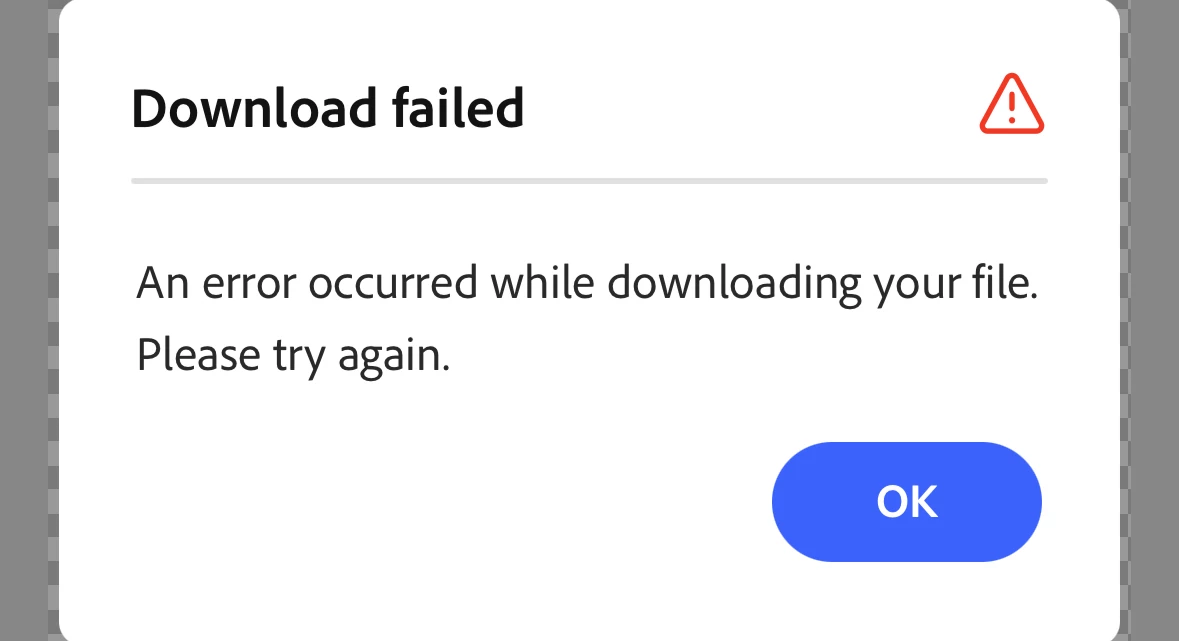
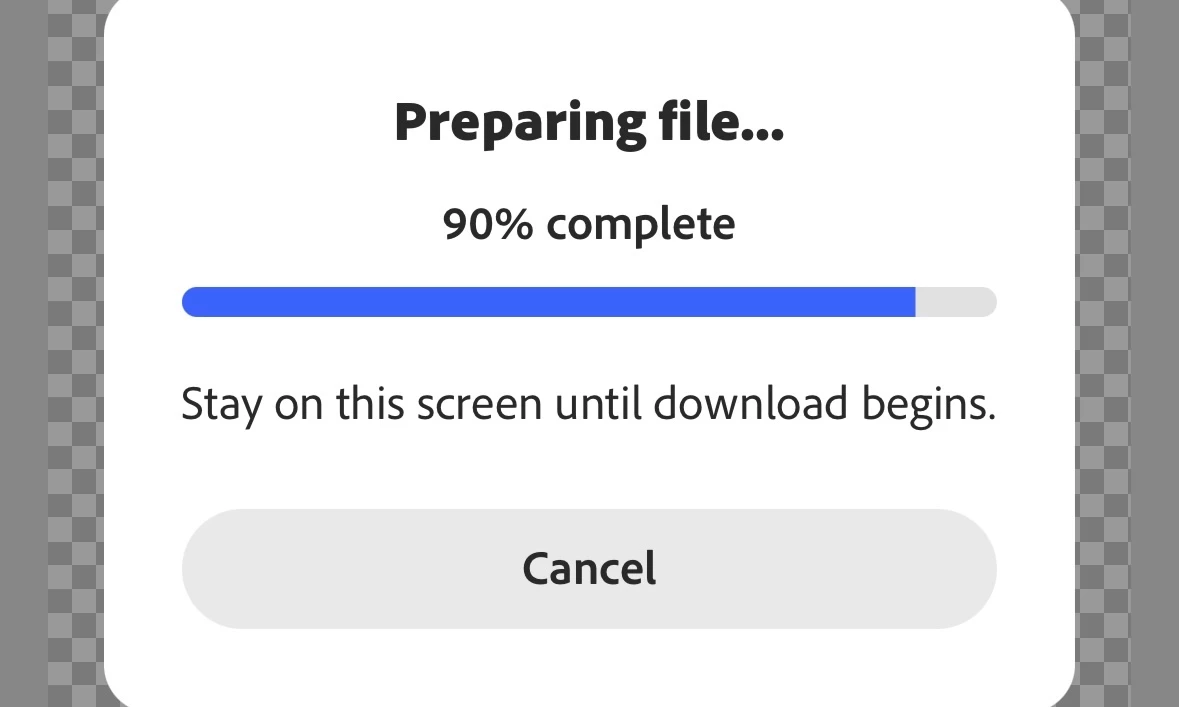
When you use the remove background utility on the app for Adobe Express, it will pause at 90% to prepare the download, and then when it finally goes to “download” it says download failed. 
 

I open the photo in the editor because I don’t want to completely remove the background, just the sides. I haven’t been able to download a file since this morning. I’ve tried refreshing the app and checking for any updates, nothing.


1 reply

Amitej S
Community Manager
Community Manager
April 13, 2026

Hi ​@Jessicarrrh7, Thanks for posting here! 

Can you confirm if you’re still facing this issue? From what you’ve described, it seems like the processing completes but fails at the final export step. This can sometimes happen due to a temporary glitch, network issue, or session getting stuck.


Here are a couple of things worth trying:

  • Try switching your internet (Wi-Fi ↔ mobile data) and attempt the download again.
  • Open the project in a new session (or duplicate the project) and then export. 
  • Test with a different image to see if it’s specific to that file.
  • Try downloading from the web version as well.

Also, to understand better, is this happening with every image, or just this particular one, where you’re partially removing the background?

Do share your observations, we are here to help!


Best!