


Participating Frequently
June 22, 2026

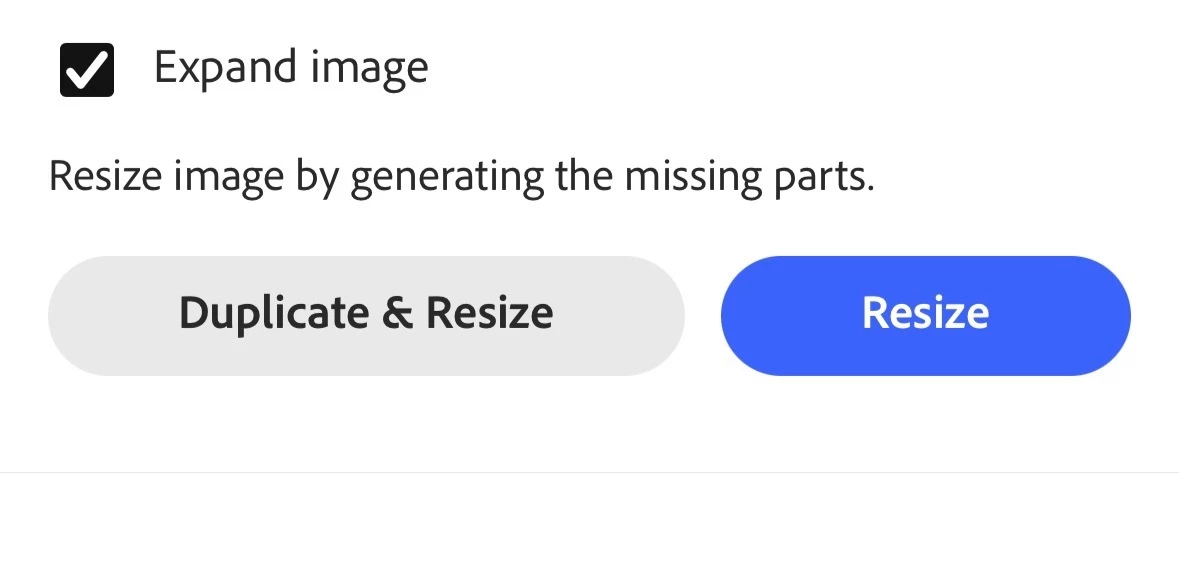
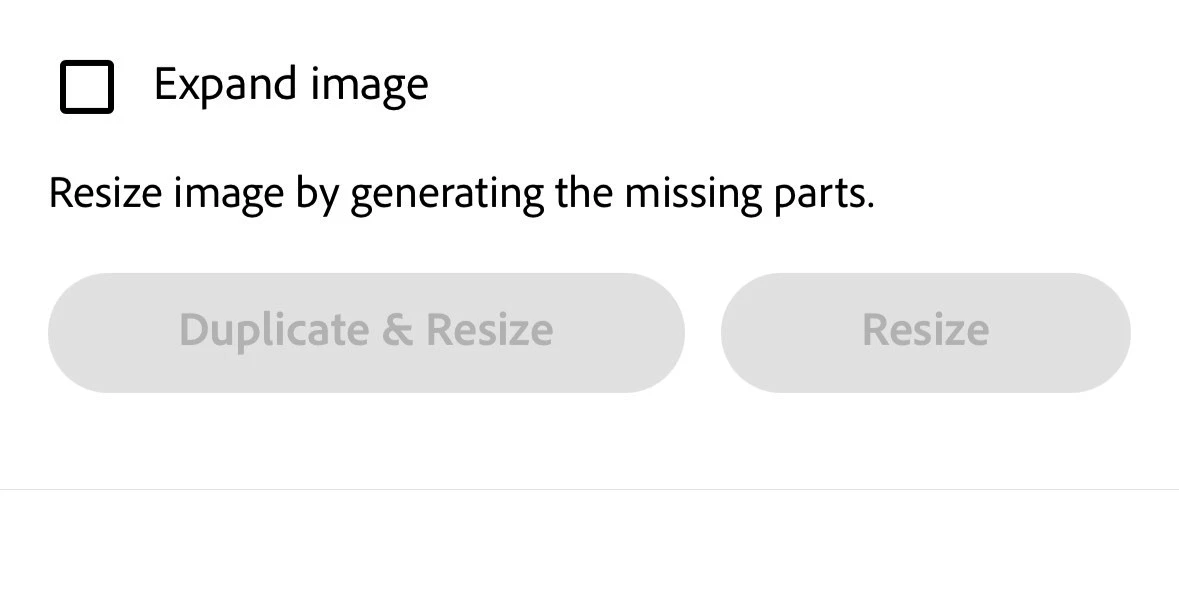
Resize and and expand image isn't functional. When I select expand image and hit resize it unselects. It changes to the right size, but doesn't actually do what it's always done. I do have a screen recording

  • June 22, 2026
  • 3 replies
  • 8 views

Resize and and expand image isn't functional. When I select expand image and hit resize it unselects. It changes to the right size, but doesn't actually do what it's always done. I do have a screen recording. The bottom picture is after pressing resize
 

    3 replies

    Adobe Employee
    June 23, 2026

    Thanks, ​@AaronHenderson 

    I noticed that you use the same square aspect ratio (3000x3000 > 3500x3500). As far as I can recall, this would never have expanded the image. You might want to do this in two steps: 

    • 3000x3000 > 3000x3500 (height first)
    • 3000x3500 > 3500x3500 (then width)

    Hope this helps,
    Abhi G

    Participating Frequently
    June 23, 2026

    If you notice it unselects the expand selection. I've used this method to genorate the pixels rather than expand them. And suddenly it's not genorating. Likely due to it unselecting when pressing resize. 

    Adobe Employee
    June 23, 2026

    It deselects the Expand image checkbox because resize has completed; this is standard behavior. Resize is immediate in this case because you are specifying exactly the same aspect ratio; there isn’t a different aspect ratio to generatively expand into. To the best of my recollection, this has always been the behavior, but I could be mistaken.

    In any case, please try the workaround I suggested in my previous post.

    Participating Frequently
    June 23, 2026

    Here's the recording. I used this method weekly for a year 

    Adobe Employee
    June 23, 2026

    Hi ​@AaronHenderson 


    This is working for me. Are you able to share the screen recording?


    Thanks,
    Abhi G