


Resize Issues
I don't know how you guys manage to make this app worse and worse but resizing projects doesn't work anymore as it shrinks the entire project as well so I need to rescale the images every time I resize the project like make it make sense??? I can't do this either as I need a consistent alignment so trying to guess how much to scale every time is a waste of time.
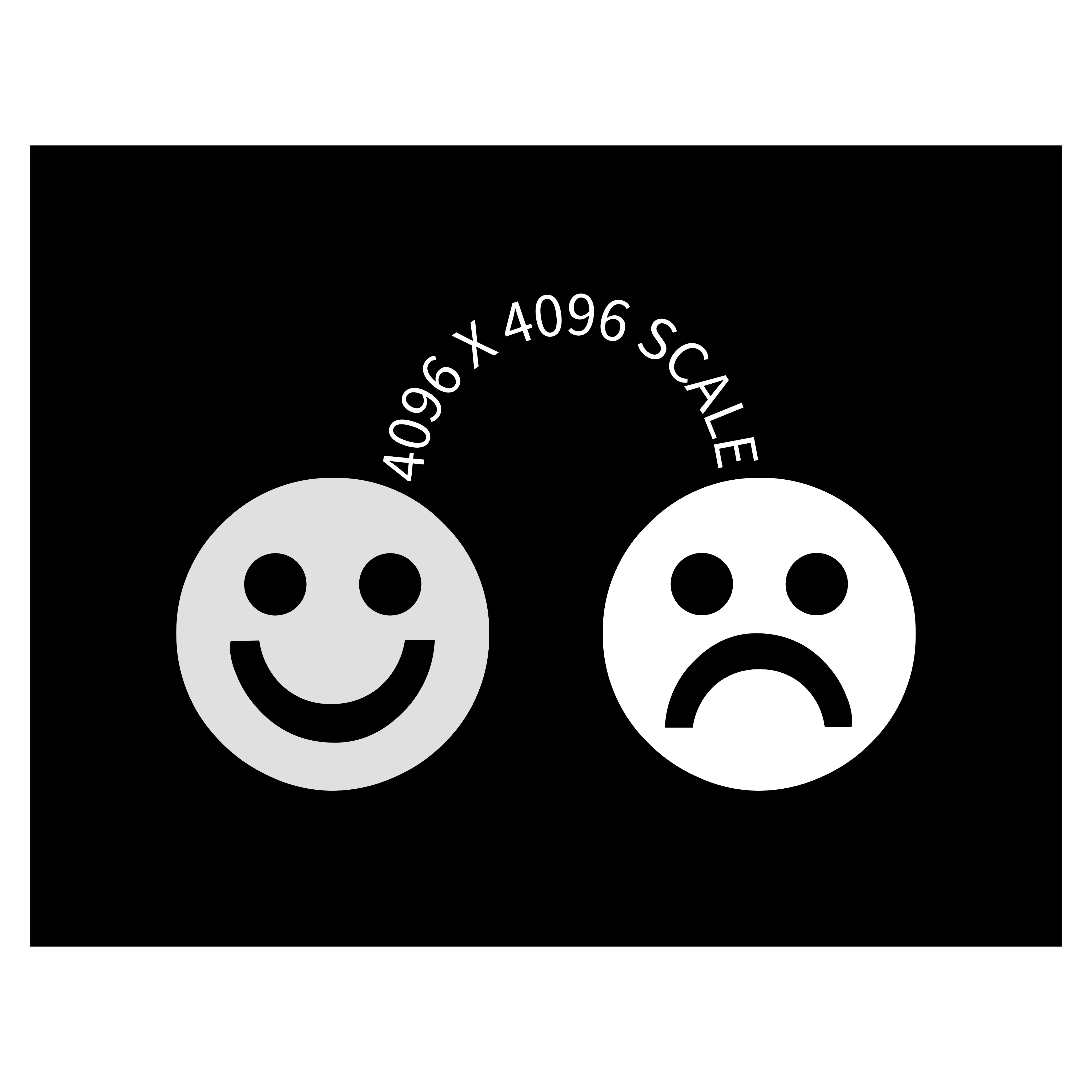
this is an example of how my projects look using 4096 x 4096 px scale, the width will always stay the same but the height varies from project to project so I always group everything then rescale so only the width changes but now when I do this the height gets shrunk down which is the issue
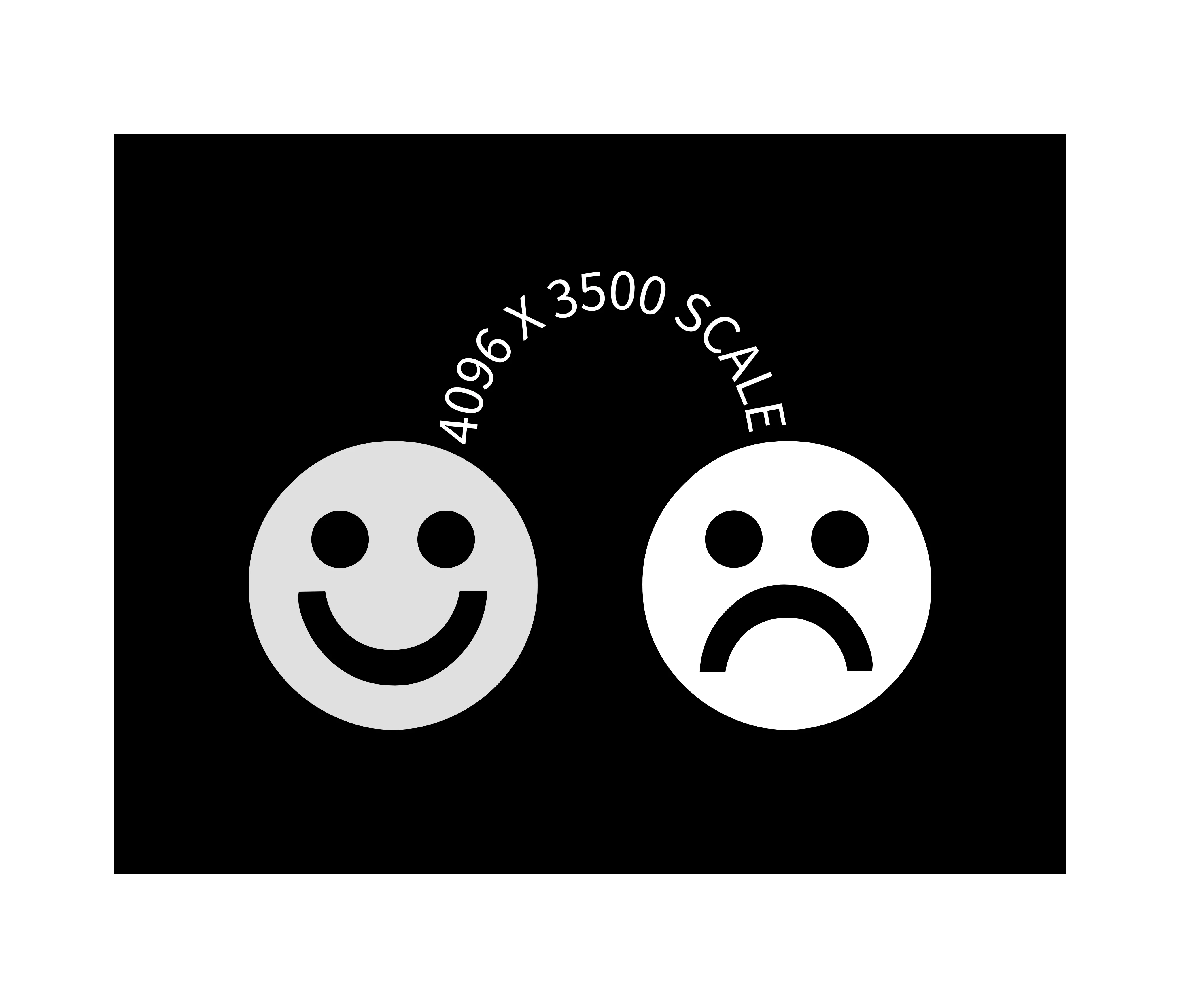
so here's how it looks after trying to remove the excess height, the width got shrunk so idk how much % it got reduced by and my projects need consistent scales and if I were to lock the project before scaling then it still gets shrunk and I can't even rescale it anymore!!
 AdChoices