


The Davis’
Participating Frequently
April 28, 2026

Shadows changed. I am on paid subscription but I can’t create shadows like I used to.
  • April 28, 2026
  • 6 replies
  • 113 views

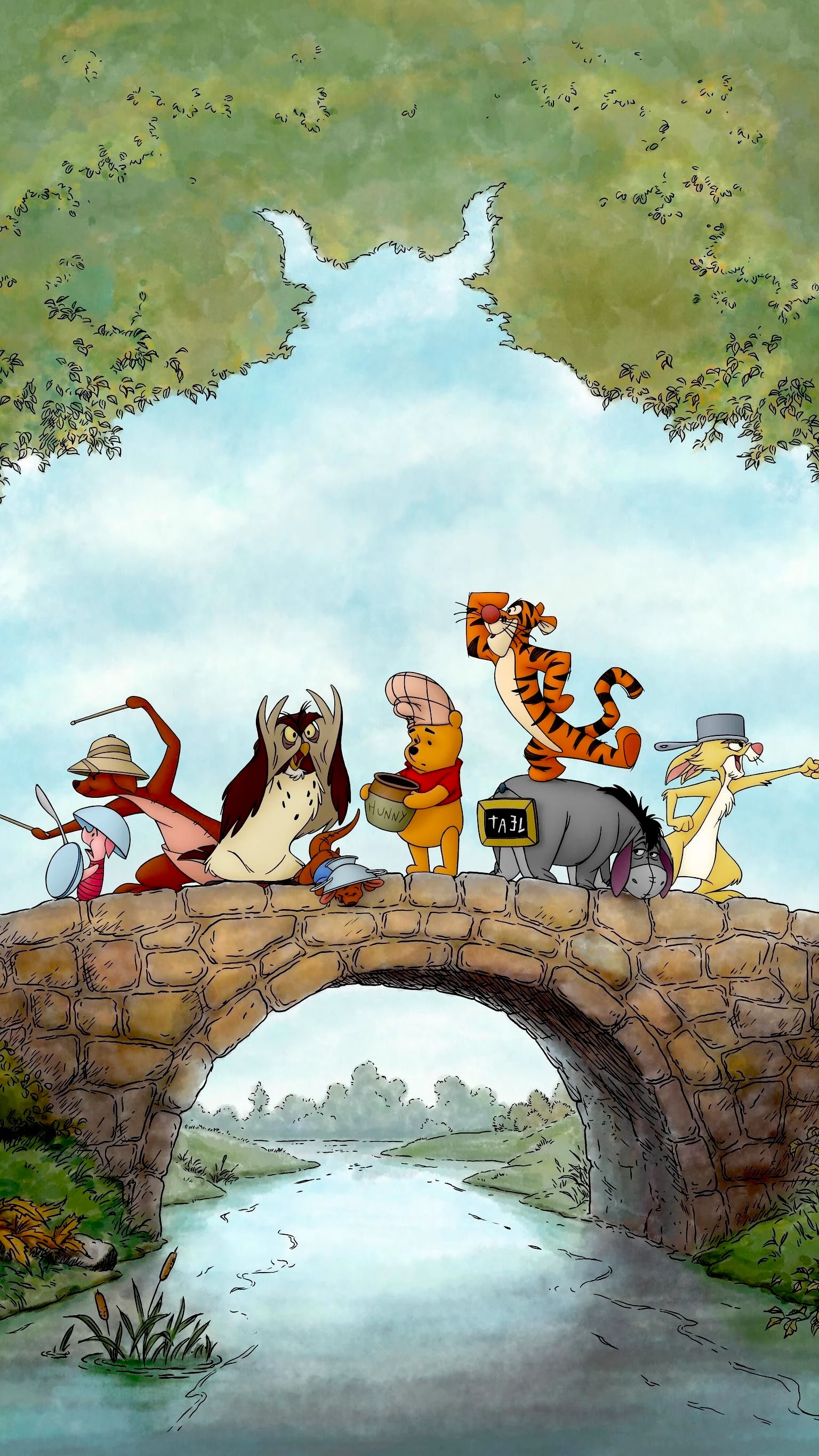
U used to be able to make shadows from the tree on top but I can’t do that anymore. Premium users should have access to these things. Also, PS Express and Adobe Express freeze during use. Express has tons more bugs after every update. Maybe it’s my iPhone 14 Pro Max. 

    6 replies

    The Davis’
    Participating Frequently
    May 14, 2026

    See my point? It doesn’t work 

    LKD4JSD
    The Davis’
    Participating Frequently
    May 10, 2026

    I sent iCloud videos. 

    LKD4JSD
    Rose DV
    Community Manager
    Community Manager
    May 13, 2026

    Hi ​@The Davis’ -

    Thank you so much for the videos - they were really helpful and I can see exactly what's happening!!


    It looks like you're currently using the Remove Object tool on the trees, but for what you're trying to achieve, the Erase tool will work much better. Here's what to do:

    1. Select your image and tap “Edit”
    2. Choose Erase (not Remove Object)
    3. In the erase options, switch from Brush to Quick Selection
    4. Use Quick Selection to select everything around the trees (the sky/background) and erase it - this will leave just the trees isolated
    5. Once the trees are on their own layer, you can apply your shadow effect as desired

    The key difference is that Remove Object tries to fill in what's behind the selected area, whereas Erase with Quick Selection simply removes the background and leaves your subject intact - which is exactly what you need before adding a shadow!


    Give that a try and let us know how it goes!


    Rose

    Rose DV
    Community Manager
    Community Manager
    May 14, 2026

    @The Davis’ - I was able to replicate this on desktop, and I can see from your video that you have the same buttons on your iPhone - can you please follow the above steps and try again? 


    The Davis’
    Participating Frequently
    May 6, 2026


    LKD4JSD
    Amitej S
    Community Manager
    Community Manager
    May 5, 2026

    Hi ​@Lkd4jsd4lkd, Adding shadows to text is a direct feature in Adobe Express. For images or objects, you’ll need to follow the workaround mentioned here, as this isn’t currently available as a direct option.


    I ask this because, as of now, in Adobe Express, only Text shadows are fully supported on both web and mobile (select text → Effects → Shadow → customize blur, angle, distance, and color), and for Object or image drop shadows, there's no native one-click feature in the current version of Adobe Express, but you can simulate one by duplicating a layer, applying blur, and offsetting it behind the original, but in this case, that would require the tree to be a separate layer.


    The Davis’
    Participating Frequently
    May 3, 2026

    I made the shadow via adobe express months ago and now it doesn’t work. iPhone 14 Pro Max 

    LKD4JSD
    Amitej S
    Community Manager
    Community Manager
    April 29, 2026

    Hi @Lkd4jsd4lkd, Thanks for posting here!

    Can you please confirm whether the app you mentioned is Adobe Express, which was used to create this image and add shadow effects, or if it was another Adobe app like Photoshop or After Effects?

    I ask this because, as of now, in Adobe Express, only Text shadows are fully supported on both web and mobile (select text → Effects → Shadow → customize blur, angle, distance, and color), and for Object or image drop shadows, there's no native one-click feature in the current version of Adobe Express, but you can simulate one by duplicating a layer, applying blur, and offsetting it behind the original, but in this case, that would require the tree to be a separate layer.


    On the performance side, freezes in both apps could be related to device resources or to how the apps handle certain files. Please ensure your device storage has some free space, the apps are updated to the latest available version, and try restarting the device. It would also help to know if this happens with specific projects or across all edits.

    Let us know about your observations and details regarding the issue! We are here to help!


    Best!


    The Davis’
    Participating Frequently
    April 30, 2026


    LKD4JSD
    Amitej S
    Community Manager
    Community Manager
    May 5, 2026

    Hi ​@Lkd4jsd4lkd, can you try using the Remove Object feature to remove the background (sky), then follow the instructions in my previous response to create the shadow? Ensure to create a duplicate layer before removing the sky.