



[SOLVED] photos scaled down to 512px or 1024px on the long side during upload (creating a webpage)
I’m in the process of generating an Adobe Express Webpage for a photo story. But I’m obviously doing something wrong, because the uploaded images are much more pixelated than my original material. I exported all the images from LrC with 3600px on the long side. It seems as if the images get uploaded at a far lower resolution.
Here you can see what I have done so far: photostory Teneriffa
As an example some screenshots regarding on photo:
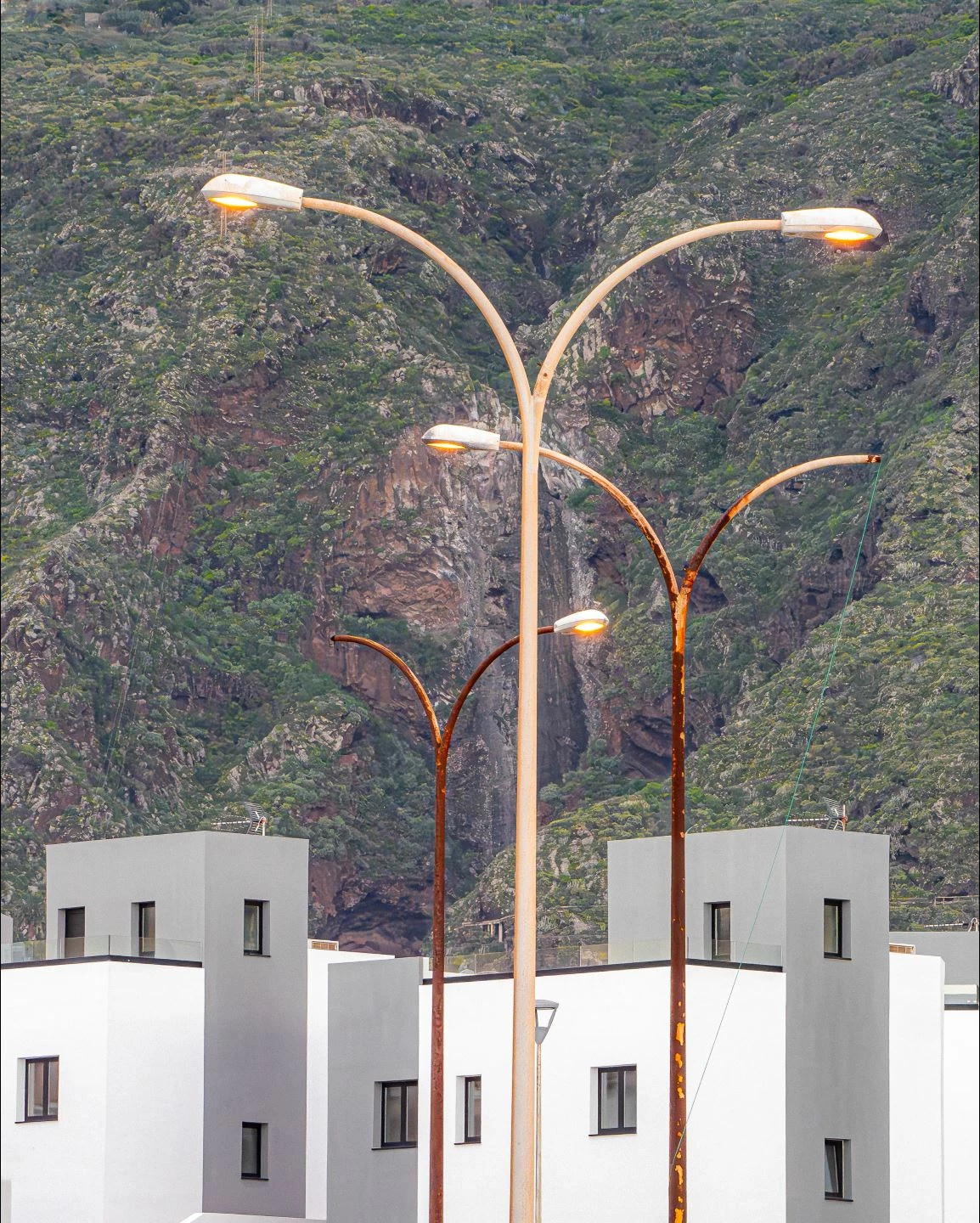
1. the original image as it looks when I fit it to screen size:
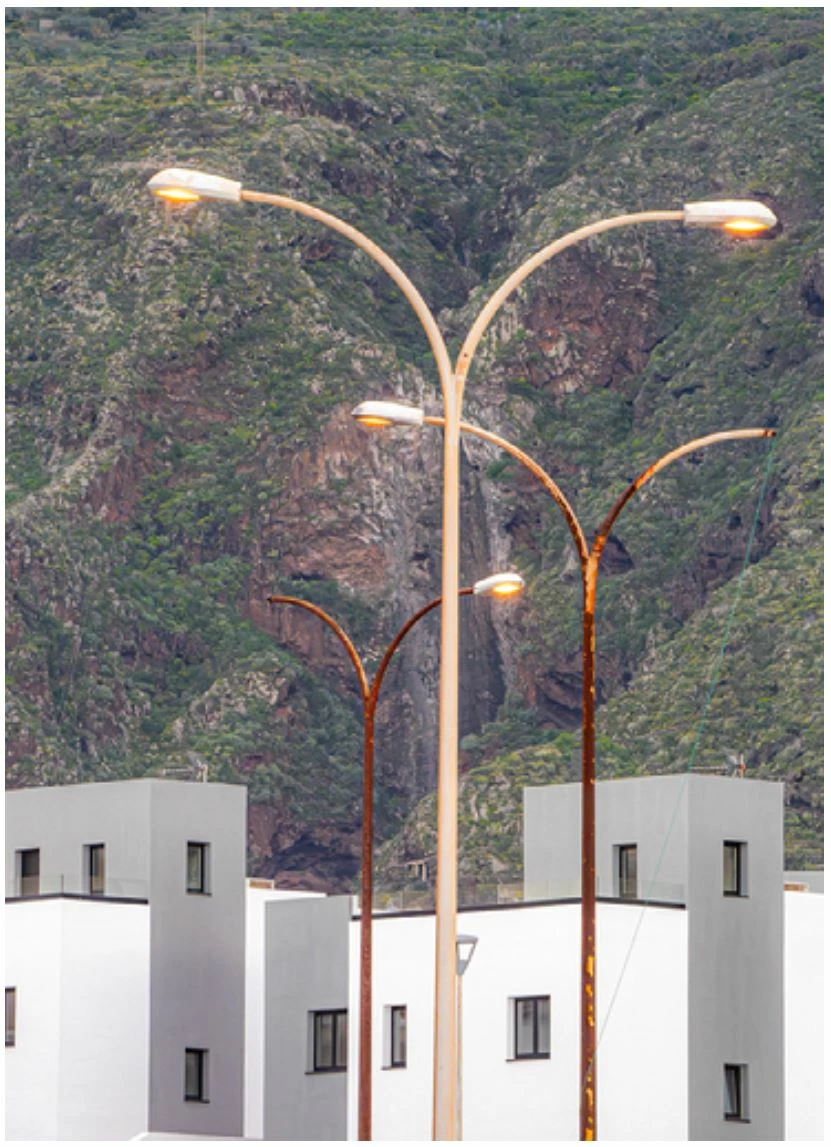
2. This is what the image looks like on the generated Express webpage:
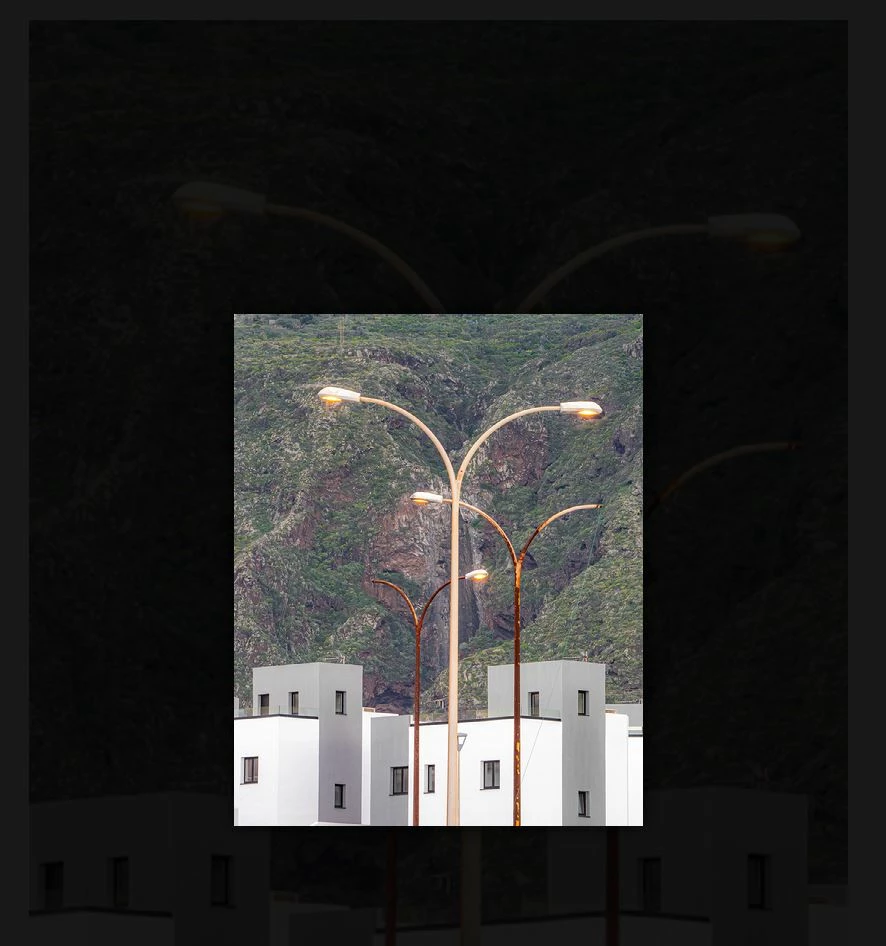
3. It shows up like this when you click on it (original size on the server):
Interestingly, the images look correct during the editing phase of the website, but only in the editing mode. NOT in preview mode and NOT after sharing.
Another weird thing I encountered: if I try to download an image, it will download as a txt-file!? But when I change the file extension to “png” it opens up as a png with dimensions 409 x 512 pixels.
I tried downloading a bunch of my images. Turns out, that some download with 512 px on the long side, others with 1024. It’s mixed up between portrait and landscape format.
I also tried to scale them down from 3600px to 2560px (long side), but it didn't help.
I don’t get it… What is going on? What am I doing wrong?
 AdChoices