


Participant
June 12, 2025

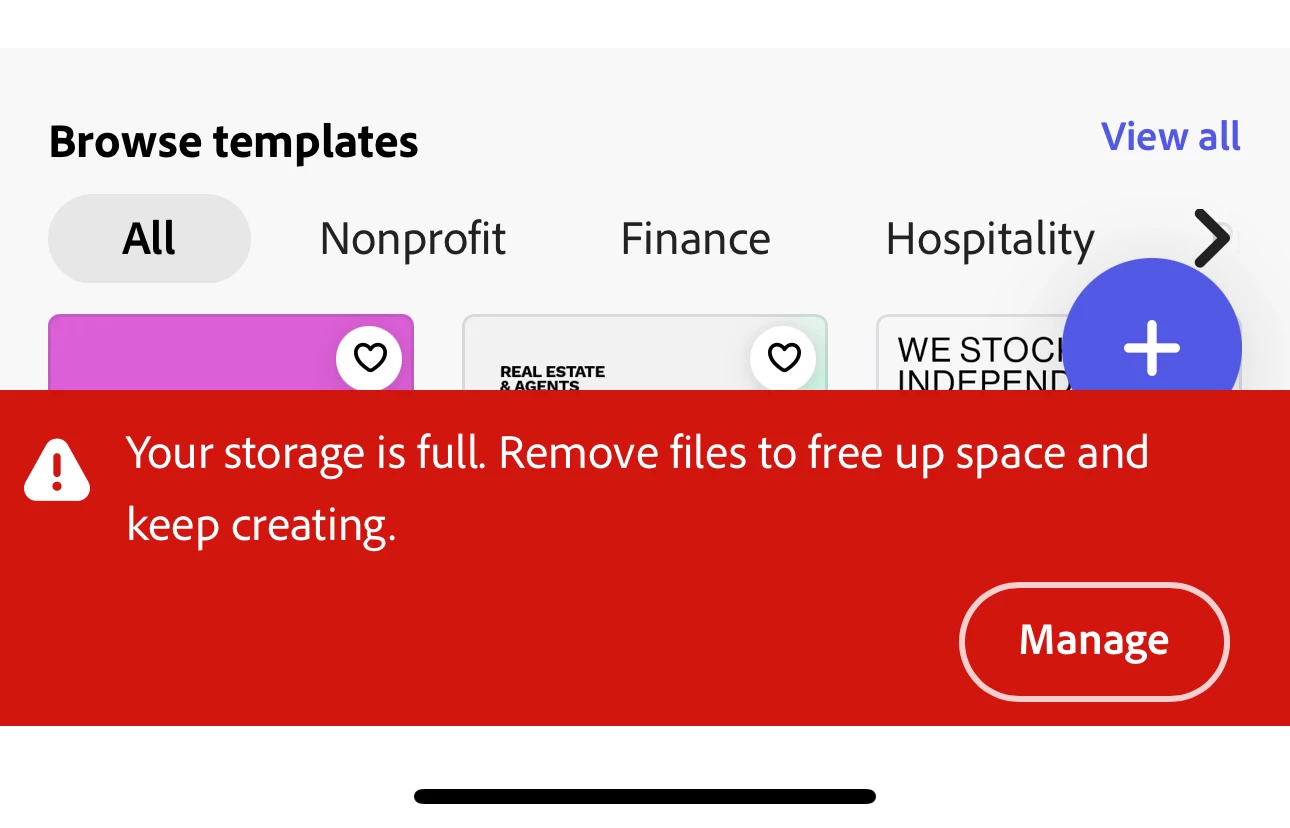
Storage full even though I’ve deleted multiple projects
  • June 12, 2025
  • 1 reply
  • 387 views

 I am getting the above message everytime I open Adobe express I've deleted multiple projects from the app and the cloud and still unable to create a new project as my storage is apparently full?


can anyone help with this please?

1 reply

Community Manager
June 13, 2025

Hi @david_4945,


Thanks for reaching out, and sorry you're experiencing this issue.

Even after deleting projects, storage can still appear full if the deleted items are in the "Deleted" folder, which still counts toward your quota. Here’s what to do:

  1. Go to Your Stuff > Deleted.

  2. Permanently delete all items from there.

  3. Then, refresh the app or browser and try again.

If it still doesn’t update, try logging out and back in, or switching browsers temporarily.

Let us know if the issue continues after that — we're here to help!


^MM

Participant
June 13, 2025
Hi done all of the above still have the same issue?

If you can help please?

Sent from Outlook for iOS<>
Amitej S
Community Manager
Community Manager
June 13, 2025

Hi @david_4945, Welcome to our Adobe Express Community. Thanks for reaching out!


You would need to permanently delete projects from https://adobe.ly/4jQ6dKY in order to get some free space. Once you delete enough files the pop-up would go away.

Let us know how it goes.


Best,

Amitej