


Template incorrect size - first page right, second page wrong
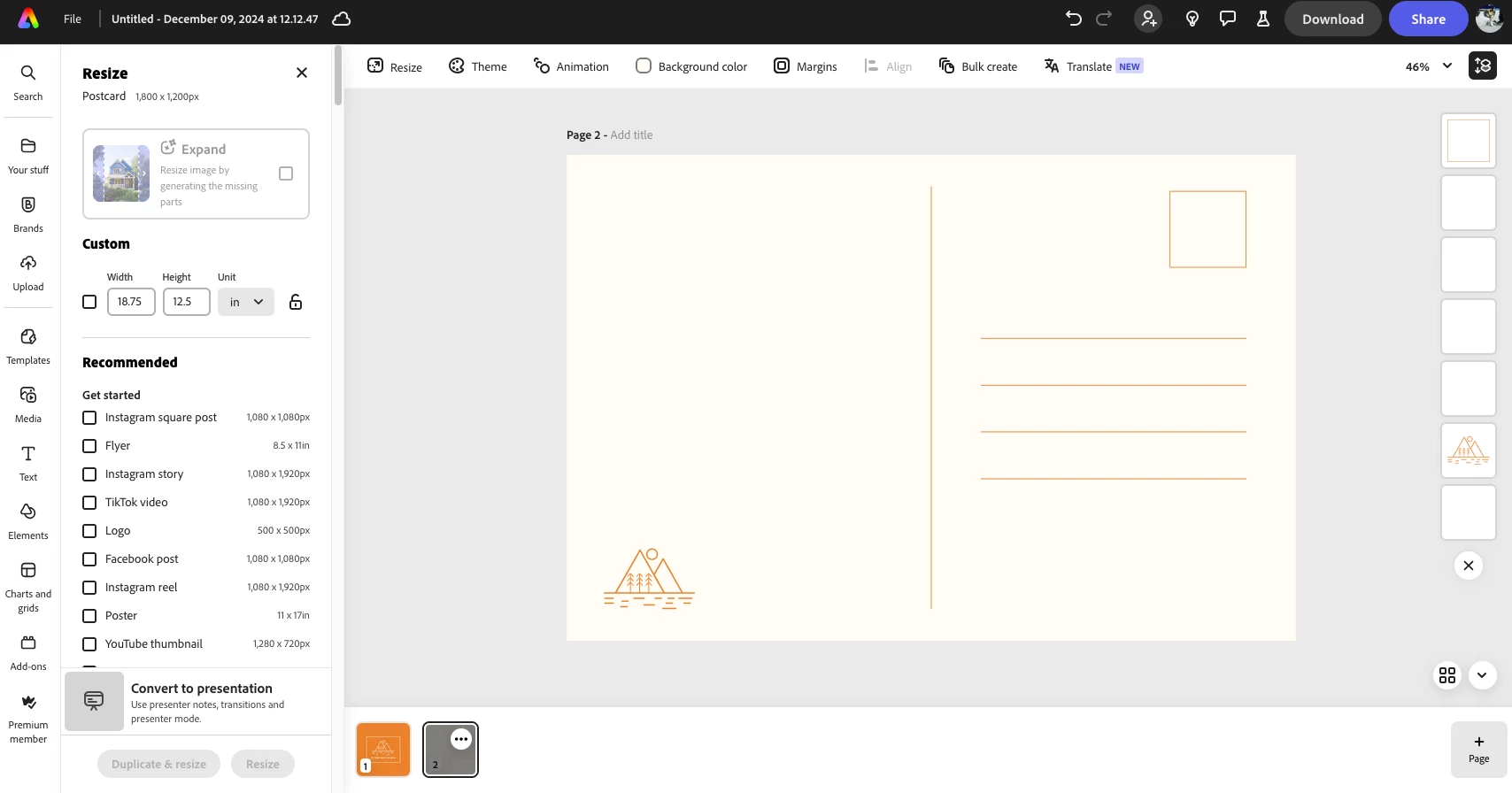
I was wanting to find a general template to use for the address side of a 6x4" postcard. I just clicked on the plainest one on the template page. When I downloaded my file I found that the sizes of the 2 pages drastically differed with the first being 6 x 4 inches correctly, but page 2 is 18.75" x 12.5". At least it was proportional, but this sort of thing is annoying and widespread. Adobe Express and Canva help make custom designs for personal projects more accessible so I get to print a lot of these "home made" posters and invitations etc that people are proud of doing themselves for nicer than they would have otherwise. These people don't notice or know how to fix it, when the software they are using provides them with things sized differently than they were told they were getting! At least in this case, the art was proportional.
 AdChoices